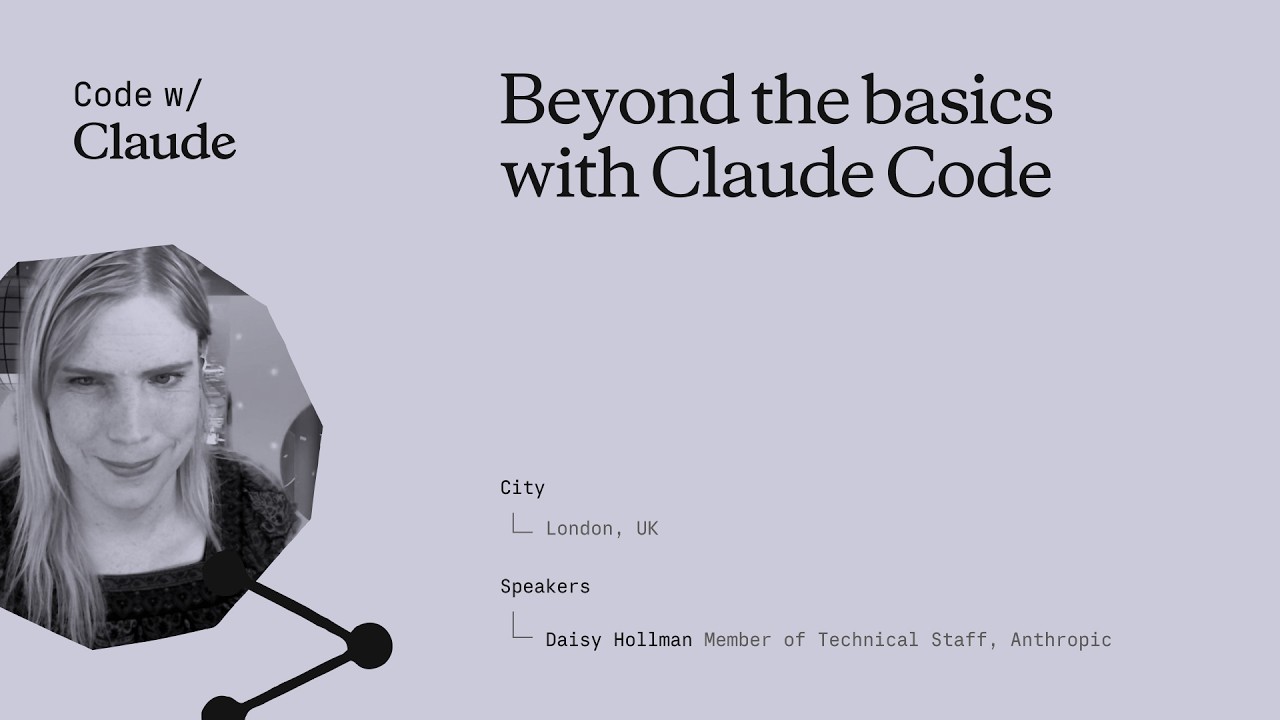
Daisy opens by drawing a sharp distinction between programming (writing code) and agentic software engineering (the entire workflow an engineer performs in a day). Claude Code isn't just an autocomplete — it's meant to be a full teammate, and that means it needs three things that go far beyond code generation:
- Access — to every tool and data source the engineer uses
- Knowledge — team conventions, architecture decisions, unwritten rules
- Tooling — feedback loops that help the agent correct itself
"If Claude can't do everything you can do, it can't do your job with you."
The talk frames the entire plugin / extension architecture of Claude Code as an answer to this gap: customizing the agent harness so that the model's raw capability is multiplied by real-world integrations, not bottlenecked by them.
Access is the most under-invested dimension. Most teams give Claude their source code and stop there. But an engineer's day involves far more:
- Team chat (Slack, Teams) — discussions about why decisions were made
- CI/CD pipelines — build logs, test results, deploy status
- Dashboards & monitoring — error rates, latency, alerts
- Internal documentation — wikis, RFCs, ADRs
- Meeting transcripts — the context behind tickets and PRs
This is a practical audit framework: spend one day noting every application switch, and each one becomes a candidate for integration.
Every team has conventions: naming schemes, architectural patterns, review standards, error handling policies. You can't train these into the model's weights.
Daisy addresses fine-tuning directly and dismisses it for this use case:
- Fine-tuning increases hallucinations (the model overfits to surface patterns)
- It's not cost-efficient for rapidly-evolving conventions
- It requires retraining every time standards change
The alternative is in-context learning (ICL), which Daisy calls "a fancy word for text files." The full toolbox:
- CLAUDE.md — project-level instructions loaded on every session
- Skills — lazy-loaded markdown knowledge files
- Tools — executable integrations with descriptions that teach usage
"ICL is a fancy word for text files. Skills, tools, CLAUDE.md — that's all you have, and it's enough."
Daisy introduces a powerful analogy: the red squigglies. In an IDE, red underlines don't block you from typing — they nudge you. The same philosophy should apply to agent tooling.
Post-tool-use hooks are the mechanism: after Claude runs a command, a hook can inspect the output and inject a short nudge ("lint failed on line 42, fix before continuing"). These are nudges, not hard blocks — Claude can still proceed, but it gets immediate feedback.
Daisy then distinguishes two categories of tools:
- Tools that compensate for lack of intelligence — guardrails, validators, formatters. These become less useful as models improve.
- Tools that scale with intelligence — databases, APIs, browsers, shells. The smarter the model, the more powerful these become.
Invest in tools that give Claude immediate, actionable feedback rather than tools that try to prevent mistakes.
The implication: build your tooling so it ages well. Hard-coded validators will be obsolete; access to real systems will compound in value.
This section is the technical heart of the talk. Daisy argues that context windows are not growing in any practical sense — they've plateaued around ~1M tokens and the real constraint is the KV cache.
"It's like running npm on an Arduino."
She invokes the C++ zero-overhead principle: don't pay for what you don't use. Every token in the context window has a cost — not just in latency and price, but in attention dilution and cache pressure.
KV cache constraints impose a specific ordering discipline:
- The KV cache can't do LRU eviction — you can't "page out" unused context
- Stable, shared content (system prompt, CLAUDE.md, tool definitions) should go at the front
- Volatile, per-task content (user messages, file reads, tool outputs) goes at the end
This framing — context as a constrained resource requiring engineering discipline — sets up the rest of the talk's deep dive into skills, hooks, and sub-agents as abstractions for managing context cost.
Model Context Protocol (MCP) was designed for chatbots that don't have shells — web-based assistants that need structured access to external services. For that use case, it's excellent.
When MCP shines:
- Public integrations — Jira, GitHub, Confluence, etc.
- Environments without shell access (web UIs, mobile)
- Cross-platform tool sharing
When MCP doesn't fit:
- If you already have a CLI, a skill telling Claude how to use it is simpler, cheaper, and more flexible
- No need to wrap a CLI in an MCP server just for Claude Code — it can already run commands
Daisy addresses tool search (lazy-loading tool descriptions) — it sounds elegant but isn't a free lunch. The tool descriptions themselves consume context, and at scale the numbers get brutal:
This is a key theme: every abstraction has a context cost, and MCP's cost grows linearly with the number of registered tools.
Skills are Claude Code's answer to the "knowledge" problem. Structurally, a skill is:
- A folder containing a markdown file
- A short summary/description (always loaded into context)
- A body (the full markdown content, loaded only when triggered — pay-per-use)
The description is the critical piece. It needs to be specific enough that the model knows when to invoke the skill. Daisy estimates:
Current limitations:
- No hierarchy yet (Daisy says it's coming soon)
- "Kind of scales" — works great for dozens of skills, but 100K skills in a monorepo would overwhelm the description budget
- The descriptions alone (100K × 350 tokens) would consume the entire context window
Skills are the middle ground: more targeted than CLAUDE.md (which is always loaded), cheaper than MCP tools (no server overhead), but still bounded by the description tax.
Hooks are event-triggered scripts that run entirely outside the context window. This is what makes them fundamentally different from skills and MCP tools.
The mechanism:
- A hook is registered against an event (e.g.,
post-tool-use,session-start,pre-commit) - When the event fires, the hook script runs in a subprocess
- If it produces output, only that output is injected into context
- If it doesn't match (e.g., the regex doesn't fire), the cost is exactly zero tokens
This is where the "red squigglies" from Section 4 actually live — hooks inspect tool outputs and inject nudges without consuming context until they fire.
Trade-offs:
- You're writing regex-based matching logic — it's brittle, not semantic
- Daisy acknowledges this "isn't the most AGI-pilled approach" — it's pattern matching, not intelligence
- But the zero-overhead property makes it the best scaling primitive available today
Sub-agents solve the problem of context contamination: when a parent agent reads many files to complete a subtask, those files stay in context even when they're no longer relevant.
With sub-agents:
- The description lives in the parent prompt (small tax)
- The system prompt runs in a separate, isolated context
- Files read by the sub-agent don't fill the parent's context
- Only the sub-agent's final output returns to the parent
This is powerful for tasks like "review all 50 test files" — the sub-agent reads them in its own context and returns a summary, keeping the parent's context clean.
Scaling limits: you still pay the one-liner description tax per sub-agent. With 100K registered sub-agents, the description budget alone fills the context — the same fundamental scaling problem as skills.
Daisy reveals some deliberate omissions from the plugin architecture — features they considered and rejected:
No CLAUDE.md per plugin:
- The temptation is strong — every plugin author would love an always-loaded instruction block
- But if every plugin adds one, the combined cost is devastating
- The solution: use session-start hooks to inject per-plugin context only when needed
Memory is deliberately low-fidelity:
- Low-quality, low-cost, short-lived
- Not designed to be a database — it's a scratchpad
- The philosophy: plugins are context engineering primitives meant to be iterated on and evaluated, not permanent infrastructure
When a single Claude Code session isn't enough, you need parallelism. Daisy introduces work trees:
- Long-lived checkouts — each on its own git branch, with its own Claude Code instance
- Multiple agents working simultaneously on different tasks
- Each agent has its own context, its own file state, its own conversation history
The human side of parallelism matters too. Managing multiple agents requires fast context-switching, so Daisy recommends:
- Session renaming — give each agent a descriptive name ("fix-auth-bug", "refactor-payments")
- Color coding — visual differentiation between active sessions
"It's syntax highlighting for humans in the agentic era."
Daisy demos a suite of power-user features that push Claude Code into autonomous territory:
/send-message — Claudes talking to each other:
- One Claude Code instance can send messages to another
- Enables coordination between agents working on related tasks
- Example: the "refactor" agent tells the "tests" agent about interface changes
/loop — The cron tool:
- Sets up a recurring check — "watch this PR, fix CI if it fails"
- Enables overnight autonomous work: submit a PR, go to sleep, wake up to a green build
- Babysitting PRs through review cycles without human intervention
Auto mode (permissions mode):
- Uses a classifier + adversarial agent to decide which actions are safe
- Costs ~30–40% more tokens (the safety classifier runs in parallel)
- Eliminates the constant permission prompts that break flow
Claude Agents dashboard:
- A single view of all running Claude Code agents
- Status, recent actions, resource usage at a glance
Remote control:
- 30-second check-ins from your phone
- Approve, redirect, or kill agents while away from your desk
Daisy closes with three principles that summarize the entire talk:
- Give it access. The alt-tab test. Every tool you use is a tool Claude needs. Don't stop at source code.
- Mind the box. The context window is a constrained resource. Engineer it like memory on an embedded system — every token matters.
- Pick abstractions that scale. Hooks scale to 100K with zero overhead. Skills scale to hundreds. MCP scales to dozens of servers. Know the limits and choose accordingly.
🎯 Key Takeaways
- Access is the biggest bottleneck — Claude needs Slack, CI/CD, dashboards, meeting transcripts, not just source code
- The alt-tab test — every time you reach for another tool, that's a missing integration
- Fine-tuning doesn't work for code conventions — in-context learning (text files) is the only practical approach
- Build tools that scale with intelligence — nudges (red squigglies) over hard blocks
- Context windows are fixed (~1M tokens) — treat context engineering like running npm on an Arduino
- KV cache matters — stable shared content at the front, volatile per-task info at the end
- MCP is for public integrations — for internal developer tools, skills wrapping CLIs are simpler
- Hooks are the only true zero-overhead abstraction — they run outside the context window
- Work trees + persistent agents enable parallelism — rename and color-code sessions for fast context-switching
- Auto mode + /loop + Claude Agents dashboard = overnight autonomous work