Overview
Steve from Builder.io presents a progressive "good → better → best" ladder for building AI-powered applications. He argues that the biggest mistake developers make is treating LLM calls as one-shot operations without feedback loops, and introduces Agent Native — an open-source MIT-licensed framework that brings Claude Code–style agent capabilities (instructions, skills, memory, sub-agents) directly into your own applications, with full UI synchronization and user customization.
1 The Biggest Mistake — Bare LLM Calls
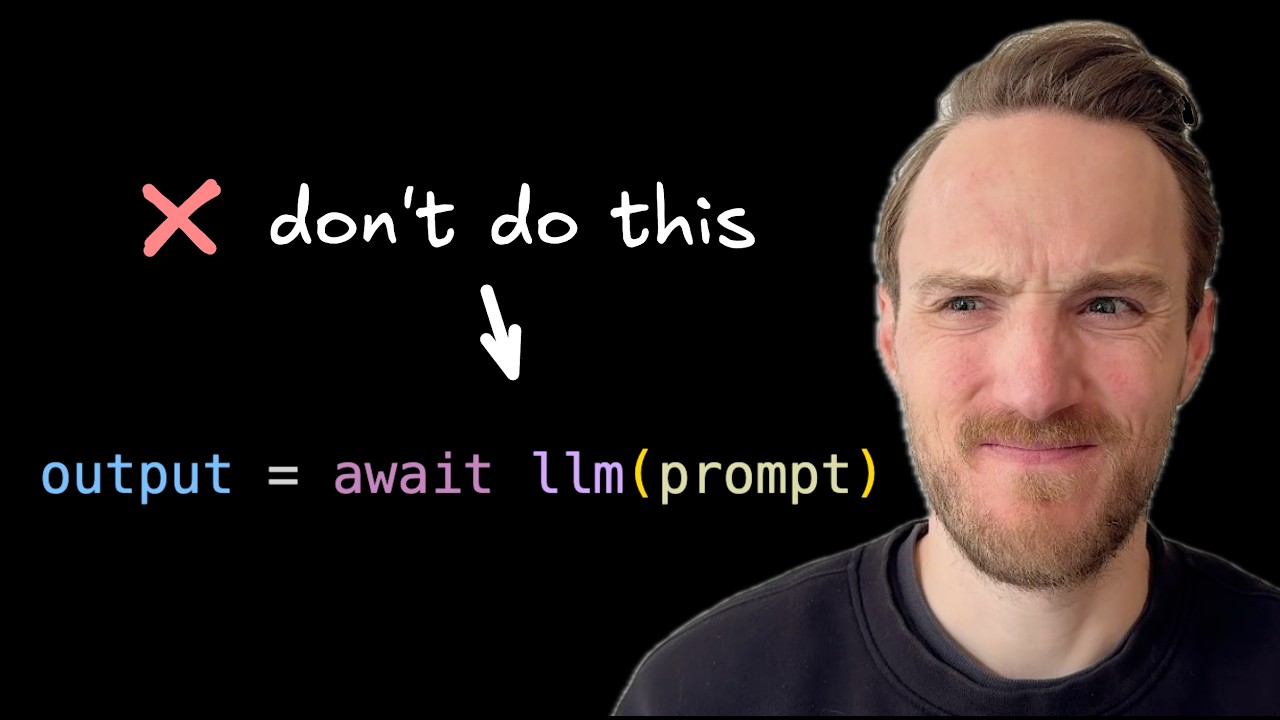
Steve opens by identifying the single biggest mistake he sees people constantly making when building AI applications: making a raw LLM call and dumping the result directly into the UI without any feedback mechanism or iterative loop.
This "fire-and-forget" pattern treats the LLM as a deterministic API — send input, get output, done. The problem? LLMs are non-deterministic systems. Without the ability for users to steer, correct, or refine outputs, you're betting everything on the model getting it right the first time.
2 Tools & Loops — The Agent Pattern
The first improvement is to give the LLM tools and run it in a loop. LLMs can't do anything on their own — they can only generate text. But by providing tools (like draft_email, search_emails for an email app), you enable the model to take actions.
The agentic loop works as follows:
- Send a request to the LLM
- LLM responds with tool calls it wants to execute
- Tools execute and results are sent back to the LLM
- Loop continues until the task is complete
You can introspect each step and pipe intermediate results to the UI for progress indicators. But Steve emphasizes this pattern still has a massive issue: it still assumes the AI is always correct. The loop runs to completion and dumps results without giving users any way to intervene.
3 Human-in-the-Loop — Streaming & Feedback
The "better" approach adds critical human-in-the-loop capabilities:
- Streaming UI — show the agent's output as it generates, in real-time
- Stop button — let users halt execution mid-stream if something goes wrong
- Feedback mechanism — allow users to give corrections and guidance
- Message queuing — let users queue the next message while the agent is still working
Steve calls this the "state of the art today" — most modern AI applications implement this pattern. But he believes there's still one solid step further to go.
4 Customization Power — Instructions, Skills & Memory
The reason tools like Claude Code, Cohere, and Pinpoint are so powerful is the depth of customization they offer. Steve identifies four key capabilities:
- Custom instructions — unique to you, your use case, and your project
- File context — additional files the agent can reference directly from the file system
- Skills — reusable procedures the agent can learn and apply
- Memory — persistent knowledge that improves over time as the agent learns
These capabilities create a "crazy difference" in output quality and are a major reason Claude Code is "exploding" in adoption. The challenge? Building all of this into your own application is complex: permissions, guardrails, user-friendliness, and the right UX all need to be solved.
5 Agent Native Framework — Architecture
Steve introduces Agent Native, his open-source project that solves these challenges. The framework's core architecture revolves around three key concepts:
Actions as the Foundation
Your application is defined as a set of actions (e.g., search_mail, draft_mail for an email app). These actions are exposed over APIs, serving a dual purpose:
- Frontend uses them — your UI calls these same actions for user-driven interactions
- Agent uses them as tools — the AI agent gets these actions as callable tools
This is a key design decision: no separate "agent tools" vs "app APIs". The same action layer powers both human interactions and AI interactions.
Agent Chat Workspace
The agent comes with a built-in chat workspace that you can render anywhere in your application. Users can chat directly with the agent, or you can send messages to it programmatically from other parts of your app.
Buttons with Prompts
Application buttons don't just fire API calls — they can delegate to the agent. When a user clicks a button like "Make me a traffic dashboard," that request goes through the agent, which means it gets the benefit of instructions, skills, memory, and the ability to iterate.
6 Agent Workspace — Configuration & Personalization
Beyond the standard chat interface, Agent Native provides a Claude Code–style workspace where users can configure:
- Instructions — custom behavioral guidelines for the agent
- Skills — reusable procedures the agent can reference
- Memories — persistent notes the agent accumulates
- Files — additional context documents
- Sub-agents — specialized child agents for specific tasks
This workspace operates at two levels:
- Per-user — each user customizes their own agent experience, making it behave how they want within your app
- Per-organization — administrators set standards and guardrails at the organizational level
The agent then respects all of these configurations when executing tasks. Steve demonstrates asking the agent to "add a new revenue dashboard" — because of how he configured it, the agent knows exactly which queries to run and which tools to call.
7 Apps + Agents — Better Together
Steve pushes back strongly against the false dichotomy between "apps" and "agents." He argues people treat these as an either/or choice when, in reality:
- Most applications are better with a built-in agent
- Most agents are better with UI capabilities
He cites Cursor, Codex, and Claude Code as examples — these can generate UIs, but they "don't work like an application." For an analytics use case, users want to:
- Save certain views as a dashboard
- Control who has access
- Have it work like an app with proper navigation and state
- But not lose any agent affordances — the ability to chat, iterate, and refine
8 Deployment & Stack
Steve emphasizes the framework's pragmatic design choices:
- No container/sandbox overhead — unlike products that need dev boxes and VMs, Agent Native can be deployed anywhere
- LLM-agnostic — use any LLM provider you want
- Any SQL database — Drizzle-compatible, meaning any SQL database works
- Full UI-Agent sync — the agent can see what's on your screen, update it, and navigate to other pages. "If the UIs can do it, the agent can do it, and if the agent can do it, the UIs can do it."
- MIT licensed — fully open source with example apps to try
The project is "super duper early" (Steve's words), but he's actively seeking feedback on both the general concept and the implementation.
🎯 Key Takeaways
🔑 Key Takeaways
- Stop making bare LLM calls — the biggest mistake is calling an LLM and dumping results without user feedback or iteration
- Tools + loop is necessary but not sufficient — agents need tool-calling loops, but still shouldn't run on autopilot
- Human-in-the-loop is the state of the art — streaming, stop buttons, feedback, and message queuing are baseline requirements
- Customization is the next frontier — instructions, skills, memory, and file context are what make Claude Code so powerful
- Actions serve dual purpose — define your app as actions that both the UI and the agent use, eliminating the "agent tools vs app APIs" split
- Route buttons through the agent — don't let UI buttons make raw LLM calls; have them delegate to the agent for review and iteration
- Per-user + per-org customization — users personalize their agent while orgs set guardrails and standards
- Apps and agents are not either/or — most apps benefit from embedded agents, and most agents benefit from proper UI
- Full UI-Agent bidirectional sync — the agent should see and modify the screen, and the UI should reflect agent actions
- No heavy infrastructure required — Agent Native deploys anywhere with any LLM and any SQL database, no dev boxes needed
🔗 Resources & Links
- BuilderIO/agent-native — open-source MIT-licensed Agent Native framework on GitHub
- agent-native.com — official Agent Native website