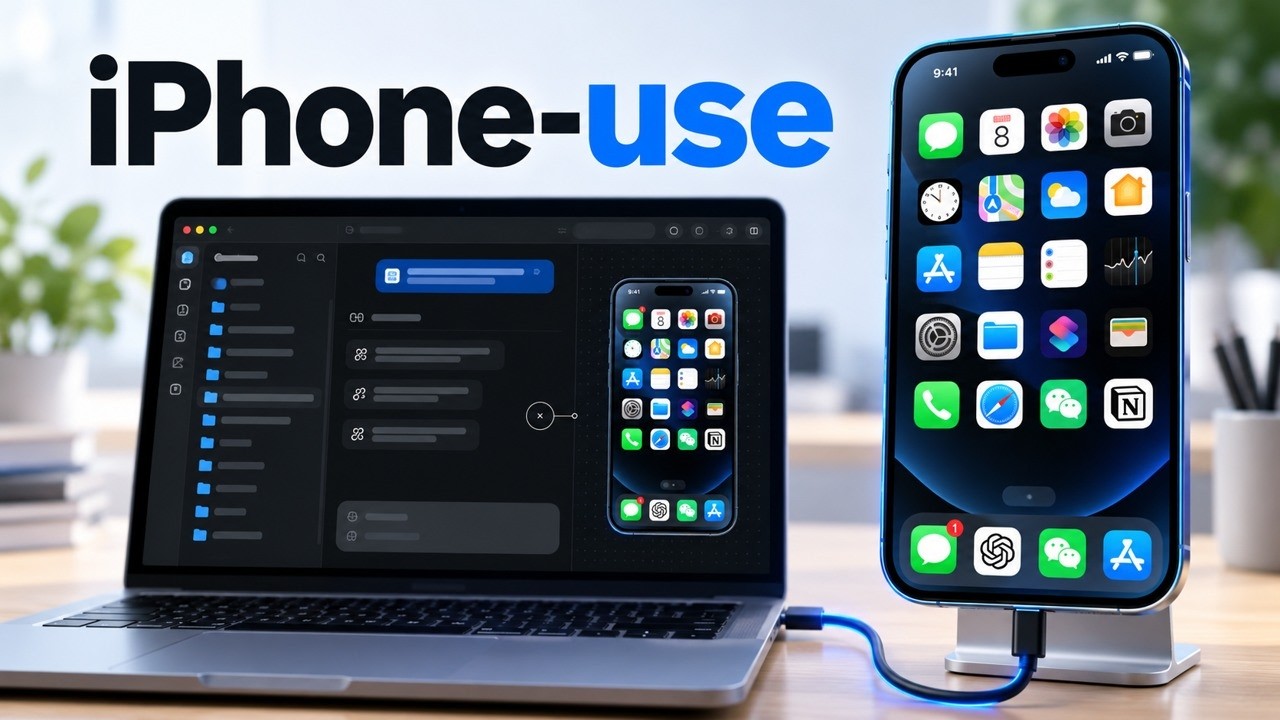
0:00iphone-use is an open-source MCP server that turns natural-language instructions into concrete physical actions on a real iPhone over USB. Type a command on your Mac and watch it tap through iOS — a translation layer from an AI agent (Codex, Claude Code, any MCP client) to the device.
The baseline
0:28The setup is deliberately hardware-heavy: a macOS machine, a physical iPhone you can keep unlocked, a data-capable USB cable, Python 3.9+, Node.js — and the complete Xcode application (command-line developer tools won't do; the full IDE must be opened to accept its license). It's a strict baseline because the whole design is built around a local loopback connection.
Security model
0:50The privacy argument is the core: everything runs over a physical cable via local loopback, bound to port 18100 — runtime data and cryptographic certificates stay isolated on the Mac, cut off from cloud orchestrators. The config "bounces off external IP addresses," preventing remote network manipulation. Whether that's a true security boundary or just local-only by default, the framing is clear: the AI's control surface never leaves your machine.
The setup flow
1:08The walkthrough: enable Developer Mode (Privacy & Security), reboot, approve "Trust This Computer," authenticate your Apple account in Xcode (to code-sign the automation app), and quit the macOS iPhone-mirroring app (it blocks the accessibility layer the AI needs). 2:13Then clone the repo, run the install script for your AI host, and issue a setup prompt that has the AI read the docs and apply your Apple Developer Team ID. The AI then compiles WebDriverAgent — the open-source iOS UI-automation service — pinned to version 16.14.0 to avoid ecosystem deprecation errors.
The traps
2:27Three failure modes to know: (1) on a free Apple developer account, only three development apps can be installed at once — hit the limit and the script crashes without cleaning up for you; (2) you must watch for the WebDriverAgent icon and manually trust the injected developer certificate in VPN & Device Management; (3) the screen must stay continuously unlocked — if it fades to black mid-compile, the session corrupts. The orchestrator then waits for a ready == true diagnostic signal before any further commands — a human handoff that keeps the AI from hijacking system authentication without physical oversight.
The math benchmark
4:29The proof is an end-to-end test: "open the calculator, multiply 12 by 34, and verify the answer is 408." The system mounts a live preview of the iPhone in the Mac sidebar (streamed in volatile memory, never written to disk), the AI observes the UI, maps coordinates, and taps the digits unassisted — you're forbidden from touching the screen or keyboard during the test. Passing it proves the visual-observation and execution channels are synchronized. 5:49The payoff is a ~20-tool automation arsenal: compound swiping to collect tabular data, automated AirDrop transfers back to the Mac, and general programmable control of a physical device.
Claims checked
The repo is real. zhongerxin/iPhone-use — ~4.5k★, MIT, Python, created Oct 6, 2026. Its own description: "let Codex operate a real iPhone via USB" (guided install, app automation, live screen + screenshot fallback). The captions' "jonmarshin/iphoneuser" is a transcription error for zhongerxin/iphone-use.
The specific prerequisites (Xcode full install, WebDriverAgent pinned to 16.14.0, the three-app free-account limit, port 18100, the 12×34=408 test) are the video's walkthrough, not independently reproduced here.
The "privacy wall" language is the creator's framing; local loopback is a real property of the tool, but treat the security claims as design intent rather than an audited guarantee.