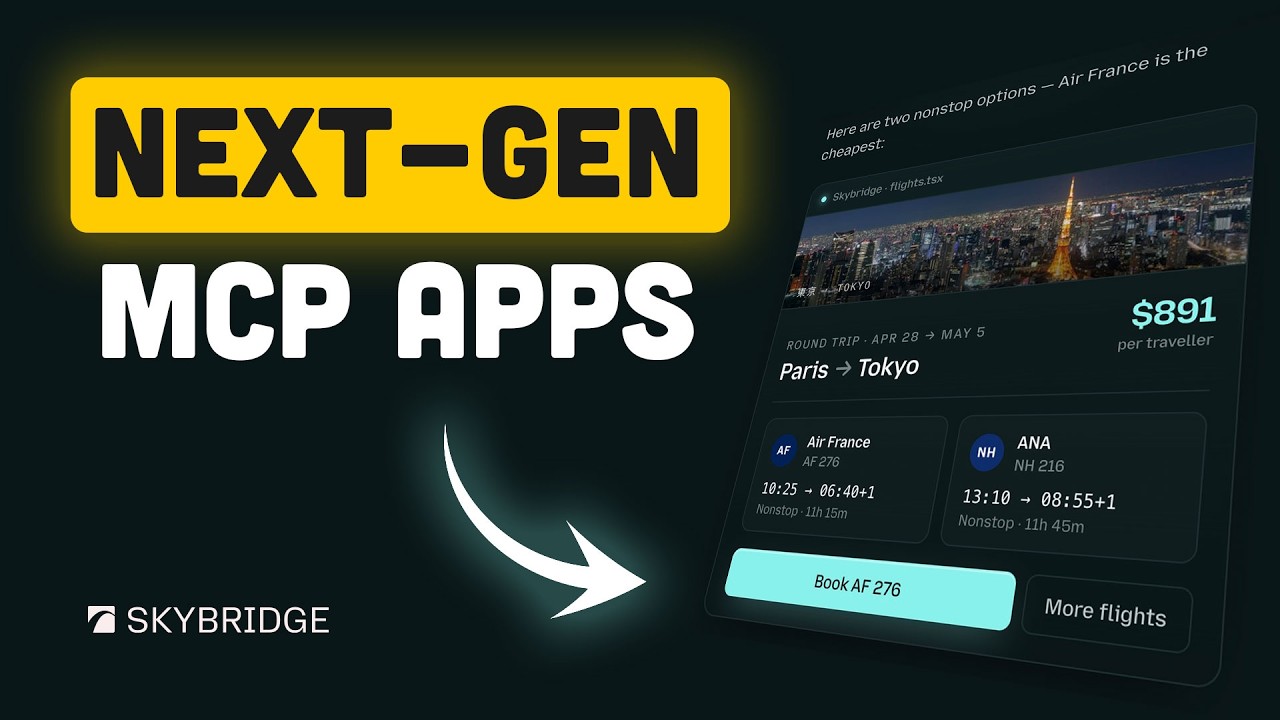
MCP Apps Are Changing the Internet — Skybridge (Better Stack)
Paradigm Shift 0:00
Web applications have traditionally been built for one type of user: humans clicking through interfaces. But a new paradigm is emerging — apps that serve two audiences simultaneously: humans and AI agents.
- MCP (Model Context Protocol) allows AI models to interact with web services through structured tool calls
- Instead of scraping or building separate APIs, apps can expose their functionality natively to AI
- This changes how we think about building web apps from the ground up
Two Users, One Interface 0:47
The key insight is that modern web apps need to serve two fundamentally different consumers:
- Humans want visual layouts, animations, intuitive navigation, and responsive design
- AI agents want structured data, clear tool descriptions, typed parameters, and predictable outputs
- Building two separate systems (a website + an API) doubles maintenance and diverges over time
The ideal solution: a single codebase that renders a beautiful UI for humans while simultaneously exposing MCP tools for AI — with shared business logic, auth, and data access.
Skybridge Framework 1:35
Skybridge is Better Stack's open-source framework that makes this dual-interface pattern easy. It sits on top of React and adds MCP capabilities:
- Define your React components as usual for the human-facing UI
- Annotate components with MCP tool definitions — describing what actions they expose
- Skybridge auto-generates a compliant MCP server from your component annotations
- One codebase, two interfaces — humans see the app, AI agents see the tools
Building an MCP App 2:55
The workflow for building a Skybridge-powered MCP app is straightforward:
- Step 1: Build your React app with standard components and state management
- Step 2: Add Skybridge annotations to define tools — name, description, input schema, and handler
- Step 3: Run the Skybridge build step to generate the MCP endpoint
- Step 4: Deploy — your app now serves HTML to browsers and MCP to AI clients
The tool definitions live alongside the components they control, keeping code co-located and maintainable.
Live Demo 3:08
The video showcases a live demo where a single application is accessed two ways:
- A user opens the app in a browser and interacts with a standard web interface — buttons, forms, visual feedback
- Simultaneously, an AI agent connects via MCP and performs the same operations through tool calls
- Both interfaces share the same backend, so changes made by one are immediately visible to the other
Architecture Deep Dive 4:24
Under the hood, Skybridge uses a clean architecture:
- Transport layer: Supports both HTTP SSE (Server-Sent Events) and stdio for local MCP connections
- Tool registry: Auto-generated from component annotations at build time — no manual schema sync
- Auth: Shared authentication layer — same session/token system for both human and AI access
- State management: React state drives the UI; MCP tool responses are derived from the same state
The framework handles the translation between React's component model and MCP's tool-based interaction model, so developers don't have to think about protocol details.
Connecting to Claude 6:07
The demo connects the Skybridge-powered app directly to Claude Desktop, showing the full loop:
- Add the app's MCP endpoint to Claude Desktop's configuration
- Claude automatically discovers available tools and their schemas
- Users can ask Claude to interact with the app in natural language
- Claude translates requests into tool calls, executes them, and reports results