Overview
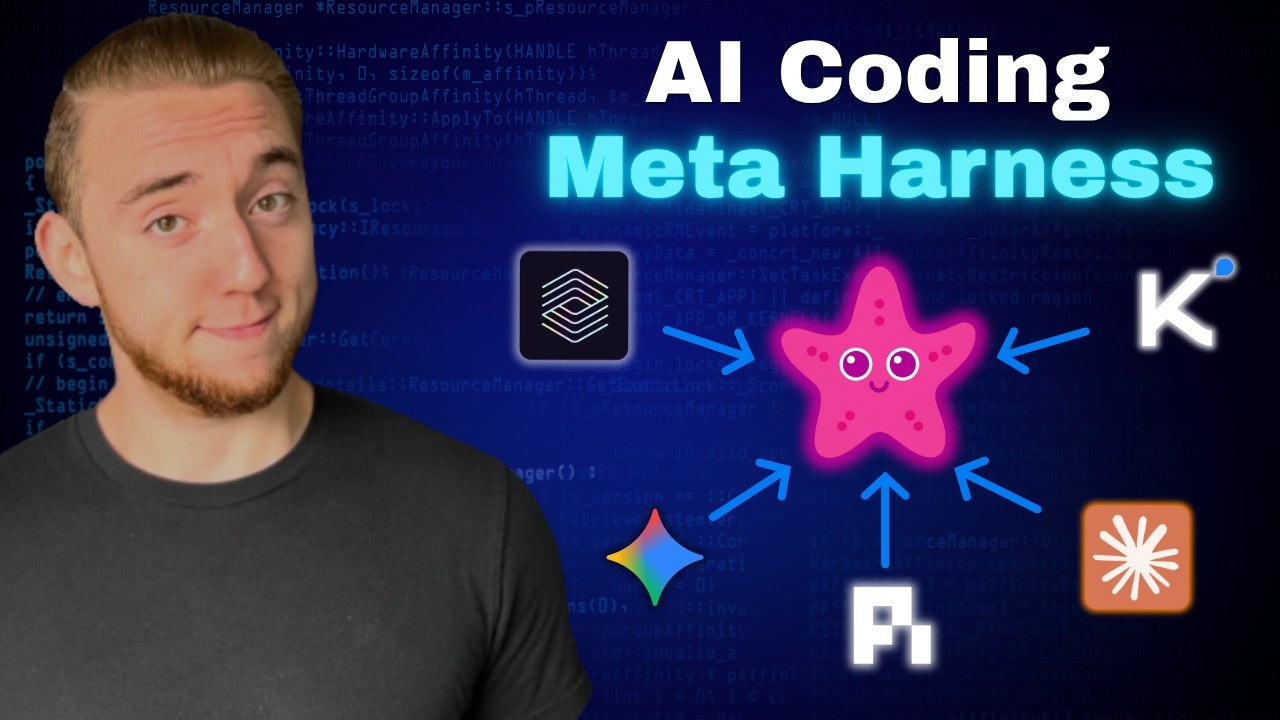
Cole Medin introduces Omnigent, a brand-new open-source meta-harness released by Databricks that lets you orchestrate multiple AI coding assistants — Claude Code, Codex, Pi, and local models via Ollama — under a single unified layer. Instead of juggling separate terminals and handoff documents, Omnigent provides one session to plan, delegate implementation to one agent, route code review to another, enforce guardrails via policies, and even share sessions across devices. Cole demos the built-in orchestrators (Polly and Debby), shows how to build custom agents, and explains why meta-harness engineering is the next frontier of AI coding productivity.
1 Introduction & What is Omnigent
Cole opens by introducing Omnigent as a new open-source tool released over the weekend — a meta-harness that lets you run longer AI coding workflows by mixing and matching different coding assistants. The classic example: use Claude Code for implementation and Codex for code review in the same workflow.
The core problem Omnigent solves: top engineers are no longer relying on a single model or harness. They want to leverage the different strengths of different AI coding assistants while maintaining separate sessions for context and token optimization. Without a meta-harness, this means jumping between terminals, creating handoff documents, and manually coordinating everything.
2 Why Meta-Harnesses Matter
Cole identifies the single most important lesson of 2026 for AI coding: the harness matters as much as — or more than — the model. With recent events like model bans, you can't always rely on having access to the best LLMs. So if the LLM can't get better, the system around it needs to become more powerful.
- Harness = everything around the LLM — system prompt, tools, skills, workflows, rules, all packaged together to make a single coding assistant more reliable
- Meta-harness = the next level — instead of making one agent better, orchestrate many AI coding assistants working together on larger tasks
- Peak harness engineering — Cole positions meta-harnesses as the "next big thing" for AI coding, and notes he's bringing ideas from Omnigent into his own tool, Archon
3 Getting Started
Setup is remarkably simple — you can literally give the GitHub repo link to your AI coding assistant and tell it to set up everything, or run a single command yourself. Key setup details:
- No re-authentication needed — Omnigent runs locally on your machine and reuses your existing Claude, Codex, and Pi CLI credentials
- Ships with example orchestrators — "Polly" and "Debby" come pre-built, orchestrating between Claude and Codex out of the box
- Up and running in under 10 minutes — Cole emphasizes how quick the entire setup process is
4 Omnigent Architecture & Databricks Origin
Omnigent is open-sourced from Databricks, driven by their CTO. They're already using it extensively internally for everyday engineering — dogfooding their own platform.
The architecture comprises several layers:
- Main orchestrator — holds your history, policies, guardrails, MCP servers, and skills. This AI layer lives at the server level and applies to all coding assistants
- Individual agents — Claude Code, Codex, Pi, local Ollama models — each runs as a subprocess, optionally sandboxed
- Multiple access points — native app, REST API, terminal CLI, and a web UI
- Shared configuration — you don't need separate setups for Pi vs Claude Code; everything is configured at the top level and applies to any agent
5 Polly: Claude Implements, Codex Reviews
Cole demos Polly, the built-in orchestrator that handles the implement-then-review workflow. The web UI is clean and agent-first — similar to the Codex app in feel.
- Input — you can give Polly a GitHub issue or a free-form request; Cole explicitly tells it to delegate implementation to Claude Code and review to Codex
- Workflow execution — Polly loads context about your work, loads its skill (a repeatable workflow definition), then kicks off Claude Code as a subprocess for implementation
- Automatic handoff — once Claude Code finishes implementation, Polly sends the review to Codex automatically, using the Codex credentials already on the machine
- Git worktrees — the platform supports worktrees for parallel development, keeping implementation isolated
- Follow-up actions — after the workflow completes, you can continue the conversation (e.g., "make a PR for this") just like any regular coding assistant
6 Anatomy of an Orchestrator
Cole dives into how orchestrators are structured. Every orchestrator in Omnigent comprises three parts:
1. Configuration
- Executor — which coding assistant the orchestrator itself uses when not delegating (e.g., Claude for the orchestrator layer)
- System prompt — can be quite long; defines the orchestrator's behavior
- Sandboxing — configurable per agent: unsandboxed, Docker, or production platforms like E2B
- Guardrails — human-in-the-loop policies where certain actions require approval before continuing
- Tools — defines which agents the orchestrator can delegate to
2. Skills
Standard AI coding skills (like the cross-review workflow) that the orchestrator walks through — repeatable, defined workflows.
3. Individual Agents
Each agent (Claude Code, Codex, Pi, etc.) has its own identical configuration structure — system prompt, executor, tools, and guardrails. This means you can make things highly custom for each individual agent being orchestrated.
7 Custom Agents & Guardrails
Cole demonstrates building a custom agent with a guardrail policy. The example: a Claude Code agent that can run any command autonomously except force pushes to git.
- Policy file — lives right next to the agent config; it's plain Python code that inspects commands and flags dangerous ones
- Human-in-the-loop — when a force push is detected, the agent pauses and waits for explicit human approval before continuing
- AI-built custom agents — Cole didn't write the custom agent config himself — he told his AI coding assistant to look at Polly and Debby as examples and build it for him
- Universal policies — unlike hooks in Claude Code that are tool-specific, Omnigent guardrails apply regardless of which coding agent you're running
The live demo shows selecting the custom guarded agent in the web UI, sending a git push --force origin feature-login command, and the system immediately asking for approval.
8 Debby: Multi-Model Debate
The second built-in orchestrator, Debby, shows Omnigent isn't limited to coding workflows. Debby pits two agents against each other in a structured debate:
- Two perspectives — Claude takes one side, GPT takes the other on a question or topic
- Multiple rounds — feedback from GPT is sent to Claude and vice versa for additional rounds of argument refinement
- Per-agent visibility — you can click into each agent's view to see their reasoning and token usage
- Synthesis — Debby orchestrates the conclusion, synthesizing both agents' arguments into a final answer
This demonstrates the broader potential of meta-harnesses beyond pure coding — any workflow that benefits from multiple AI perspectives can be orchestrated.
9 Cross-Device Sessions & Collaboration
The final feature Cole covers is session continuity across devices:
- Same Wi-Fi — the easiest setup; work on desktop, continue on phone seamlessly
- Server deployment — deploy Omnigent to a server for collaboration across the globe with other people
- Live demo — Cole sends a message from his phone and it immediately appears on the desktop session
- Session sharing — sessions can be shared with other people, a feature most individual coding agents don't offer
This positions Omnigent not just as a personal productivity tool but as a collaborative engineering platform.
🎯 Key Takeaways
🔑 Key Takeaways
- The harness matters more than the model — with LLM access becoming unpredictable, the orchestration layer around your models is where reliability lives
- Meta-harnesses are the next frontier — instead of optimizing one agent, orchestrate many agents with complementary strengths
- Separate implementation from review — using different agents (Claude for coding, Codex for review) prevents LLM bias buildup in code review
- Omnigent is open source from Databricks — driven by their CTO and battle-tested internally before being released
- Setup in under 10 minutes — single command install, reuses existing CLI credentials, ships with working orchestrators out of the box
- Three primitives per orchestrator — configuration, skills, and agents; simple building blocks for complex workflows
- Universal guardrails — Python-based policies apply across all agents, unlike tool-specific hooks in individual assistants
- Beyond coding — Debby shows multi-model debate; any workflow benefiting from multiple AI perspectives can be orchestrated
- Cross-device and collaborative — sessions sync across devices and can be shared with team members, bridging the gap to production team use
- AI builds your custom agents — the configuration is simple enough that you can have your coding assistant create custom orchestrators from the built-in examples
🔗 Resources & Links
- Omnigent GitHub Repository — the open-source meta-harness for orchestrating AI coding agents