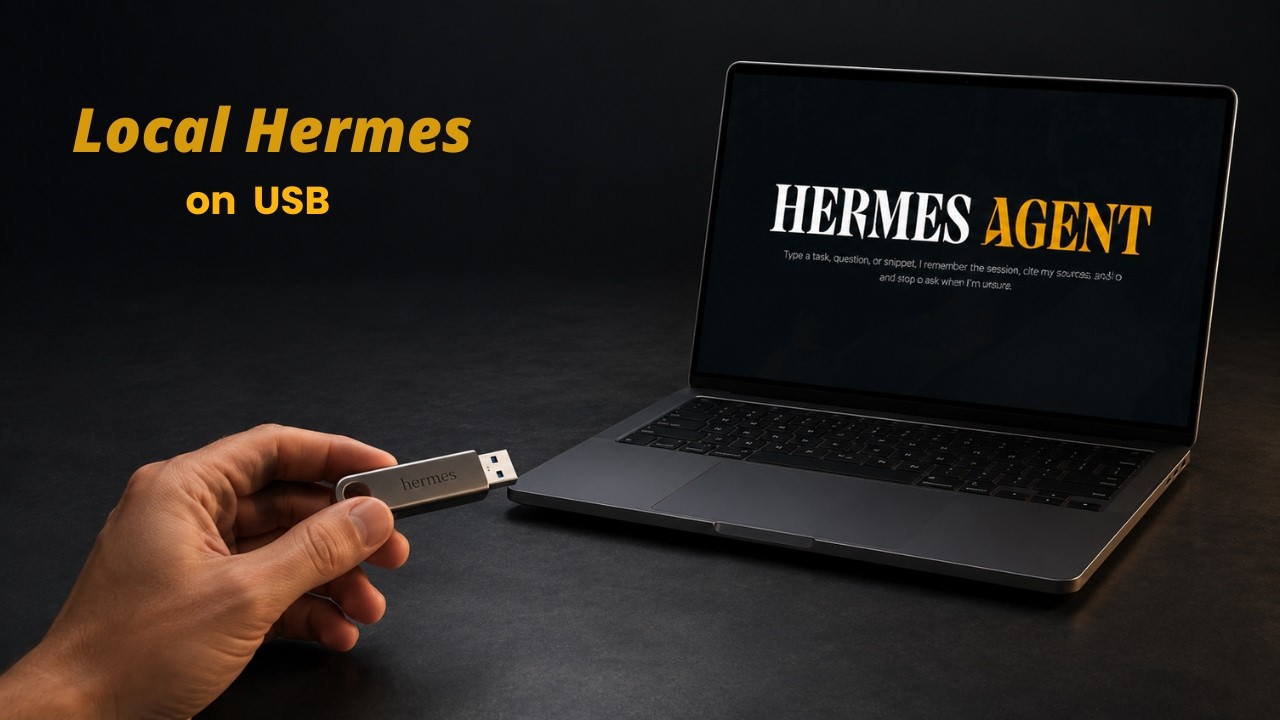
💡 The Concept: Portable Hermes Agent 0:00
The Hermes desktop agent can run entirely from a USB drive — 100% locally with no cloud AI, no API key, and no monthly subscription. Everything stays on the drive: code, files, prompts, and the AI model itself.
- Works on Linux, Windows, and Mac — same drive, same setup, all three platforms
- Also works from an external SSD or internal SSD for better performance
- Supports both local and online models — use local for full privacy, online if hardware is limited
- No installation required on the host machine — truly portable
🪟 Windows Setup: Format & Download 1:27
Start by formatting the USB drive as exFAT — the only filesystem that works natively across Windows, macOS, and Linux without additional drivers.
- Download the local-hermes-portable project from GitHub (zip or clone)
- Extract to the USB drive setup location
- Three launcher files included:
windows.bat,mac.sh,linux.sh - Double-click
windows.bat— first run downloads required files and checks system
📦 Download & Load Local Model 2:05
After running the launcher, an interactive menu appears. The setup guides you through downloading and configuring the local AI model.
- Press 1, enter Y to open the local setup page
- Setup page recommends models based on your system specs
- Recommended model: Gemma 3 4B — download directly from browser
- Move the model file into the project's
models/folder - Re-run
windows.bat— launcher auto-detects the model - Select model, press enter to start the local AI server
- Test in browser web app to confirm the model works
models/ folder automatically — no manual path configuration needed. Just drop the file in and go.
🛠️ Install Hermes Desktop & CLI 3:14
With the model server running, install the Hermes agent itself. Keep the model server terminal open and start a new instance of the launcher.
- Run
windows.batagain in a separate terminal - Press 3 to install Hermes agent (first setup: 5–8 minutes)
- Hermes auto-detects the local Gemma model — no manual configuration needed
- Press 1 for Hermes CLI, press 2 for Hermes Desktop
- Both interfaces work with the same local model using the same portable setup
Note: The first response may be slower depending on system hardware — subsequent responses are faster as the model warms up.
🍎 macOS Setup 5:01
The same USB drive works on macOS — just use the Mac launcher script instead.
- Open terminal in the project folder on the USB drive
- Run
bash mac.sh - First run downloads required macOS-specific files
- Press 1 to start local model server (auto-detects Gemma)
- Open a new terminal window, run
bash mac.shagain - Select option 3 to install Hermes
- Choose CLI or Desktop interface
models/ on Windows is still there — no need to re-download or reconfigure anything on macOS.
🐧 Linux Setup 6:21
Linux follows the exact same pattern — same process, different launcher script.
- Open terminal, navigate to the project folder
- Run
bash linux.sh - Option 1 for model server, option 3 for Hermes
- Works without any extra configuration
- Same portable setup across all three platforms
🎯 What You Get 6:46
One USB drive (or SSD) with a complete, portable AI agent setup that works everywhere.
- Cross-platform: Windows, macOS, and Linux from the same drive
- Both interfaces: Hermes CLI and Hermes Desktop included
- Local model: Gemma 3 4B runs offline with full privacy
- Online option: Connect to online models if hardware is limited
- Remote access: Can connect to Telegram and other platforms for remote interaction
- Full privacy: Everything stays on the drive — no data leaves your device
✅ Key Takeaways
- Run Hermes AI Agent from a USB drive, external SSD, or internal SSD
- 100% local: no cloud, no API key, no subscription
- Cross-platform: same USB works on Windows, macOS, and Linux
- Format drive as exFAT for cross-OS compatibility
- Three launcher scripts:
windows.bat,mac.sh,linux.sh - Gemma 3 4B recommended for local use
- Auto-detects model in
models/folder — no manual config - Both Hermes CLI and Hermes Desktop included
- Also supports online models if hardware is limited
- Can connect to Telegram for remote interaction
- First setup takes 5–8 minutes per OS, then instant