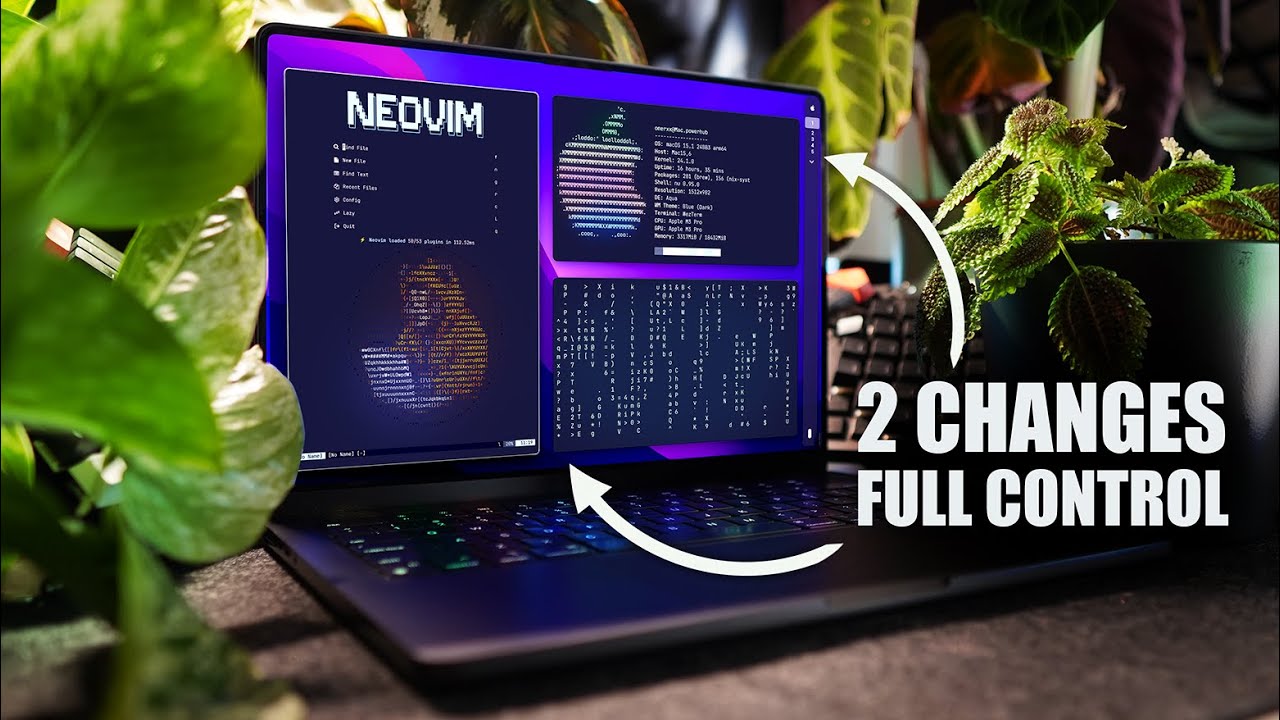
☕ The Coffee-Snob's Mac
0:00The framing is a coffee analogy: most people grab Starbucks and go — get a Mac, change the wallpaper, tweak two settings, done. The coffee snobs grind specialty beans at home, but often get the grind and ratio wrong anyway. Omer's point is that a nice terminal and an app launcher don't make a "pinnacle" macOS setup — because the moment he stepped out of the terminal into Finder, a video editor, Photoshop, or Slack, he was back in "granny mode": mouse-dragging, clicking, and fighting windows that stacked on top of each other or vanished entirely.
As someone who lives in tmux — and has even built plugins to push it further — the friction of unmanaged windows was unacceptable. The question is whether tiling, workspaces, and monitor management belong only to "hipster Linux users," or whether macOS can reach the same wizard level. The answer he lands on is AeroSpace.
🪟 AeroSpace: i3-Style Tiling for macOS
1:55AeroSpace is an i3-like tiling window manager for macOS, built on a tree paradigm. You may know Yabai — the other popular macOS tiler, which uses binary space partitioning — from the same "koekeishiya" home as skhd. Omer's reason for choosing AeroSpace is personal: less configuration required and more intuitive behavior out of the box. When you pop a window, AeroSpace uses the configured real estate to fill it with a new tile; add another window and it tiles beside it.
Default navigation is Alt + Vim bindings as arrow keys: Alt+H/L moves sideways between tiles, which should feel immediately familiar to any tmux user. Once you've learned the shape of it, the rest of the video is the detail work.
⌨️ Navigation: Vim Keys, Workspaces, Layouts
2:27With four tiles crowding a screen, you have options: minimize, drag to another display, or — Omer's favorite — send it to another workspace. Alt+Shift+number sends the focused window to that workspace and follows it; Alt+number jumps back. The workspace list lives in the bar, which you'll see in the final section.
Layout direction toggles with Alt+/, and the movement keys swap accordingly — Alt+J/K for vertical motion when tiled horizontally. To rearrange tiles you can just drag them with the mouse (in Omer's config, Cmd+Ctrl+drag) and watch them fall into place before you drop. For a smaller tile without going full-screen, Alt+, switches to an accordion layout — multiple panes stacked like a drawer, scrollable like the first-generation iPod's album list, which Omer describes as "reading the newspaper."
Resizing is Alt+Shift+= (incrementally, with the step configurable), and resetting the canvas is Alt+Shift+; then R — which drops AeroSpace into service mode and sends the reset signal. Floating windows are the one crucial tiler feature that trips people up elsewhere: you can set a window free, but unlike other managers you don't lose track of it — relative motions still traverse back through where the floating pane currently sits.
🌳 The Tree Paradigm: Joining Windows
6:05When you need something more complex — say, a vertical layout with two windows stacked horizontally in one cell — the idiomatic move is to join them: Alt+Shift+arrow (Vim keys in Omer's config) merges two tiles into one cell while the rest of the layout holds. This is where the tree paradigm shows itself: AeroSpace starts with a flat hierarchy of tiles, and as you join windows they nest under other tiles in a parent-child structure.
🔍 ff + fzf: Fuzzy Window Switching
6:51At scale you need to know where you are — which workspace you're on, what else is available, and what's actually running in each. Omer built a command-line utility, ff (named after the "find files" command in his Neovim Telescope config), that takes a list of AeroSpace windows, pipes it to fzf for fuzzy matching, and adds a description so you can literally see what's running — "Safari" vs. "Brain.fm," or the actual command running inside Ghostty. Selecting an entry runs an AeroSpace focus command with the chosen window ID.
Bound to Alt+G (which pops Ghostty with ff ready), this is what Telescope did to the file tree — fuzzy search over the window list eliminates the window hunt entirely. It's the same ergonomics as ff in Neovim, applied to the whole desktop.
⚙️ Configuration: aerospace.toml
8:19Like every terminal tool on this channel, AeroSpace is configured from ~/.config/aerospace/aerospace.toml — plain text, dotfiles-friendly. Omer's first additions were a couple of regex lines that catch Telegram and Finder and force them floating (so quick file copies and message replies don't wreck the tile layout), then gap tuning — all gaps equal except the outer-right one, which is doubled to leave room for the SketchyBar information panel.
For a focused application without macOS's native full-screen, Alt+Ctrl+Shift+F is mapped. The config's biggest unlock is exec-and-forget: it hooks any command to any key at any time. If that sounds like skhd, that's exactly what it is — AeroSpace is also an app launcher. Omer's skhd config translated to Alt+app → exec-and-forget open -a <Application>, and he stopped running skhd --stop-service. Getting Yabai and skhd with less config, in one tool, was the no-brainer.
🎹 Modes: Service Mode & Keyboard Layers
11:33The most underrated concept in AeroSpace is modes. Service mode ships built-in, but you can define any mode you want: as long as it's listed and has a key combo that switches to it, it works. Omer added an apps mode mapped to Alt+Shift+Enter; inside it, Alt+W pops WezTerm — and once back in main mode, Alt+W does nothing until you re-enter apps mode.
🎨 The Visual Layer: SketchyBar & JankyBorders
12:23SketchyBar — by Felix Kratz — replaces the native macOS status bar and does far more: icons showing what's running where, plus battery, volume, and calendar notifications. Omer's config keeps it extremely lean, running just two scripts: one draws the green apple logo with a settings pop-out, the other renders the workspace list and hooks it to AeroSpace so it shows the currently focused space and lets you click to switch. On workspace change, his AeroSpace config fires a SketchyBar event to update the focused-workspace indicator.
JankyBorders — also Felix Kratz — outlines windows with a border marking the focused window, with a one-line hook in AeroSpace to keep the two in sync. Omer picked a solid white line, not too bold, enough to always know where focus is. Both projects' "setups" threads are, in his words, people getting "wild" — worth scrolling for inspiration. The idea for SketchyBar originally came from the third section of the AeroSpace docs, the "Goodness" page, which lists exactly these companion tools.
✅ Key Takeaways
- AeroSpace is an i3-like tiling WM for macOS on a tree paradigm — contrasting with Yabai's binary space partitioning, and needing far less config to feel right.
- It emulates its own workspaces rather than using native macOS Spaces, which gives fast, animation-free switching without touching SIP.
- Everything is Vim-key navigable — Alt+H/J/K/L, workspaces via Alt+number, accordion (Alt+,), resize (Alt+Shift+=), and mouse-drag rearrangement that shows placement before you drop.
- The tree model handles complex layouts — joining windows (Alt+Shift+arrow) nests them parent-child; understanding the tree predicts the surprises.
- ff + fzf replaces window hunting — a CLI that pipes AeroSpace's window list (with descriptions) into fzf, then focuses the chosen ID; Telescope for the desktop.
- exec-and-forget makes AeroSpace an app launcher — one tool replaces both Yabai and skhd, with less config.
- Modes are keyboard layers — service mode plus custom modes (apps → WezTerm) pack more bindings into the same keys.
- SketchyBar + JankyBorders finish the visual layer — a workspace-aware status bar and a focus border, both by Felix Kratz, discovered via the AeroSpace "Goodness" docs.
🔗 Resources & Links
- 🪟 AeroSpace — i3-like tiling window manager for macOS
- 📖 AeroSpace docs — including the "Goodness" section
- 🗂️ omerxx/dotfiles — the full config
- 🔲 yabai — the binary-space-partitioning alternative
- ⌨️ skhd — the hotkey daemon AeroSpace replaces
- 📊 SketchyBar — Felix Kratz's status bar replacement
- 🖼️ JankyBorders — window focus borders
- 🔍 fzf — the fuzzy finder behind
ff - ▶️ DevOps Toolbox — the channel
Project names verified against the primary repos (AeroSpace README confirms the i3-like tree paradigm and workspace emulation; Yabai's binary-space-partitioning description is from the same source). The caption track mangles several ("buy a" → Yabai, "skd" → skhd, "ghosty" → Ghostty, "Weser" → WezTerm, "junky borders" → JankyBorders).