🐳 Overview
Everyone thinks their Dockerfiles are fine. You've read the docs, followed a few tutorials, and your containers build and run. But there's a gap between "it works" and "it works well." DevOps Toolbox identifies 5 corrections that immediately speed up builds, shrink images, and harden infrastructure — things most developers are getting wrong right now.
This video challenges popular Docker practices that seem correct but quietly cause compatibility headaches, bloated images, busted caches, and unreproducible builds. Each fix is practical and can be applied in minutes.
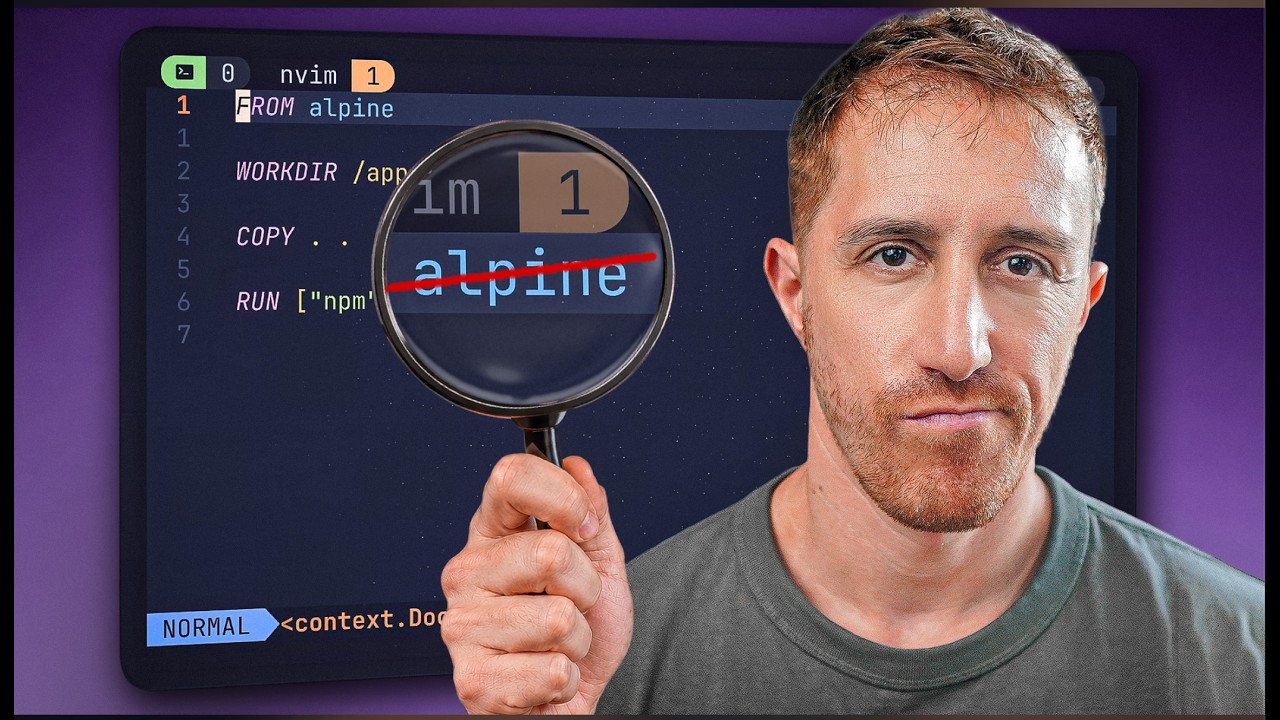
📦 Use Slim Instead of Alpine 1:43
Alpine Linux is the default choice for "small Docker images" — but that small size comes with a major tradeoff. Alpine uses musl libc instead of the standard glibc that virtually all compiled software targets. This mismatch causes subtle compatibility issues, broken native extensions, and slower build times as you fight to compile dependencies against musl.
When you install packages with native C extensions (Python wheels, Node.js native modules, Ruby gems with C bindings), Alpine can't use prebuilt binaries. It must compile everything from source, which:
- Drastically increases build times (minutes → tens of minutes)
- Requires installing build tools (
gcc,musl-dev,make) that bloat your "slim" image - Can produce subtle runtime bugs due to musl/glibc behavior differences
- DNS resolution, locale handling, and threading behave differently under musl
FROM python:3.12-alpine

# Need build tools for native deps
RUN apk add --no-cache gcc musl-dev \
    libffi-dev openssl-dev
RUN pip install cryptography numpy
# ↑ compiles from source — slow!FROM python:3.12-slim
# Prebuilt wheels just work
RUN pip install cryptography numpy
# ↑ uses prebuilt manylinux wheels
# Fast install, no build tools neededDebian Slim images are only slightly larger than Alpine (often ~30-50MB difference) but avoid the musl headache entirely. For the vast majority of workloads, Debian Slim is the better base image.
Alpine still makes sense for simple, statically-compiled Go binaries or pure shell-script containers where you have zero native dependencies. If you're not compiling anything, musl vs glibc doesn't matter.
🧊 Use Cached Layers Wisely 4:47
Docker builds layers top-to-bottom. When a layer changes, every layer after it is rebuilt. Most developers copy all source code early then install dependencies — which means every code change triggers a full dependency reinstall. Fixing this one thing can cut build times from minutes to seconds.
The Golden Rule
Order instructions from least frequently changed (top) to most frequently changed (bottom). Split your COPY instructions to separate dependency manifests from source code.
FROM node:20-slim
WORKDIR /app

# Copies EVERYTHING — including source
COPY . .

# Reinstalls ALL deps on every code change
RUN npm ci
RUN npm run build

CMD ["node", "dist/server.js"]FROM node:20-slim
WORKDIR /app
# 1. Copy ONLY dependency files first
COPY package.json package-lock.json ./
# 2. Install deps (cached if lock unchanged)
RUN npm ci
# 3. NOW copy source code
COPY . .
RUN npm run build
CMD ["node", "dist/server.js"]| Layer Position | What Goes Here | Changes How Often? |
|---|---|---|
| 🔝 Top | Base image, system packages | Rarely |
| ⬆️ Upper | Dependency manifests + install | Weekly |
| ⬇️ Lower | Source code COPY | Every commit |
| 🔽 Bottom | Build commands, CMD | Every commit |
This pattern applies to every language: requirements.txt / Pipfile.lock for Python, go.mod / go.sum for Go, Gemfile / Gemfile.lock for Ruby, pom.xml for Java. Always copy the manifest, install, then copy source.
🏗️ Multi-Stage Builds 9:43
Your build environment has compilers, dev headers, build tools — none of which belong in production. Multi-stage builds let you compile in a fat builder image and copy only the final artifact into a minimal runtime image. This can reduce image sizes by 10-100x.
# ——— Stage 1: Build ———
FROM golang:1.22 AS builder
WORKDIR /src

COPY go.mod go.sum ./
RUN go mod download

COPY . .
RUN CGO_ENABLED=0 go build -o /app/server .

# ——— Stage 2: Runtime ———
FROM gcr.io/distroless/static-debian12

COPY --from=builder /app/server /server
EXPOSE 8080
ENTRYPOINT ["/server"]
Choosing the Runtime Base
| Base Image | Size | Best For |
|---|---|---|
FROM scratch |
~0 MB | Statically-linked Go/Rust binaries |
distroless/static |
~2 MB | Static binaries + CA certs, timezone data |
distroless/base |
~20 MB | Dynamically-linked C/C++/Rust |
python:3.12-slim |
~130 MB | Python apps (need interpreter) |
For compiled languages like Go and Rust, FROM scratch or distroless images give you the smallest possible image with the smallest attack surface — no shell, no package manager, nothing an attacker can exploit.
FROM golang:1.22
WORKDIR /app
COPY . .
RUN go build -o server .
CMD ["./server"]
# Includes Go toolchain, git, gcc...FROM golang:1.22 AS build
WORKDIR /app
COPY . .
RUN CGO_ENABLED=0 go build -o server .
FROM scratch
COPY --from=build /app/server /server
ENTRYPOINT ["/server"]🔀 Multiple Processes Per Container 12:08
The "one process per container" rule is Docker gospel — but it's a guideline, not a law. For simple deployments, running multiple processes in a single container (e.g., nginx + your app via supervisord) can reduce complexity significantly.
- Simple hobby/side projects where Kubernetes is overkill
- Tightly coupled processes that always deploy together
- Development/staging environments
- Apps that need a sidecar (e.g., nginx reverse proxy + app)
# supervisord.conf
[supervisord]
nodaemon=true

[program:nginx]
command=/usr/sbin/nginx -g "daemon off;"
autostart=true
autorestart=true

[program:app]
command=python /app/server.py
autostart=true
autorestart=true
stdout_logfile=/dev/stdout
stdout_logfile_maxbytes=0
FROM python:3.12-slim
RUN apt-get update && apt-get install -y \
nginx supervisor && \
rm -rf /var/lib/apt/lists/*
COPY supervisord.conf /etc/supervisor/conf.d/
COPY nginx.conf /etc/nginx/nginx.conf
COPY . /app
EXPOSE 80
CMD ["supervisord", "-c", "/etc/supervisor/supervisord.conf"]In production orchestrated environments (Kubernetes, ECS), single-process containers are still preferred. They give you independent scaling, health checks, resource limits, and restart policies per process. Multi-process is a pragmatic shortcut, not a best practice.
📌 Pin Versions with Digests 13:45
Docker tags are mutable. python:3.12-slim today might be a different image than python:3.12-slim next month. If you care about reproducible builds — and you should — pin with SHA256 digests.
FROM python:3.12-slim
# Might be a different image tomorrow
# "latest" is even worse — never use itFROM python:3.12-slim@sha256:a3e6\
f4d2c89b7e...
# Content-addressed — this exact image
# forever, regardless of tag changes# Pull and inspect
$ docker pull python:3.12-slim
$ docker inspect --format='{{index .RepoDigests 0}}' python:3.12-slim
python@sha256:a3e6f4d2c89b7e0f1234567890abcdef...
# Or check Docker Hub / registry directly
$ docker manifest inspect python:3.12-slim | jq .config.digestTags like latest, 3.12, or even 3.12.4 can all be re-pointed to new images without warning. Digest pinning is the only way to guarantee your CI builds the same image today, next week, and next year.
💎 Bonus Tips
The ADD instruction can download URLs directly and auto-extract .tar.gz archives — no need for RUN curl -LO ... && tar xzf ... chains.
# Instead of:
RUN curl -LO https://example.com/tool.tar.gz && \
    tar xzf tool.tar.gz && rm tool.tar.gz

# Use:
ADD https://example.com/tool.tar.gz /opt/tool/ENTRYPOINT defines the executable; CMD provides default arguments. In orchestrated systems (Kubernetes), this distinction matters because CMD can be overridden by the orchestrator while ENTRYPOINT stays fixed.
ENTRYPOINT ["python", "app.py"]
CMD ["--port", "8080"]

# docker run myapp → python app.py --port 8080
# docker run myapp --port 9090 → python app.py --port 9090EXPOSE doesn't publish ports — it documents which ports the container listens on. It's metadata for humans and tools, and is considered good practice for discoverability.
EXPOSE 8080 443🎯 Key Takeaways
- Prefer Debian Slim over Alpine — musl libc compatibility issues make Alpine problematic for many workloads with native dependencies
- Layer ordering matters — put rarely-changing instructions first, frequently-changing ones last to maximize cache hits
- Split COPY instructions — copy package manifests before source code to cache expensive dependency installs
- Multi-stage builds are essential — separate the build environment from the runtime to slash image sizes
- FROM scratch/distroless for compiled languages — minimal attack surface, smallest possible images
- Supervisord for multi-process containers — acceptable for simple deployments where orchestration is overkill
- Pin with SHA256 digests — tags are mutable, digests guarantee true reproducibility
- These 5 fixes deliver immediate results — faster builds, smaller images, and improved security with minimal effort