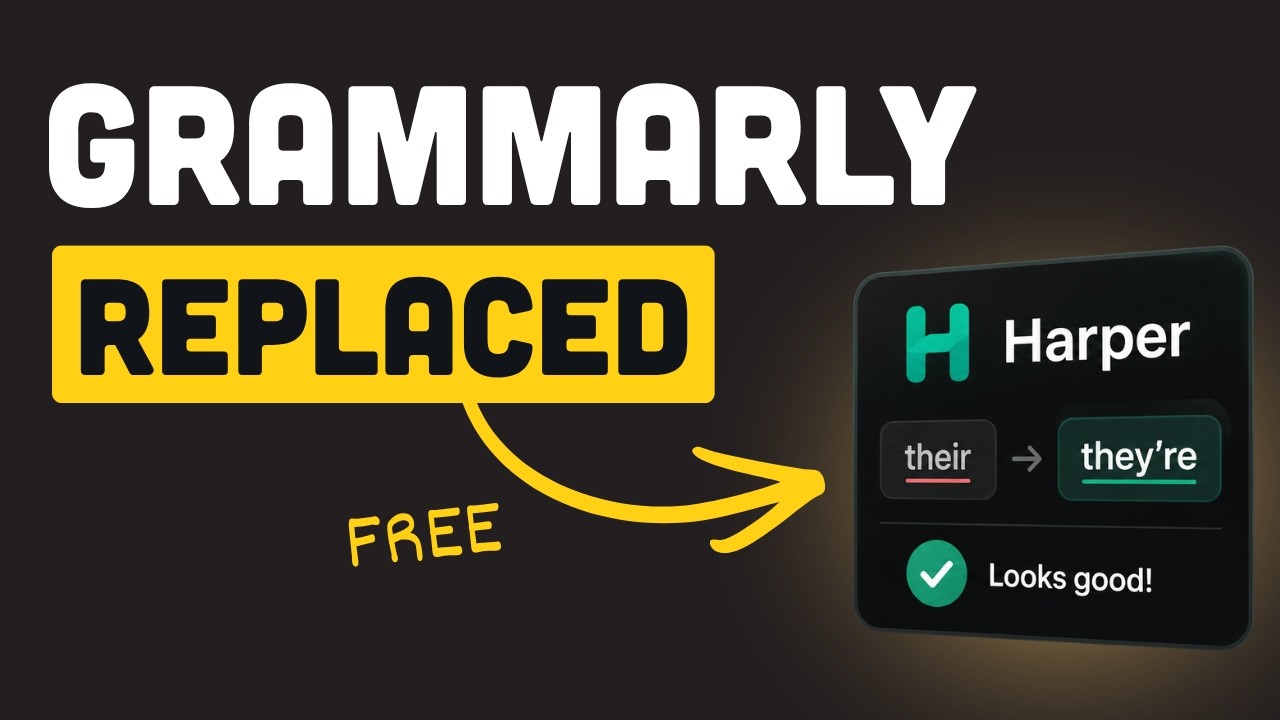
1 Grammarly's $140 Privacy Problem
The video opens with a hard look at the cost — both financial and privacy-wise — of using Grammarly:
- Grammarly Premium costs $140+/year — and that's the starting price
- Per Grammarly's own documentation, everything you type is shipped to their servers and stored
- This includes code comments, private messages, and anything you write in any text field where the extension is active
Enter Harper: a free, open-source, Rust-based grammar checker that works entirely offline. No accounts, no cloud, no data leaving your machine — ever.
2 How Harper Works — Rule-Based, No AI
Harper takes a fundamentally different approach from Grammarly. There is no AI, no machine learning model, no neural network. It's a pure rule-based engine:
How the Engine Works
- Your text is tagged word by word — each token gets classified
- The tagged text is run through ~287 handwritten Rust rules
- Each rule checks for a specific pattern — a misspelling, a duplicate word, a confused homophone
- If a rule matches, it fires an underline with a suggested fix
This stands in stark contrast to Grammarly's ML-based approach:
Performance & Ownership
- Nothing leaves your machine — all processing is local
- Claimed performance: under 10ms per check — instant feedback on every keystroke
- Since November 2024, Harper belongs to Automattic (the company behind WordPress)
- License remains Apache 2.0 — fully open source
3 Live Demo — Offline Grammar Checking
Installation
Getting started is a one-liner:
brew install harper— or install the VS Code extension- Native to Apple Silicon — compiles natively, no Rosetta needed
Wi-Fi Off Demo
The demo is done with Wi-Fi completely turned off to prove there's zero cloud dependency:
| Input | Detection | Suggestion |
|---|---|---|
| "I ate and pineapple" | Wrong word | Flagged instantly |
| "I need the the from the store" | Duplicate word | Remove duplicate "the" |
| "Your point is mute" | Confused homophone | Suggests "moot" (handwritten rule in source) |
| "I don't think it's too late" (with typos) | 3 underlines | Flagged before finishing sentence |
4 Code Comments & Editor Integration
This is where Harper truly differentiates itself from every other grammar checker:
Code-Aware Checking
- Checks grammar inside comments in TypeScript, Python, and virtually every programming language
- Ignores actual code — only prose in comments gets checked
- This is a capability Grammarly simply doesn't have in a useful way
Editor Support via LSP
Harper ships a Language Server Protocol (LSP) server — zero-config integration with:
- Neovim — native LSP client
- Zed — built-in support
- Helix — built-in support
- Emacs — via lsp-mode or eglot
- VS Code — dedicated extension
Obsidian Plugin
- 200,000+ downloads
- Checks notes and markdown prose
- Skips code fences — Grammarly trips over these, flagging variable names and syntax as errors
WebAssembly Build
- Harper compiles to WebAssembly
- writewithharper.com runs the full checker in-browser — no server, no backend
5 Harper vs Grammarly vs LanguageTool
| Feature | Harper | Grammarly | LanguageTool |
|---|---|---|---|
| Price | Free | $140+/yr | Free / Premium |
| Privacy (Offline) | 100% local | Cloud only | Self-host possible |
| Engine | Rule-based (287 rules) | ML / Neural | Rule-based (6,000+ rules) |
| Speed | <10ms | Network latency | Varies |
| Tone / Style Coaching | No | Yes | Limited |
| Sentence Rewrites | No | Yes | No |
| Code Comment Checking | Native | No | No |
| Languages | English (5 dialects) | 30+ | 30+ |
| Open Source | Apache 2.0 | Proprietary | LGPL (server) |
Grammarly's ML does things Harper doesn't attempt: tone clarity coaching and whole sentence rewrites. These are fundamentally different capabilities that require statistical models.
6 Limitations — The Ceiling of Rules
The video is refreshingly honest about where Harper falls short:
Demo of Missed Errors
| Input | Harper's Response |
|---|---|
| "Me and Sally went to have seen the duck's cousin" | Zero errors flagged |
| "What your name? What day today?" | Also clean — no flags |
Known Issues & Concerns
- 287 rules vs LanguageTool's 6,000+ — significantly smaller rule set means less coverage
- ~240 GitHub issues mention false positives (e.g., flagging "Cloudflare" as an error)
- Fixes are shipping weekly, but the gap is real
- No independent benchmarks exist — there's no third-party data comparing catch rates
- One Neovim user reported the LSP process consuming 1GB+ RAM
- English only — supports 5 English dialects, no other languages
The core trade-off is clear: coverage is what you trade for privacy and speed. Harper will never catch the subtle grammatical errors that an ML model trained on billions of sentences can identify.
7 The Verdict — When to Use Harper
Keep Grammarly If…
- You pay for and rely on tone rewrites and style coaching
- You need multi-language support
- You want sentence-level rewriting suggestions
Use Harper If…
- You want free, private, instant grammar checking
- You work in code editors and need comment/commit message/doc checking
- You use Obsidian for notes and want grammar checking that respects markdown
- You're a developer who values deterministic, predictable tooling
🎯 Key Takeaways
- Harper is a free, open-source, Rust-based grammar checker that works 100% offline with zero cloud dependency
- Rule-based engine (287 rules) = deterministic, instant (<10ms), but limited compared to ML-based tools like Grammarly
- First-class support for code comments across all editors via LSP — the sweet spot Grammarly can't reach
- Owned by Automattic, Apache 2.0 licensed, with weekly releases and active development
- Coverage trade-off: you get privacy and speed in exchange for catching fewer complex grammatical errors
- Best for: developers checking comments, commits, docs, and notes inside their editor