1 The Context Loss Problem
AI can write code in seconds, but documentation consistently gets left behind. After a three-hour debugging session, your rule files and agent memory are completely obsolete — they reflect the state of the project before the session, not after. The agent's understanding of the codebase is now built on stale artifacts.
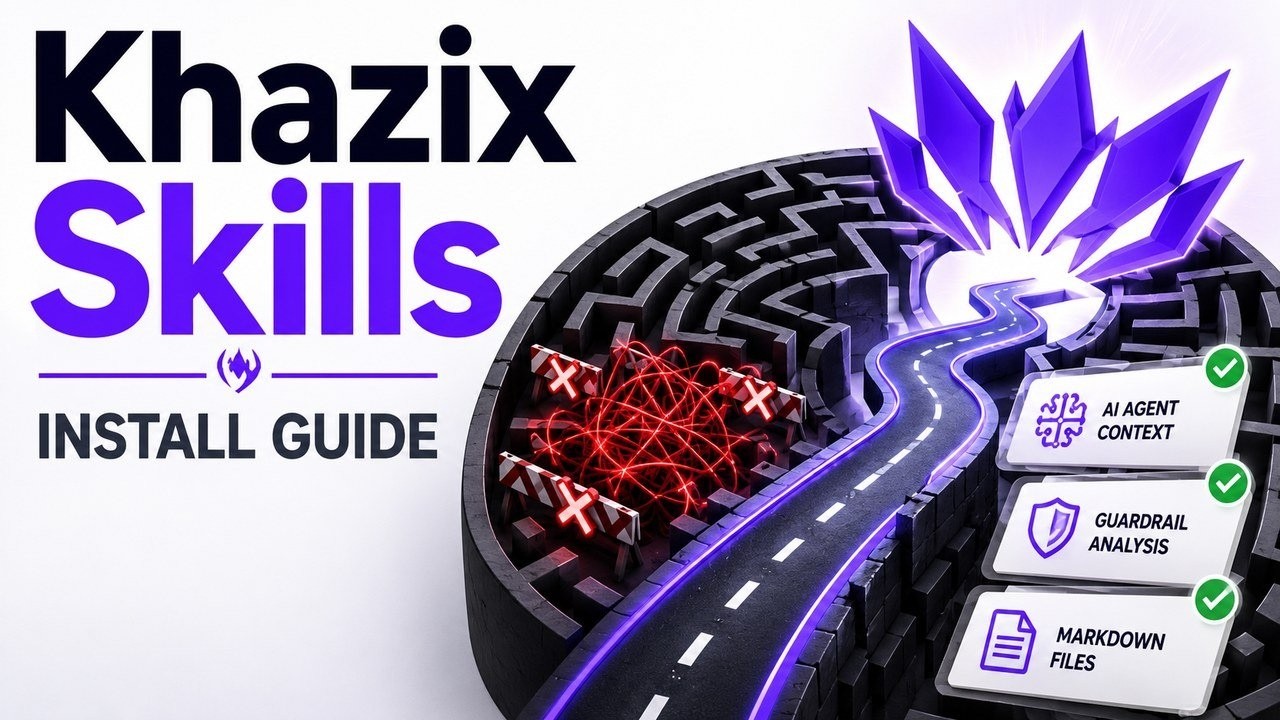
This is the core problem Alex identifies: AI-assisted development moves so fast that the reference materials agents rely on become outdated almost immediately. The Cosmic Skills Repository (Khazix Skills) addresses this head-on — it provides a library of operational behaviors and routines that AI agents can execute to maintain workspace hygiene automatically.
2 What is Neat Freak?
Neat Freak is one specific workflow from the Khazix Skills library. Its job is simple but critical: automatically synchronize documentation and clean up workspace residue at the end of every session.
Requirements are minimal:
- An active project directory
- An AI client that supports the Agent Skills standard (e.g., Plot Code, Cursor)
Neat Freak shifts the burden of documentation maintenance from the developer to the agent itself — turning a manual chore into an automated end-of-session ritual.
3 Anatomy of an Agent Skill
Alex navigates to the Neat Freak folder in the Cosmic Skills Repository on GitHub to show the internal structure. The key insight: the entire workflow is contained in a single directory driven by one instruction file — skill.md.
There are no compiled binaries, no runtime dependencies, no build steps. A skill is structured natural language that an AI agent can interpret and execute. To install it, you simply copy the GitHub URL from the address bar.
skill.md file is the program.
4 Installing via Direct URL
The fastest installation method requires no package manager — no npm, no pip, nothing. Simply prompt your AI agent:
The agent reads the instruction, clones the directory into the correct local path automatically. The entire install flow is handled by the AI itself.
One caveat: client capabilities vary. Some AI coding clients have sandbox settings that may block automated cloning or file system access. If this happens, Alex walks through a manual fallback.
5 Manual Fallback Protocol
If automated install fails, there are two fallback approaches:
Option A — Manual Clone:
- Create a
.github/skillsfolder at your project root - Clone the Khazix Skills repo locally
- Copy the Neat Freak folder into
.github/skills
Option B — Raw Paste (lowest-tech):
- Copy the raw text of
skill.mddirectly from GitHub - Paste it into your AI chat as a prompt
Direct URL
Prompt + GitHub link — AI self-installs
Manual Clone
.github/skills directory — git clone
Raw Paste
Copy skill.md text into chat
Skills are structured instructions, not compiled binaries — they work across almost any AI coding client because the agent simply reads and follows them.
6 Activation & Documentation Sync
To activate Neat Freak at the end of a session, type /neat or say "sync docs in memory". The agent reads skill.md and executes its logic as an evidence-based compliance checklist.
What happens under the hood:
- The agent assesses the workspace dynamically — this is not a rigid pre-programmed script
- It cross-references multiple surfaces: pulls current raw code blocks and feeds them into a comparison engine against existing (now outdated) documentation
- Documentation files are auto-updated to mirror the reality of the new code
Two possible terminal states:
- ✓ Verified Current — documentation already matches code, nothing needed
- ↻ Changed and Verified — updates were made and confirmed correct
7 Beyond Neat Freak — Safety Warnings
Alex briefly highlights other skills in the Khazix repository:
- AI Hot — a low-friction daily AI news aggregation skill; no API key needed
- ⚠️ Storage Analyzer — touches your local file system
The takeaway is clear: skills that read and write documentation are low-risk. Skills that delete files from your local system are a different category entirely and demand careful vetting before use.
🎯 Key Takeaways
- Context loss is the #1 maintenance problem — AI-generated code outpaces documentation, leaving agents working from stale references
- Khazix Skills is a library of agent-executable workflows delivered via simple
skill.mdinstruction files - Neat Freak auto-syncs docs at session end using evidence-based compliance, not rigid scripts
- Three install methods — direct URL prompt, manual
.github/skillsclone, or raw paste into chat - Skills are structured instructions, not binaries — portable across any AI coding client that supports natural language execution
- Safety-critical skills require manual review — check GitHub issues for skills like Storage Analyzer before granting file deletion permissions
📚 Resources & Links
- Khazix Skills GitHub Repository — Cosmic Skills Repository for AI agents
- Watch the Full Video on YouTube — Alex Hitt's original tutorial (5:01)
⏱ Timestamp Index
| Time | Topic |
|---|---|
| ▶ 0:00 | The Context Loss Problem — why AI breaks documentation |
| ▶ 0:39 | What is Neat Freak? — automated doc sync overview |
| ▶ 1:12 | Anatomy of an Agent Skill — skill.md structure |
| ▶ 1:43 | Installing via Direct URL — AI as its own package manager |
| ▶ 2:11 | Manual Fallback Protocol — .github/skills & raw paste |
| ▶ 2:58 | Activation & Documentation Sync — /neat command |
| ▶ 4:06 | Beyond Neat Freak — Safety Warnings for file-system skills |