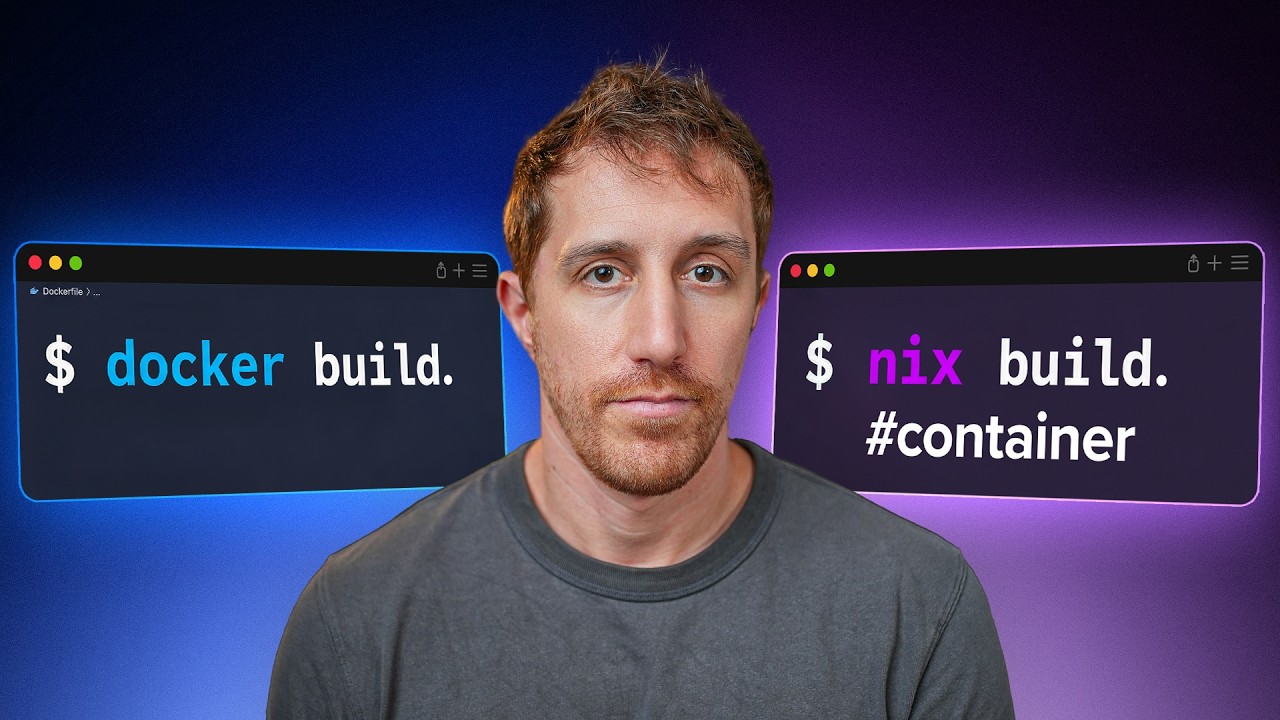
🐳 Docker's Real Problem: Mutability 0:00
The video opens with the honest confession most Docker users eventually hit: "Docker works, until it doesn't." You build an image — base layer, dependencies, your app — but "who's promising that the base layer actually stays the same?" And tags, the thing everyone relies on to pin a version, are "absolutely terrible as a lock function": they can be deleted, overwritten, and changed at any time. Push a new image to the same name and tag, and the next docker pull gets the rogue version.
📦 Why Nix? 0:33
The proposed fix is Nix 🔗 — "the world's largest package repository, its own operating system, and a declarative language that can build anything… including container images." Nix was built precisely for reproducibility: pinpointing and locking every bit of the OS, the configs, and the packages.
But there's a catch, stated up front: "it's hard. It's complicated. It'll push your patience to its limits and then snap them." The premise of the video isn't "adopt Nix everywhere" — it's "take the good parts and make Docker build great again," using Nix surgically for the one thing it's exceptional at.
🔒 The Nix Flake & flake.lock 2:48
The worked example converts a Go-server Dockerfile into a Nix flake. The structural difference is the point, and it's worth seeing the two paradigms side by side:
| Dockerfile | Nix flake | |
|---|---|---|
| Mental model | A sequence of operations (start here, copy this, run that) | The result you want + the dependency graph to reproduce it |
| Base image | FROM golang:… — "whatever Go happens to exist" | No base image; the build env is pinned and locked |
| Pinning | Tags (mutable) | flake.lock — exact hashes of every input |
| Multi-arch | Separate Dockerfiles or Buildx config | One definition, iterate over systems = [x86_64-linux, aarch64-linux] |
The "real power of Nix" is that everything — Go version, dependencies, the whole build environment — gets pinned by flake.lock. You're not saying "give me whatever Go is in the base image"; the exact inputs are locked, so the build is reproducible. And instead of maintaining two Dockerfiles or fiddling with BuildKit, the exact same definition produces an image for Intel or ARM by iterating over the systems list.
🏗️ Building Images Without Docker 5:46
The cleverest part is that Nix builds the application completely independently of Docker, then assembles the container filesystem by hand. The equivalent of the Dockerfile's minimal/scratch second stage — copy one binary into an empty root — becomes: create an empty directory, copy exactly one thing into it (the compiled binary at /main), and hand that filesystem to Nix's container tooling (dockerTools) to turn into an OCI image that docker load accepts.
All the familiar options (config, exposed ports, entrypoint) map onto the dockerTools call, so the OCI image you end up with behaves like any other — it just carries an exact, locked provenance.
⚖️ The Honest Trade 6:36
The host "puts cards on the table": the features are nice and the structure leaves less room for error, but "this is not nice syntax, and it's easy to go wrong." His pragmatic concession — which he expects to catch "some hate" for — is that this is exactly where AI does a great job. Nix is a structured declarative language, so a coding agent can produce a correct flake and save you from fighting the syntax, letting you "enjoy the tight lockdown of Nix without messing with the syntax errors."
The conceptual summary is the clearest single sentence in the video: a Dockerfile describes a sequence of operations; Nix describes the result you want and the dependency graph required to reproduce it. "If this makes sense, you've got the point."
🚀 Live Demo & nix develop 7:34
The workflow, run live: nix flake lock (which refuses to proceed on a dirty git tree and insists you commit first), then nix flake show to see the tree of packages across the cross-built platforms, then nix build using dot notation to pick a specific package, platform, and image. The result is a raw archive you feed to docker load — and from there it's a normal Docker image that runs and responds.
The bonus that falls out of using Nix is nix develop: instead of docker run with keep-alive flags, directory mounts, and docker exec, you get a dev shell built from the same package, using your local disk as the filesystem — with the exact Go version from the lockfile, your local files, and access to the host. "The exact Go version that we've locked" is reproducibility applied to your dev environment, not just the CI image.
🎯 Verdict: Use Nix Where It Matters 9:08
The closing is refreshingly measured, and it's the most useful part. The host has done the full Nix rabbit hole before — "went head straight in for my computer config and came out the other side reversing it altogether — not because Nix is bad, but because the overhead didn't make sense." The recommendation isn't "replace every Dockerfile on Earth":
That's the honest shape of it: Nix as a targeted tool for the reproducibility and cross-compilation problems, not a lifestyle. The same "take the good parts" premise the video opened with, landed.
💡 Key Takeaways
- Docker's real weakness is mutability. Tags are terrible locks; the SHA256 digest fixes it but "is rarely ever used."
- Nix is built for reproducibility. A declarative flake pinned by
flake.locklocks the entire build environment, not just your app. - One definition, every architecture. Iterate over a
systemslist and the same flake produces x86 and arm64 images — no separate Dockerfiles or Buildx config. - No base image. Nix builds the app independently of Docker, then copies one binary into an empty root and wraps it with
dockerTools. - Operations vs. results. A Dockerfile is a sequence of steps; Nix is the desired result plus its dependency graph.
- AI is the natural copilot. The syntax is genuinely cursed, but it's a structured declarative language — exactly what a coding agent writes well.
- Don't replace every Dockerfile. Small apps are fine as-is; use Nix where cross-compilation and reproducibility actually matter — and skip the rabbit hole.
🔗 Resources & Links
- 🌐 nixos.org — Nix, the package manager and language this video builds on
Source video: youtube.com/watch?v=iGHmNe9JwwY — note: the video description carries only sponsor/promo links; no external technical references.