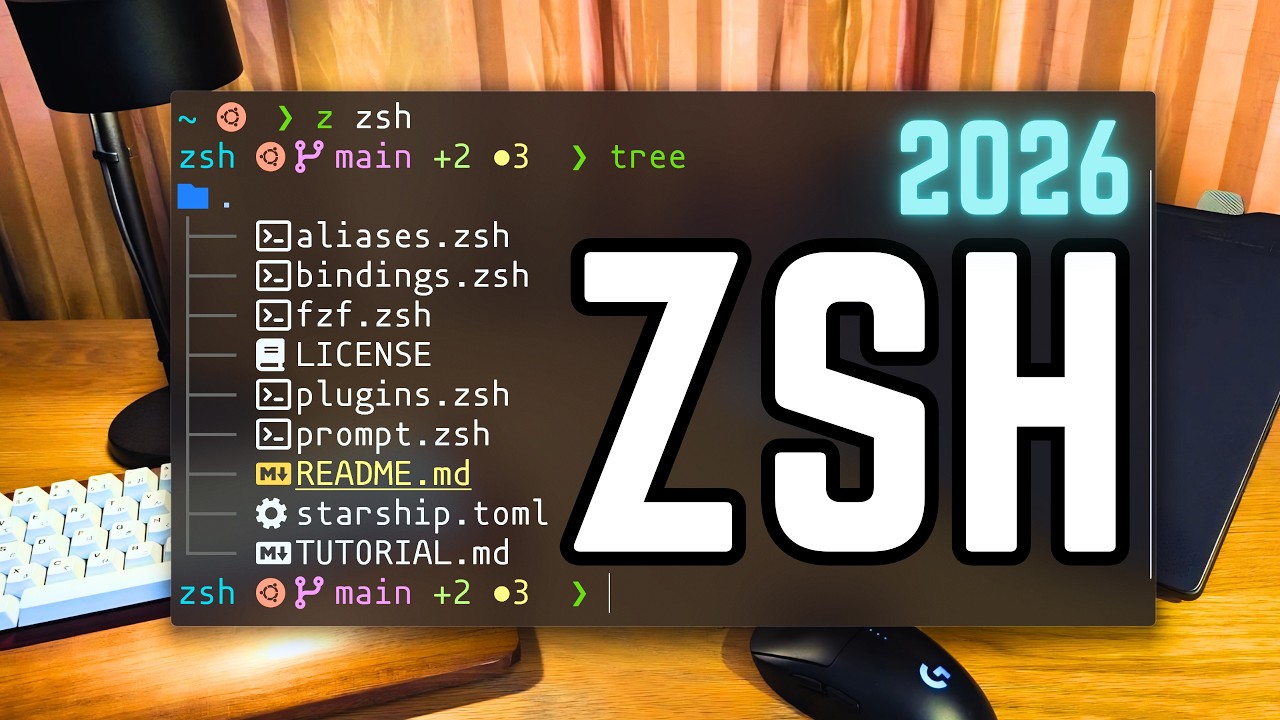
1 Introduction & Overview
00:00The video builds a minimal but powerful Zsh configuration — no frameworks, no plugin managers, just a clean setup you control completely. The key tools introduced:
- Zoxide — smart directory jumping (remembers where you've been)
- FZF — fuzzy finder for history, files, and directories
- Bat — beautiful man pages and file previews
- Starship — a stylish, cross-platform prompt
- exa, fd, ripgrep — modern replacements for ls, find, grep
Everything is documented in a companion GitHub repository with commands for macOS, Arch Linux, and Ubuntu.
2 Installing Zsh & Setting Default Shell
00:53 01:24Install Zsh if not already present (macOS ships with it by default):
sudo pacman -S zsh          # Arch
sudo apt install zsh        # Ubuntu
Set Zsh as your default shell:
chsh -s $(which zsh)
Log out and back in. The default Zsh prompt shows hostname%.
3 Zsh Configuration Files Explained
02:26- .zshenv — loaded for ALL sessions (interactive + scripts). Best for environment variables.
- .zprofile — login shells only. Homebrew recommends setting PATH here on macOS.
- .zshrc — interactive shells only. Main config file for day-to-day use.
- .zlogin — login initialization tasks (rarely used).
- .zlogout — cleanup on logout (rarely used).
4 Setting Up XDG & ZDOTDIR
04:22 06:09Edit the system-wide zshenv to redirect Zsh config to ~/.config/zsh:
sudo nvim /etc/zsh/zshenv
Add:
export XDG_CONFIG_HOME="$HOME/.config"
export ZDOTDIR="$XDG_CONFIG_HOME/zsh"
Create the directory and verify:
mkdir -p ~/.config/zsh
echo $XDG_CONFIG_HOME   # → /home/<user>/.config
echo $ZDOTDIR            # → /home/<user>/.config/zsh
5 User-Level .zshenv — Environment Variables
07:14 08:55Create ~/.config/zsh/.zshenv with:
- XDG directories: XDG_DATA_HOME, XDG_CACHE_HOME, XDG_STATE_HOME
- EDITOR variable (nvim, vim, nano, etc.)
- GPG_TTY=$(tty) — for GPG passphrase prompts
- PATH: append
~/.local/bin
Create supporting directories:
mkdir -p ~/.local/state/zsh
mkdir -p ~/.cache/zsh
6 .zshrc — History & Shell Behavior
10:00Key history settings:
HISTFILE="$XDG_STATE_HOME/zsh/history"
HISTSIZE=100000
SAVEHIST=100000
Options enabled:
- appendhistory — append, don't overwrite
- sharehistory — share across sessions
- hist_ignore_all_dups — no duplicate entries
- hist_ignore_space — prefix with space to hide from history
- hist_expire_dups_first — evict old duplicates first
- autocd — type directory name to cd into it
- nobeep — silence terminal bell
- numericglobsort — correct numeric file sorting
7 Zoxide — Smarter Directory Navigation
11:33 17:45Install and initialize:
sudo pacman -S zoxide
# Add to .zshrc:
eval "$(zoxide init zsh)"
- Remembers every directory you visit
z <name>+ Tab → jumps to matching directoryzi→ interactive directory picker- Frecency algorithm: recent + frequent = higher priority
8 Zsh Completion System
12:10autoload -Uz compinit && compinit- Comp dump stored in
$XDG_CACHE_HOME/zsh/zcompdump - Interactive completion menu enabled
- Case-insensitive matching configured
9 FZF — Fuzzy Finder Setup
13:19 13:50Install FZF: sudo pacman -S fzf
Source paths vary by system:
- macOS (Homebrew):
/opt/homebrew/opt/fzf/... - macOS (Intel):
/usr/local/opt/fzf/... - Arch Linux:
/usr/share/fzf/ - Ubuntu:
/usr/share/doc/fzf/...
The .zshrc conditionally sources the correct path — all conditions can coexist.
10 Modular Configuration
14:46Split config into purpose-specific files, all sourced from .zshrc:
├── .zshenv # environment variables
├── .zshrc # main config (sources the rest)
├── fzf.zsh # FZF customization
├── aliases.zsh # command aliases
├── bindings.zsh # key bindings
├── plugins.zsh # plugin loading
└── prompt.zsh # Starship prompt init
11 FZF Customization
15:16 16:38Three key shortcuts configured in fzf.zsh:
- Ctrl-T — search files/folders (includes hidden files, strips CWD prefix)
- Ctrl-R — search command history with preview pane
- Alt-C — search and jump to directories
Later enhanced with bat preview 22:08 for syntax-highlighted file previews.
12 Modern CLI Tool Replacements
18:20sudo pacman -S exa fd ripgrep bat
- exa → replacement for
ls(icons, git info, tree view) - fd → replacement for
find(nicer syntax, very fast) - ripgrep (rg) → replacement for
grep(Rust-based, very fast) - bat → replacement for
cat(syntax highlighting, line numbers)
13 Aliases
19:29# exa aliases alias ls="exa --icons" alias ll="exa -l --icons --git -h" alias la="exa -la --icons --git -h" alias tree="exa --tree --icons" # Tool replacements alias cat="bat" alias find="fd" alias grep="rg" # Misc alias diff="diff --color" alias -="cd -" alias vim="nvim"
14 Man Pages with Bat & FZF Preview
21:39 22:08In .zshenv, set the pager for colorized man pages:
export MANPAGER="sh -c 'col -bx | bat -l man -p'"
FZF preview integration uses bat for syntax-highlighted file previews when browsing with Ctrl-T and Ctrl-R.
15 Plugin Management — No Plugin Manager
24:12 25:13A simple custom function in plugins.zsh handles everything:
- Checks if plugin is installed; if not, clones it
- Provides
zplugin-updatecommand for updates - Plugin directory:
~/.config/zsh/plugins/
Four plugins installed:
- zsh-syntax-highlighting — colors valid/invalid commands
- zsh-autosuggestions — ghost text from history
- zsh-history-substring-search — up/down filters history by input
- zsh-vi-mode — Vim keybindings in the shell
Plugins auto-install on first shell launch. Update manually with zplugin-update.
16 Key Bindings & Vi Mode
26:11Configured in bindings.zsh:
- Vi mode cursor: block in normal mode, beam in insert mode
- Command-mode highlight disabled (less visual clutter)
- Ctrl-Right / Ctrl-Left — move word by word
- Ctrl-F — file picker without hidden files
- Ctrl-\ — toggle autosuggestions off (useful for screencasts)
- Up/Down — substring history search
17 Starship Prompt
27:41 28:16Install and configure:
sudo pacman -S starship
# In prompt.zsh:
eval "$(starship init zsh)"
- Cross-platform (Linux, macOS, Windows)
- Presets available (e.g., "pastel-powerline")
- Replaces powerlevel10k (now in maintenance mode)
Custom starship.toml stored in $ZDOTDIR so it travels with dotfiles:
export STARSHIP_CONFIG="$ZDOTDIR/starship.toml"
The custom theme keeps everything on one line with the Linux distribution icon.
18 Final Demo & Closing Thoughts
30:56 31:59Final configuration structure:
├── .zshenv
├── .zshrc
├── fzf.zsh
├── aliases.zsh
├── bindings.zsh
├── plugins.zsh
├── prompt.zsh
├── starship.toml
└── plugins/
├── zsh-syntax-highlighting/
├── zsh-autosuggestions/
├── zsh-history-substring-search/
└── zsh-vi-mode/
Demos shown: substring search, vi mode, syntax highlighting, autosuggestions, git integration in prompt.
On Atuin: The creator doesn't use Atuin (a history sync tool) because FZF + built-in history with the plugins provides sufficient functionality. Atuin's sync feature may be useful for multi-device setups.
✦ Key Takeaways
- No frameworks or plugin managers needed — keep full control
- Use XDG Base Directory spec to organize config files cleanly
- Split config into modular files for maintainability
- Modern Rust-based CLI tools (exa, fd, rg, bat) dramatically improve the terminal experience
- Zoxide + FZF = fast, intelligent navigation and search
- A simple custom plugin loader replaces heavy plugin managers
- Starship provides a beautiful, fast, cross-platform prompt
- The entire setup is portable — clone the repo, done