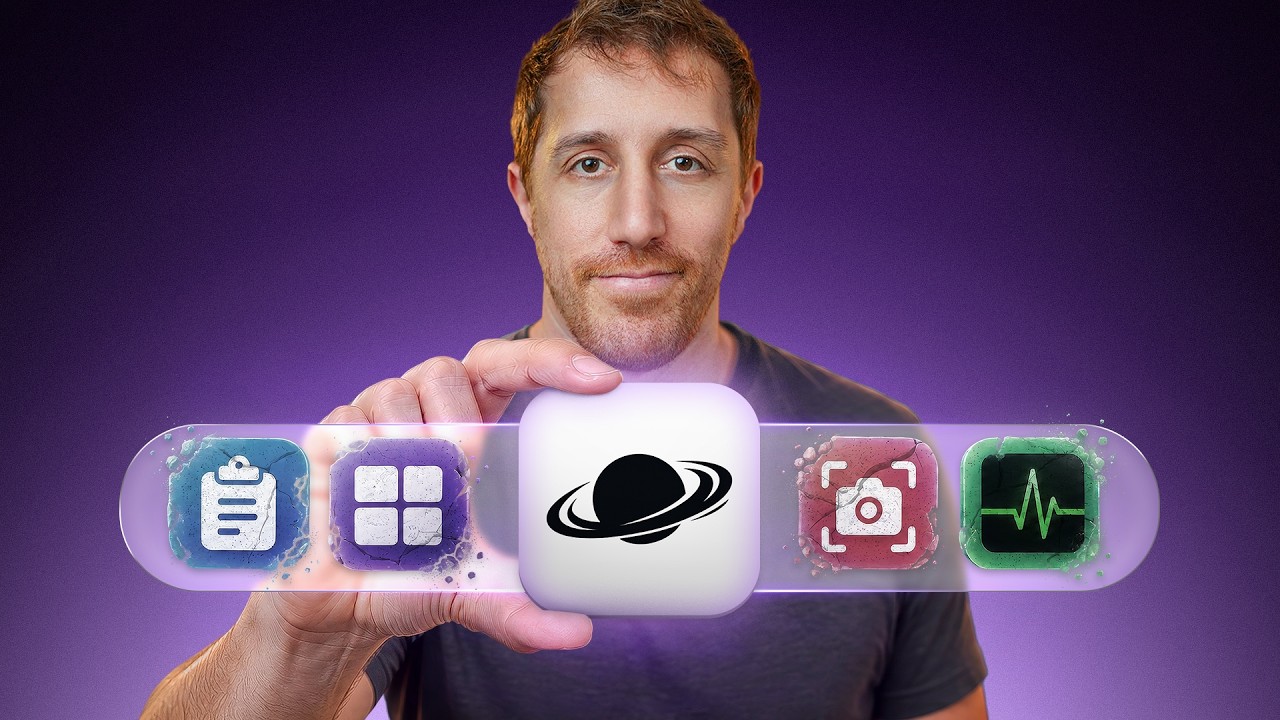
0:00What if you could get "10 times more" from macOS — better app switching, resource control, cleanup, text expansion, screen capture, per-app volume — packed into one free, open-source app? DevOps Toolbox takes "the missing macOS layer" for a real spin and asks whether it's actually worth it.
What it is
0:39It's a single menu bar icon that "makes a dozen others redundant." The host opens with ~13,000 stars on GitHub and an actively maintained repo (he found CI running on a commit pushed minutes earlier). The project started as a private/internal app, was renamed, and went open source in June 2026. It's built in Swift and covers the feature set of several separate utilities — a system monitor, a tiling manager, an app switcher, a clipboard/snippets tool, and more — all under one icon.
The backstory
1:03The developer is completely anonymous, which the host flags as a genuine concern given all the permissions the app requests. 1:16In a Reddit post they shared, they explain they'd been a Windows user their whole life, joined a company ~10 months earlier, got a Mac, eventually bought their own MacBook, and built this because macOS was missing various Windows-style conveniences. 1:29The one thing that can't stay hidden: macOS apps must be signed with an Apple developer ID, which can be reversed with Apple's codesign utility — so the author isn't fully anonymous in practice, just not publicly named.
Per-app audio mixer
2:05The feature that drew the host in: an app-specific audio controller — the ability to turn the volume down for Zoom only. He calls it "the most interesting invention of our times." 3:54In practice the mixer works well for apps that are actively playing, though it needs slightly better filtering (some Finder/keyboard/config entries show up as noise). One deliberate quirk he found: Zoom is skipped by the mixer by design, so meeting audio always keeps playing — he notes the change log confirms this is intentional.
The app switcher
8:42macOS's default Cmd+Tab switcher is fine but limited; this one shows live previews of every app's current state instead of just icons. 9:04The host's self-described "killer favorite": it's also a fuzzy picker — type where you're going and you're there. "FZF on my app switcher is something I never thought of." You can show apps that have no windows (like Finder), set per-app rules, and see all windows of a given app. He did hit some accessibility glitches after heavy customization and is watching whether it's responsible for some odd macOS behavior — "hopefully a glitch that'll be fixed soon." There's also a "quit on close" toggle, since macOS famously keeps apps running after their last window closes (he wants Slack gone from the dock when he closes it, but Finder always on).
Screenshots + cleanup
6:19The screenshot tool goes beyond the native macOS capture: select a region, then bin/save/copy — or generate a temporary shareable link right from the panel, or drop into an internal editor for arrows, text, drawings, and pixelation. Share links are publicly hosted on the Vorssaint domain. It also ships a quick panel for favorites, with Ctrl+Cmd+V as the default shortcut. 7:14The cleanup utility scans and found a surprising 24 GB of candidates — orphan items, caches, logs, and "Jesus, 12 gigs of Xcode junk" — then recovered 17 GB in one pass. The companion uninstaller is the host's favorite bit: it removes not just the app package but the leftover files — libraries, cookies, config files — that uninstalled apps leave behind.
The rest of the kit
5:52A monitoring board shows CPU, GPU, battery, temperature, and network (in case you're "unknowingly part of a botnet"), each toggleable onto the status bar. Beyond that: a quick camera preview (no more starting a Google Meet just to check your webcam), a scratch-pad notes app with tabs, a URL cleaner that strips UTM/tracking tags, and text snippets — a direct competitor to the open-source Espanso, with name/trigger pairs and interpolation (dates, times, clipboard contents). All integrations and per-feature shortcuts live in a central settings panel.
The Raycast comparison
11:20Throughout testing, the host's brain kept asking one of two things: "wait, Raycast has this" or "can I find a Raycast extension for it?" His honest take: Raycast is one of the most generous free tiers in software, but it's still a company with a paid service — and there's been recent backlash over it starting to charge for AI usage on top of keys users already pay for (with a "Paycast" subreddit for disappointed users). His verdict: there's "more than some Raycast overlap," but each has its own place — Vorssaint's fully-local, account-free, no-telemetry model is genuinely different, and they're not sharing everything he wants to run daily. He recommends downloading it and playing around.
Claims checked
Vorssaint is real. vorssaint/vorssaint-utils — "Free and open-source macOS menu bar toolkit," Swift, GPL-3.0, created 2026-06-12, last push today (Oct 10). Live GitHub API count: 25,840★ / 1,091 forks.
Star count is stale in the video. The host says "13,000 stars"; the repo is now at 25,840★ — it has roughly doubled since the number he quoted, consistent with it being a fast-rising viral repo.
Auto-caption garbles normalized: "Vorce" / "Versant Utils" → Vorssaint (vorssaint-utils), "Versant domain" → Vorssaint domain, "June 26" → June 2026, "Alub" → AltTab, "SKHD" → skhd, "stats" → Stats.
KeeperDB (Keeper Security) is the mid-roll sponsor — a multi-protocol database management tool (PostgreSQL, MySQL, MariaDB, SQL Server, Oracle, Redshift, SQLite) with vault-delivered credentials, PAM governance, and a consent-gated AI co-pilot. Sponsor segment, link omitted.