1. The Guide & the New Effort Default
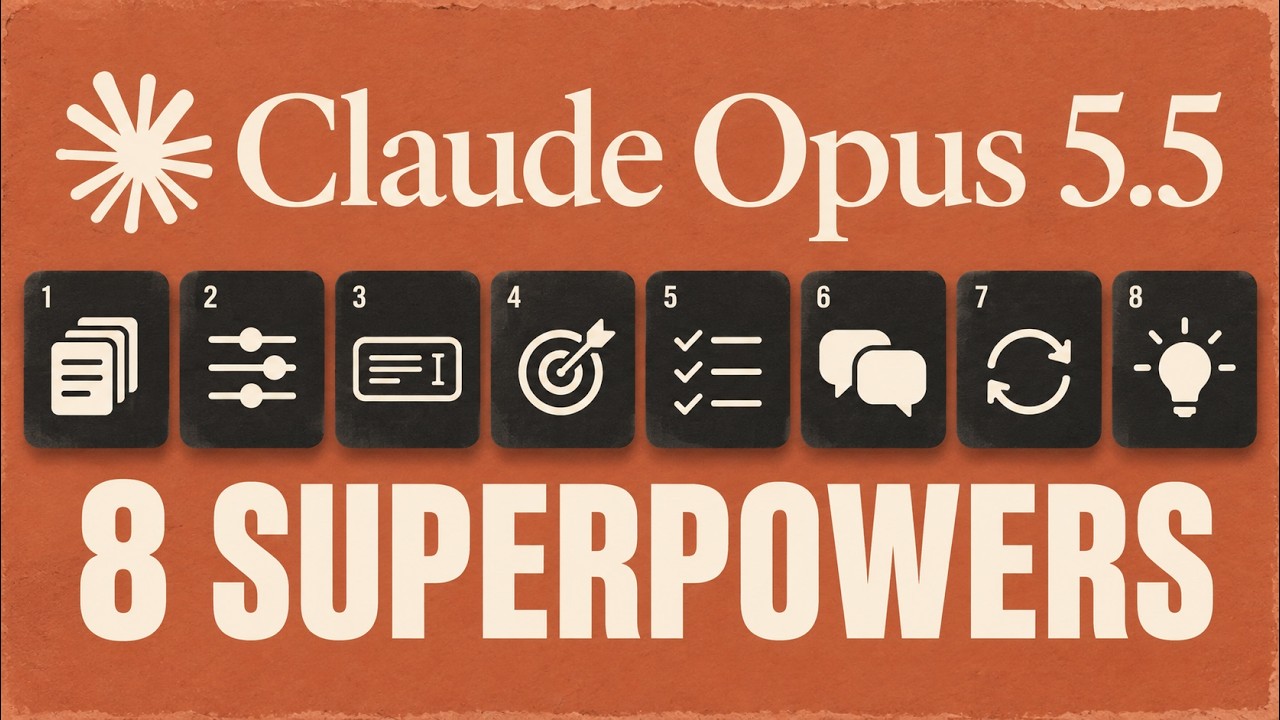
▶ 0:00Anthropic published an official guide to prompting Claude Opus 5.5, and Brock Mesarich's framing is blunt: some of your old habits are now wasting tokens. He speedruns the eight biggest takeaways — what changed, what to stop doing, and the practical examples that come with each. A few of the tips, he admits, surprised even him.
The first concrete change is the one most people will miss because it's silent: the default effort level dropped from high to medium. Opus 5 defaulted to high effort; Opus 5.5 defaults to medium. Effort is the dial that controls how much work the model puts into thinking before it answers — so the default change quietly alters how the model behaves out of the box.
Anthropic's advice is to start at medium and test it on your own tasks rather than blindly carrying over the higher setting you used with previous models. The crucial nuance: the same effort level does not mean the same amount of thinking across models. If you keep your old configuration, you can end up with longer turns and more output tokens for no benefit. Lower the effort first when you want less thinking, and reserve the highest settings for places where you've actually measured a benefit.
For developers there are two extras: leave enough room for thinking tokens, and change effort in a way that doesn't invalidate the prompt cache. For everyone else, the practical test is to run the same task at two effort levels — give Claude the same two proposals and the same requirements, compare medium versus high, and ask whether one missed a requirement, whether one recommendation was more useful, and how long each took. A longer answer alone does not prove the higher effort was worth it.
2. Drop the "Think Carefully" Instructions
▶ 1:47If you have built up a long system prompt over time, this tip is worth a pass over it. Anthropic says instructions like "think carefully before answering" may be unnecessary for Opus 5.5, because the model already decides how much to think — and effort is now the main control for that. In Anthropic's own test, removing those instructions made replies start sooner with no clear decline in quality.
There is a second, subtler behavior documented in the guide: Opus 5.5 can go back over an earlier answer while thinking about a new message, even a simple follow-up. The guide provides an instruction that tells it to treat previous answers as settled unless you question them — which reduces unnecessary rework. But it is a trade-off: during research, analysis, or any task where new evidence appears, you may actually want Claude to revisit earlier conclusions.
Mesarich's sharpest point here is about vague versus specific thinking prompts. Writing "think deeply and carefully" does not tell Claude what makes the answer useful to you — which is probably why you are not getting the outputs you want. A specific prompt — "compare these two proposals against my requirements, recommend one, and explain the trade-off you made" — still asks for thoughtful work but gives it a concrete target to aim at.
3. Make Claude Check Every Source
▶ 3:13Opus 5.5 tends to get to work very quickly — useful, but a liability in a workflow that spans several apps. The task might depend on information the request does not mention: a deadline that changed in an email, a rule sitting on another spreadsheet tab. Anthropic's recommendation is to ask Claude to look through relevant sources before acting, rather than assuming the first document contains everything.
The guide's screenshot instruction tells the agent to explore emails, documents, spreadsheet tabs, and records that could be relevant — including ones the task did not specifically name. Anthropic found this improved completion on its own multi-app tests, at the cost of slightly more tool calls and tokens. The two conditions are that the sources are actually accessible, and that the agent is not blindly acting on untrusted material.
The example is concrete: you ask Claude to write a project update from an original brief that says the deadline is Monday, but a later email moves it to Friday. If Claude only reads the brief, it produces a polished update with the wrong day. The fix is a prompt that explicitly asks it to check both sources before drafting — giving it a specific reason to look beyond the first file you handed it.
4. Separate Your Request from Pasted Content
▶ 4:37When you paste an email or webpage into a message, two different things are present: your request and somebody else's content. That content may contain instructions of its own — and those instructions are not necessarily yours. This is a prompt-injection boundary, and Anthropic's recommendation is to mark it clearly.
The everyday principle is simple: make it obvious what you want Claude to do and which material you are asking it to read or analyze. Start with the job — "summarize this email" — then paste the email in separately, so the request and the source material stay visibly distinct. It is trivial to do, but the guide flags it as genuinely important when prompting Opus 5.5.
5. Why Claude Can Seem Silent
▶ 5:14One of the more counter-intuitive tips: Opus 5.5 can produce progress updates that a custom app does not display. If you built the app, check that it can receive and show those updates — asking Claude to "talk more" will not fix updates the app is silently hiding.
The fix is to tell Claude when you want an update rather than leaving the timing open, and to choose useful moments: when work starts, when a review finishes, and when a result is delivered. The example asks for an update after files are reviewed and again when a draft is ready to send, with Claude working between updates — which gives you visibility without turning every step into an approval request. For fully automated setups, the guide explains how to send a limited number of reminders instead.
6. A Finished Reply Isn't a Finished Task
▶ 5:57The companion trap to silence is the opposite: with Opus 5.5, a progress update can end a turn while work is still outstanding. List what you expect to receive and keep track of unfinished items. For an automated agent, the app itself must check for completion — a checklist alone is not a guarantee. If a background task is still running, wait for its results before calling the job done.
Anthropic provides extra instructions for agents that run unattended — they can use more time and tokens and should still preserve necessary approvals. The longer instruction targets one simple problem: report the next step instead of taking it. It asks an unattended agent to continue work that does not need your input, while real blockers and required approvals still matter.
The example gets at the same idea from the output side: tell Claude what done includes — name the outputs, whether a report, a source list, and a summary. If one is missing, point to it directly ("finish that item or explain the blocker") instead of a vague "keep going."
7. Give Claude a Clear Design Direction
▶ 6:56Opus 5.5 still falls back on default website styles, and Anthropic's line is memorable: "less generic" often just swaps one default for another. Asking for less generic leaves most choices open, so the model defaults to the next generic style. This is an existing best practice rather than a new Opus 5.5 feature, but it matters when prompting this model.
The stronger prompt names the specifics: a background, a headline style, a button shape, and specific spacing — using your own preferences or a reference image as the example. Give concrete visual feedback and refine what comes back instead of leaving the design direction implicit.
8. Help Claude Read Small Details
▶ 7:41The last tip is about visual inputs: Anthropic reports that Opus 5.5 reads visual material more accurately than Opus 5 without extra tools. But dense charts and tiny labels still benefit from a sharp original and a close-up. If image tools are available, Claude can crop and inspect the details itself.
Point Claude to the exact label or part of the image that matters, let it crop when tools are available, or attach your own close-up alongside the original. And ask it to say when a detail is unreadable rather than guess — which gives you the signal to provide more context instead of silently getting a wrong reading.
Key Takeaways
- The effort default quietly dropped from high to medium. Start at medium and test — keeping your old high-effort config now buys longer turns and more output tokens for no measured gain.
- Same effort ≠ same thinking across models. Never assume the effort level that worked on Opus 5 means the same thing on Opus 5.5.
- "Think carefully" is now largely redundant. Removing it made replies start sooner with no quality decline — effort is the real control.
- Tell it to check every source. Opus 5.5 starts fast and will trust the first document — ask it to look for the deadline or rule that lives in another tab or email.
- Separate your request from pasted content. Pasted text can carry instructions that aren't yours — mark the boundary explicitly.
- Silence is usually a display bug, not a thinking bug. If you built the app, check that it shows progress updates before telling Claude to "talk more."
- A finished reply can hide unfinished work. Name the expected outputs and point at the missing one instead of saying "keep going."
- "Less generic" is meaningless. Name the background, headline style, button shape, and spacing — or attach a reference image.
Timestamp Index
- 0:00 — Anthropic's Opus 5.5 prompting guide
- 0:21 — Tip 1: The new default effort level
- 1:47 — Tip 2: Drop the "think carefully" instructions
- 3:13 — Tip 3: Make Claude check every source
- 4:37 — Tip 4: Separate your request from pasted content
- 5:14 — Tip 5: Why Claude can seem silent
- 5:57 — Tip 6: A finished reply isn't a finished task
- 6:56 — Tip 7: Give Claude a clear design direction
- 7:41 — Tip 8: Help Claude read small details