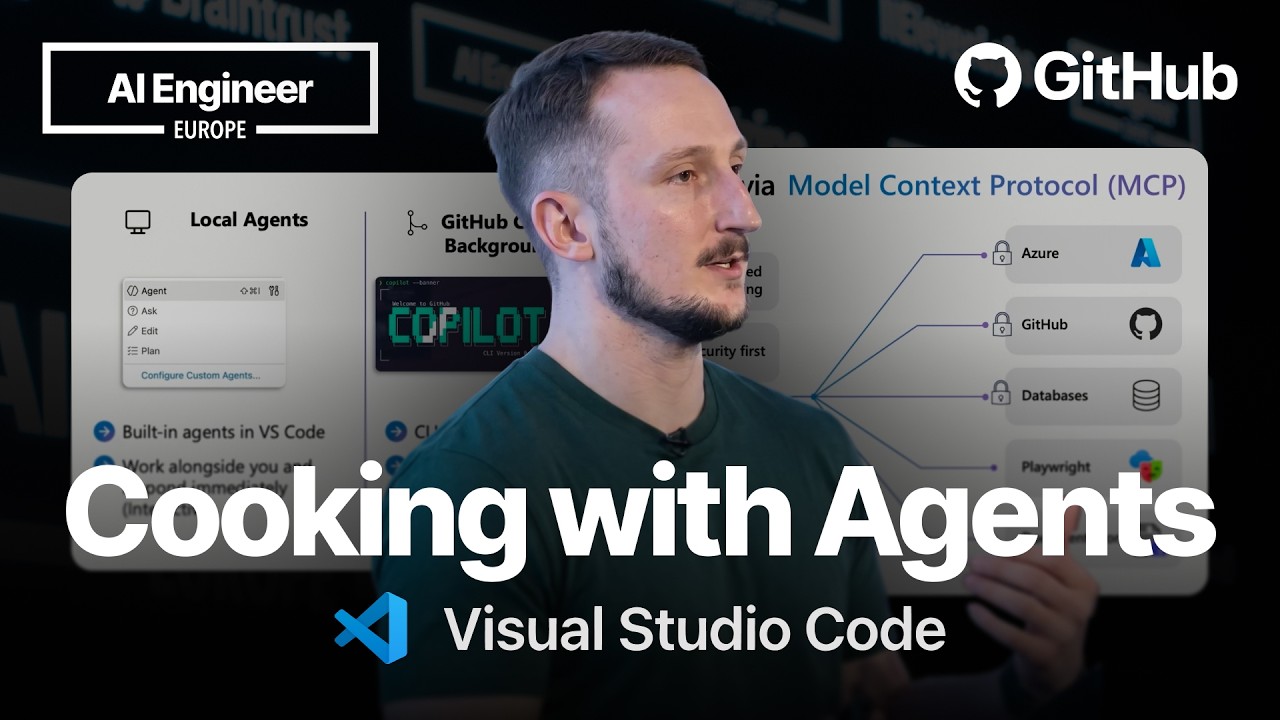
1 Introduction & The Agent Landscape
▶ 00:16 Liam opens by acknowledging the explosion of AI agents across CLIs, terminals, chat windows, and editors — and warns against the "agents can solve the world's problems" mindset. Developers still attempt one-shot prompts expecting complete applications or fixes in a single request.
▶ 01:16 From a business perspective, companies are asking about ROI and productivity boosts, yet AI infrastructure spending hasn't delivered proportional returns. The key message: be deliberate about how you use AI tools and be mindful of token spend.
▶ 01:42 Fun anecdote: a viral repo gained popularity by making LLMs "talk like a pirate" — the compressed language actually reduces token expenditure while maintaining quality.
2 Types of Agents: Local, Background & Cloud
▶ 02:38 Three distinct agent categories:
🟢 Local Agents
- Run inside VS Code on your local machine
- Use remote models (GPT, Claude) or local ones
- Side-by-side, hands-on — human in the loop
- Maximum developer control
🟠 Background Agents
- Via GitHub Copilot CLI (also in VS Code)
- Isolated via Git worktrees
- Semi-autonomous (50/50 oversight)
- Autopilot mode (preview) — skips confirmations
🟣 Cloud Agents
- Scale outside your organization
- Leverage GitHub cloud services
- Best for hands-off tasks
- Run in GitHub Actions (isolated)
Git worktree explained: A branch mapped to an isolated subdirectory — its own working copy with an associated branch, similar to a regular Git branch but physically separated.
3 When to Use Each Agent Type
✅ Writing Tests
- Hands-on with tests
- Understand the codebase deeply
- "In the weeds" approach
✅ Building UI / Front-end
- 50/50 oversight
- Arduous, time-consuming tasks
- Don't want to be fully out of the loop
✅ Documentation
- READMEs, contribution guidelines
- Making repos open-source friendly
- Fully hands-off
4 VS Code as the Single Entry Point
▶ 05:29 The core thesis: VS Code serves as a unified entry point for all AI agent interactions. It supports:
- Third-party agent integrations (Claude, etc.)
- Background agents via CLI
- Local agents in the editor
- Remote/cloud agents
- All accessible from a single developer workflow
5 Live Demo: Three Agents, One Codebase
▶ 05:56 Liam demonstrates running three different agent types simultaneously on a single Python CRUD (product store) application.
Step 1 — Background Agent: Create Front-End UI
- References GitHub issue #25 ("add a front end")
- Uses CLI background agent with Autopilot mode
- Prompt: "Summarize and plan a solution to issue 25"
- Instructs agent to stop before creating PR for local testing
- Agent works in a Git worktree (isolated directory)
Step 2 — Cloud Agent: Open-Source Documentation
- Repo is not open-source friendly
- Prompt: "Make this open source friendly, add all necessary files"
- Handles README, contribution guidelines, etc. — fully hands-off
Step 3 — Local Agent: Write Unit Tests
- Uses a custom test-writing agent in VS Code
- Selects Claude Opus 4/6 with medium reasoning
- Writes tests → runs them → tests pass
- ▶ 08:46 Iterates: updates error handling and tests
Results
▶ 09:41 All three agents complete successfully:
- ✅ Tests pass (local agent)
- ✅ PR created (background agent via worktree)
- ✅ Documentation generated (cloud agent)
6 How Cloud Agents Work Under the Hood
- Run inside GitHub Actions (isolated environment)
- Extended context via MCP servers:
- GitHub MCP server (repository operations)
- Playwright MCP server (screenshot-based front-end testing)
- Dynamic workflows support
- Built-in safeguards:
- Network firewalls with whitelisted access
- No direct access to main branch (must go through PRs)
- Restricted and secure by design
7 Customization: Instructions, Skills & Agents
▶ 12:33 Four customization layers (applicable to Copilot AND other AI tools):
📋 Custom Instructions
Define how the agent behaves
🤖 Custom Agents
Specialized agents for specific tasks (e.g., test writing)
📝 Prompt Files
Pre-built prompts for common tasks
⚡ Agent Skills
Newer version of agents.md — reusable capabilities
8 VS Code Chat Customization Modal
▶ 13:29 Liam walks through the VS Code chat settings (via the cog icon in Copilot chat pane):
- Agents — Custom agents + built-in (Ask, Explore, Plan)
- Skills — Pre-configured actions (Address PR comments, Create PR) — editable
- Instructions — Custom instruction files
- Prompts — Built-in templates (e.g., "create an agent")
- Hooks — Event-triggered automations
- MCP Servers — External tool integrations
▶ 14:44 Third-party support: Claude plugins, hooks, instructions, and skills are all accessible from the same modal. Not restricted to GitHub Copilot.
9 Resources: Awesome Copilot & MCP Servers
Awesome Copilot
- Open-source project: aka.ms/awesomecopilot
- Collection of skills and customizations
- Works with Copilot but adaptable to other AI tools
- Also available as an MCP server
MCP (Model Context Protocol)
- Extends LLM capabilities by connecting to external services
- Authenticated: Azure, GCP, AWS resources
- Free/open: Playwright, Microsoft Learn documentation
- Full MCP spec support in VS Code