1. The Problem: Skills Without Evals ▶ 0:00
Philipp opens with a simple audience poll that reveals a stark gap in the ecosystem:
Everyone — virtually the entire audience raises their hand.
Most — a large majority.
Almost nobody — hands drop dramatically.
Skill Bench indexed over 50,000 skills from GitHub — almost none had evals. Most were AI-written and not properly tested. Because agents are non-deterministic, you often can't tell whether a task fails because the skill is bad or because the task itself is too challenging.
When you use agents (Claude Code, Cursor), you have context — you'll notice if a skill doesn't trigger correctly. But when customers use your agent, they have no idea what a "skill" even is. They won't start their prompt with "use the refund skill." The skill must trigger reliably on its own, and without evals, you have no way to guarantee that.
2. What Is a Skill? Two Types ▶ 2:28
A skill = a folder with a skills.md file + additional assets. Skills work on the principle of progressive disclosure:
Layer 1 — Title + Description
Always in context ~100–200 tokens cost. This is what the model sees on every call to decide whether to activate the skill.
Layer 2 — Skill Body
More detailed instructions, loaded only when the skill triggers.
Layer 3 — Reference Files
Deep context (examples, API docs, schemas) for the most complex scenarios.
Two Kinds of Skills
Temporary Capability Skills
Teach models something they can't do consistently yet — e.g., tracing logs, creating React apps with specific patterns.
These are temporary. As models improve, evals tell you when to retire them. Without evals, you'll pay token cost for a skill the model no longer needs.
Durable Preference Skills
Encode team-specific workflows, style preferences, company conventions, domain-specific knowledge.
These are durable — foundation models won't learn your internal standards. They need protection via evals to prevent regressions.
3. Do Skills Work? Skill Bench Results ▶ 4:15
Skill Bench 1.1 evaluated open and closed models across different harnesses. The headline result:
+15%
Average performance improvement from skills across ~100 tasks (coding + productivity, multiple languages)
Key Findings
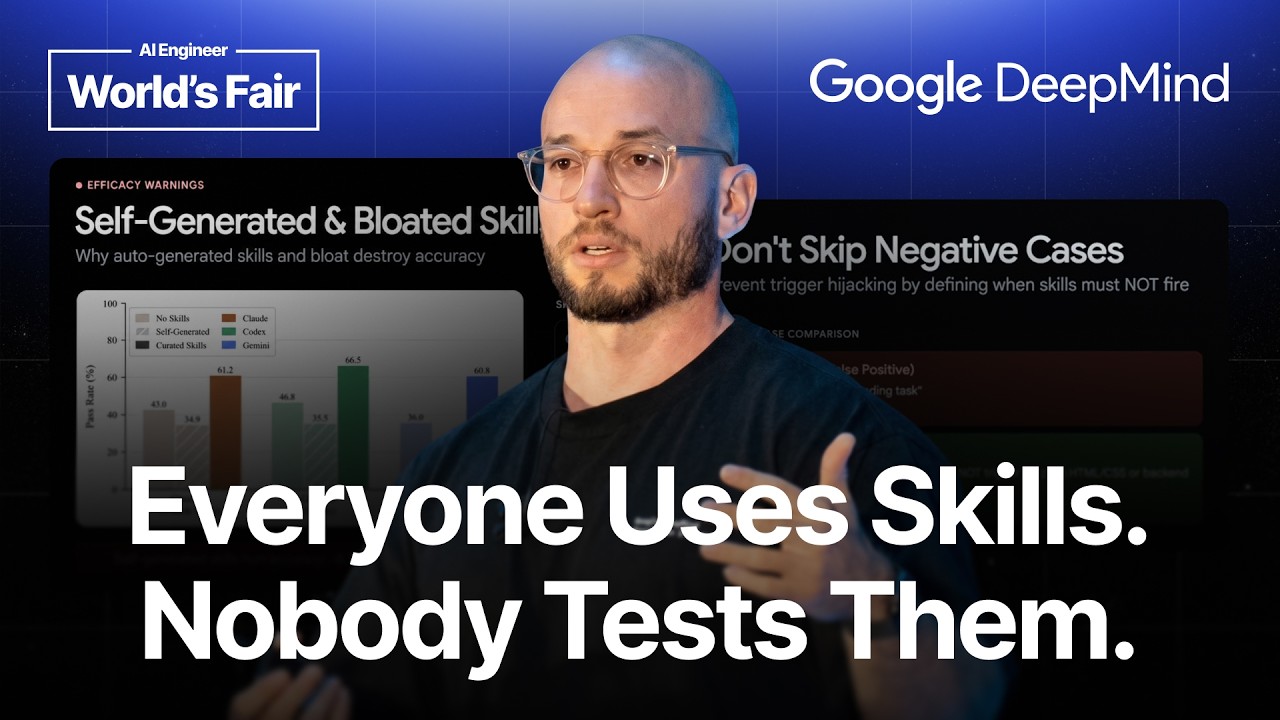
- Human-written skills are the best. AI-generated skills can negatively impact performance. ▶ 5:00
- Skills.md files should be below 500 lines/words — shorter, focused skills outperform verbose ones.
- Model-triggered skills activate based on context/description — the model decides. Essential for customer-facing agents.
- User-invoked skills (slash commands) are underestimated — great for workflow tasks like creating PRs, staging docs. ▶ 5:34
4. 8 Tips for Writing Great Skills ▶ 6:37
Tip 1: Description Is Critical ▶ 7:00
The description is the why, how, and when for the model. Bad descriptions cause over-triggering or under-triggering. 50% of skill failures are due to incorrect triggering — the skill never fired, or fired on the wrong task.
Tip 2: Write Directives, Not Essays
Good "Use the Interactions API if working on a chat app"
Bad "The Interactions API is recommended for multi-chat because it provides enhanced session management capabilities and..."
Tip 3: Keep Lean, Layer Information ▶ 7:55
The description cost is paid on every model call. Put only what's needed for triggering decisions in Layer 1. Push detailed instructions to Layer 2 and reference material to Layer 3.
Tip 4: Set Right Level of Freedom ▶ 9:03
If the workflow is always the same, write a script instead. For skills, define goals and constraints, not step-by-step procedures. Let the agent choose the path.
Tip 5: Don't Skip Negative Cases ▶ 9:56
Specify when NOT to use the skill.
Good "Only for React components"
Bad "For web development tasks" — too broad, will over-trigger on Vue, Angular, etc.
Tip 6: Test Early ▶ 10:36
Create 10–20 prompts: 5 happy path + 5 negative + production traces if available. Even this small set reveals surprising failures.
Tip 7: Kill No-Ops ▶ 11:06
(Credit to Matt Pocock) — AI-generated skills include instructions that don't change behavior: "write clear code," "follow best practices," etc. Remove them. They waste tokens and add noise.
Tip 8: Know When to Retire ▶ 11:49
Run evals with and without the skill. If the model achieves the same performance without it, retire the skill and save tokens. This is the only way to know — you need ablation tests.
5. Practical Example: Gemini Interactions API Skill ▶ 12:22
Google DeepMind needed a skill for the new Gemini Interactions API — released after the last Gemini training cutoff, so the model had zero context about it.
Test Case Sources
- Real user data
- Synthetic cases
- User feedback
The infrastructure was deliberately simple: a JSON file with test cases (prompt, language, should_trigger, expected_checks) + a Python script running the Gemini CLI coding agent. No fancy platform needed.
6. The Eval Harness Design ▶ 14:00
The eval harness is intentionally lightweight:
Test Case Structure
{
  "prompt": "Build a chat app with streaming",
  "language": "typescript",
  "should_trigger": true,
  "expected_checks": [
    "uses @google/genai SDK",
    "calls createSession()",
    "handles streaming responses"
  ]
}
Eval Approaches (cheapest → most expensive)
Regex-Based
Check correct SDK, correct model, correct methods, no old patterns. Very cheap — no LLM-as-judge needed. Sufficient for most skill evals.
LLM-as-Judge
For complex skills where regex isn't enough: use a rubric with pass/fail criteria on the output. More expensive but handles nuanced evaluation.
7. Google DeepMind's Skill Eval Workflow ▶ 15:56
The DeepMind team runs a CI-style eval pipeline for every skill change:
- Tests/evals sit alongside every skill — they're co-located, not separate.
- Each test has multiple cases with different prompts covering happy paths and negative cases.
- Clean workspaces for isolated runs — agents can cheat by finding previous context.
- Startup commands for environment setup (installing dependencies, configuring the workspace).
- Script evals (regex on traces) + LLM-as-judge for expectations.
- Evals run on every change to the skill (CI-style pipeline).
🚫 The Gate Rule
Changes are NOT merged if they don't improve test cases. You can only change a skill if it improves the eval or adds new evals. Every modification requires regression tests.
8. 10 Best Practices & Homework ▶ 17:14
10 Best Practices for Skill Evals
- Skill description is critical — 50% of failures stem from triggering issues.
- Write directives over passive informational text.
- Include negative tests — verify the skill does NOT trigger on out-of-scope prompts.
- Start small — 10–20 samples is enough to reveal major issues.
- Test outcomes, not paths — check what the agent produced, not how it got there.
- Isolated runs — agents cheat by finding previous output/context in the workspace.
- Run 3–6 trials per case — agents are non-deterministic; single runs are meaningless.
- Test across different harnesses — Claude Code, Cursor, Codex may behave differently.
- Keep evals even when retiring skills — detect regression, reintroduce if needed.
- Run ablation tests — with/without skill. The only way to measure true impact.
📝 Homework
- Pick your most-used skill
- Write 5 test prompts (3 happy path + 2 negative)
- Remove no-ops (instructions that don't change behavior)
- Run an ablation test: with skill vs. without skill
Key Takeaways
- Almost none of 50,000+ indexed skills have evals — most are AI-written and untested.
- Skills improve performance by ~15% on average (Skill Bench 1.1).
- Human-written skills outperform AI-generated skills.
- Two types: capability skills (temporary, retire when model improves) and preference skills (durable, protect with evals).
- Skills.md should be under 500 lines — keep lean, layer information.
- Description is critical — 50% of failures due to incorrect skill triggering.
- Write directives, not essays. Specify negative cases (when NOT to trigger).
- Kill no-ops — remove instructions that don't change agent behavior.
- Most skill evals can be simple regex checks — no LLM-as-judge needed.
- Google DeepMind runs evals on every skill change — changes don't merge without improving tests.
- Run ablation tests: with and without skill loaded — only way to know when to retire.
- Start small: even 5–10 eval samples reveal surprising failures.