📋 Overview
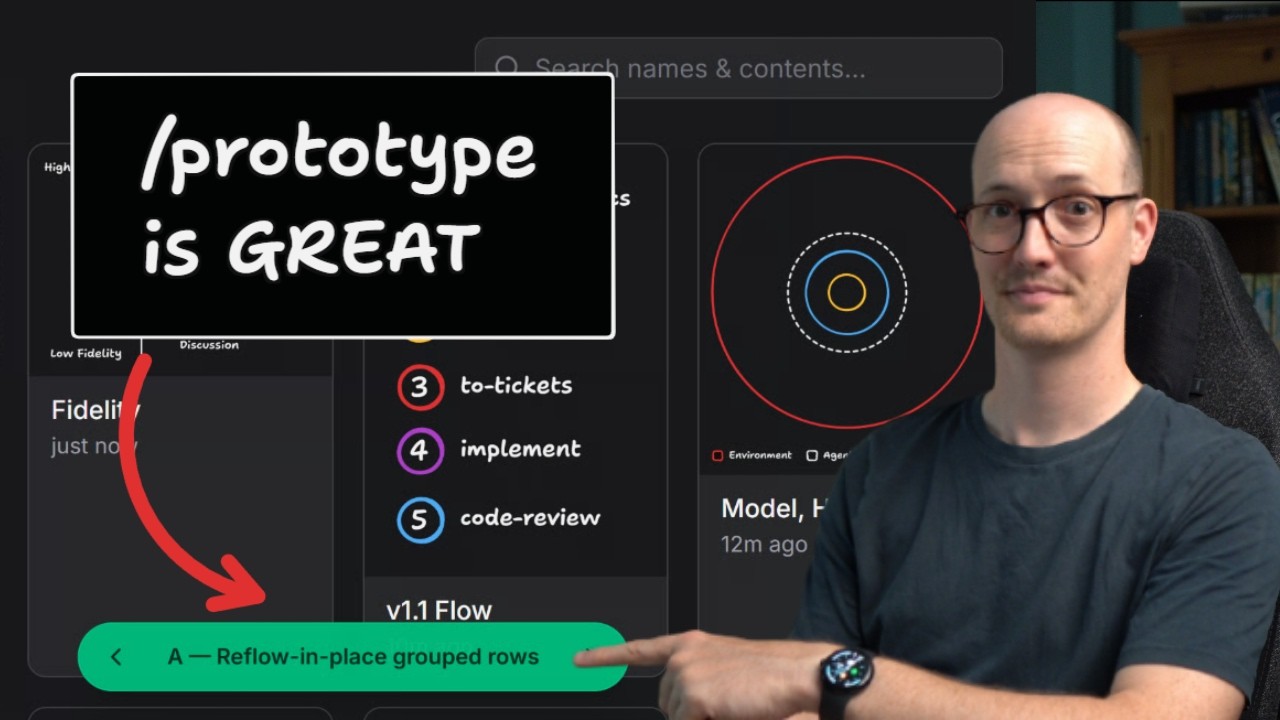
Matt Pocock makes the case that the AI coding community is over-investing in detailed specs and under-investing in prototyping. With the cost of producing code dropping dramatically thanks to AI agents, throwaway prototypes have become the most efficient way to answer design questions and produce higher-quality results. He introduces his /prototype skill (part of the broader Wayfinder planning system), demonstrates it live on a search UI for his TLDraw-based diagramming app, and shows how iterating on real, running code produces richer feedback than any written spec ever could.
1 The Problem with Spec-Driven Development ▶ 0:00
Matt opens with a direct challenge to the prevailing wisdom in the AI coding community: people over-invest in creating detailed specs. The common refrain is "I need to create a spec for AI, plan mode, spec-driven development" — pouring all effort into making an extremely detailed specification so outputs match perfectly.
The reality check: prototyping and spikes have been around since the Agile days. These aren't new concepts — they've been proven effective for decades. What's changed is that the cost of producing code has gone way down with AI agents, making prototypes cheaper and more effective than ever before.
What is a Prototype?
Matt defines a prototype simply: throwaway code that answers a question. It's part of his skills repo. It's not code you ship — it's code you learn from. The key insight is that when code is cheap to produce, the calculus shifts heavily in favor of building something you can see and interact with rather than writing exhaustive specifications.
2 Fidelity — Low vs High ▶ 1:31
Matt introduces the concept of fidelity as the central framework for deciding when to spec vs. when to prototype.
Low Fidelity Questions
Basic questions like "should we have a cancel button or a confirm button?" are low fidelity — they can be resolved through discussion alone. You don't need to build anything to answer them.
High Fidelity Questions
But when a modal needs to show data under certain circumstances — how would you display the data? It becomes hard to figure out exactly how things should look and behave during the planning phase. These are high fidelity questions that benefit enormously from road-testing ideas in semi-working code.
Because producing prototypes is cheaper than ever, Matt tends to want more discussions at a higher fidelity:
- Basic stuff → resolved through discussion (a "grilling session" with the agent)
- Anything that needs to be seen or felt in action → ask for a prototype
3 The Prototype Skill & Wayfinder Integration ▶ 2:55
Prototyping is part of Matt's new Wayfinder skill — a planning system that takes a huge chunk of work and splits it into different planning sessions. Each session gets its own ticket.
Two Ticket Types
- Grilling type (default) — chatting with the agent, figuring out scope, resolving low-fidelity questions through discussion
- Prototype ticket type — when you need to raise the fidelity, making a cheap, rough, concrete artifact to react to
What Counts as a Prototype?
A prototype can be many things: an outline, a rough stab at UI, logic, or code. It's invoked via the /prototype skill, and the resulting artifact is linked as an asset to the planning session. Use it whenever "how should it look" or "how should it behave" is a key question that can't be answered on paper.
/prototype raises the fidelity of individual planning sessions when discussion alone isn't enough.4 Live Demo — Search UI Prototype ▶ 4:01
Matt demonstrates the workflow live. He uses Wayfinder to extend his diagramming app (built on TLDraw). The challenge: he wants a way to search through old diagrams that have a complex data model — diagrams plus snapshots through time.
He runs /prototype, which creates a picker at the bottom with three options (A, B, C):
Option A: Reflow in Place — Grouped Rows
Snapshots grouped by diagram name. The search box placement is nice, but the grouping doesn't feel right.
Option B: Filter Panel on the Left Side
A sidebar filter panel approach — a more traditional layout pattern.
Option C: Everything Inline, No Filters
Everything displayed inline without separate filter controls. Matt liked this layout best but identified some issues with "current" items showing alongside diagram snapshots.
5 Iterating on the Prototype ▶ 5:46
The prototyping session took about 100,000 tokens. Matt compacts the context and does more QA. Compacting makes sense here — you need to retain information about the prototype and design decisions, but you only need to provide feedback, not the full history.
The Feedback Loop
Matt dictates his feedback naturally: he likes the search box from Option A and the layout from Option C. This creates design decisions that build up into a super rich asset.
This is the critical advantage: the prototype branch becomes a living reference that captures not just what was decided, but working code demonstrating how it should work.
6 Version D — The Converged Result ▶ 7:07
The agent creates Version D, combining the best feedback from previous iterations. It now has:
- ✅ The search box from Option A
- ✅ The inline layout from Option C
- ✅ Duplicates removed
- ✅ Clicking items actually works
- ✅ Loads of functionality "just done"
Next Steps After Prototype
With the prototype considered complete, the next step is to pass it off to an AFK agent that will:
- Plug in everything to the real codebase
- Delete old prototype code
- Make it compliant with the original spec
The prototype served its purpose — answering questions about how the UI should look and behave — and now the implementation can proceed with confidence.
7 Why High-Fidelity Discussions Deliver Better Results ▶ 8:20
Matt reflects on why this approach produces such strong results: it all comes down to high-fidelity discussion.
He addresses the common complaint directly:
The feedback loop is the secret weapon. You're not trying to imagine what something will look like from a written description — you're reacting to real, running code, which produces fundamentally better feedback.
8 Beyond UI — Logic Prototypes ▶ 8:54
While front-end work benefits enormously from prototypes (because "how should it look" is notoriously hard to answer in discussion), Matt emphasizes this isn't just a UI technique.
Logic & State Machine Prototypes
For complicated back-end work, the question becomes: "Does this logic, does this state model feel right?" For anything reasonably complex or that needs to work in the real world — build a prototype.
Two Branches of Prototyping
- UI Prototypes — "how should it look?" → visual, interactive mock-ups
- Logic Prototypes — "does this state model feel right?" → terminal apps, state machine exercisers
Both branches have their own reference docs telling the agent exactly how to produce each type of prototype.
9 The Key Insight — Bridge the Gap ▶ 10:05
Matt closes with the fundamental insight that ties everything together:
The prototype bridges the gap between abstract planning and concrete implementation. Instead of one giant leap (spec → production), you take two smaller steps (spec → prototype → production), each of which is manageable and produces better results.
Intellectual Lineage: Shape Up
Matt gives a shout-out to Shape Up by Ryan Singer — "an extremely good book, very influential." He read it around 2019 and it "totally changed how Matt builds applications." The book is totally free to read online.
🎯 Key Takeaways
📚 Resources & Links
-
Don't waste time on specs: /prototype instead Original video by Matt Pocock · 10:59
-
Shape Up Free book by Ryan Singer (Basecamp) — "totally changed how Matt builds applications"
-
Matt Pocock's GitHub Skills repo containing the /prototype and Wayfinder skills
-
TLDraw The diagramming framework Matt's app is built on
⏱ Timestamp Index
| Time | Topic |
|---|---|
| ▶ 0:00 | The Problem with Spec-Driven Development |
| ▶ 1:31 | Fidelity — Low vs High |
| ▶ 2:55 | The Prototype Skill & Wayfinder Integration |
| ▶ 4:01 | Live Demo — Search UI Prototype |
| ▶ 5:46 | Iterating on the Prototype |
| ▶ 7:07 | Version D — The Converged Result |
| ▶ 8:20 | Why High-Fidelity Discussions Deliver Better Results |
| ▶ 8:54 | Beyond UI — Logic Prototypes |
| ▶ 10:05 | The Key Insight — Bridge the Gap |