Introduction & Overview 0:00
First proper tutorial for the skills repo — covering the main flow that handles most of your work.
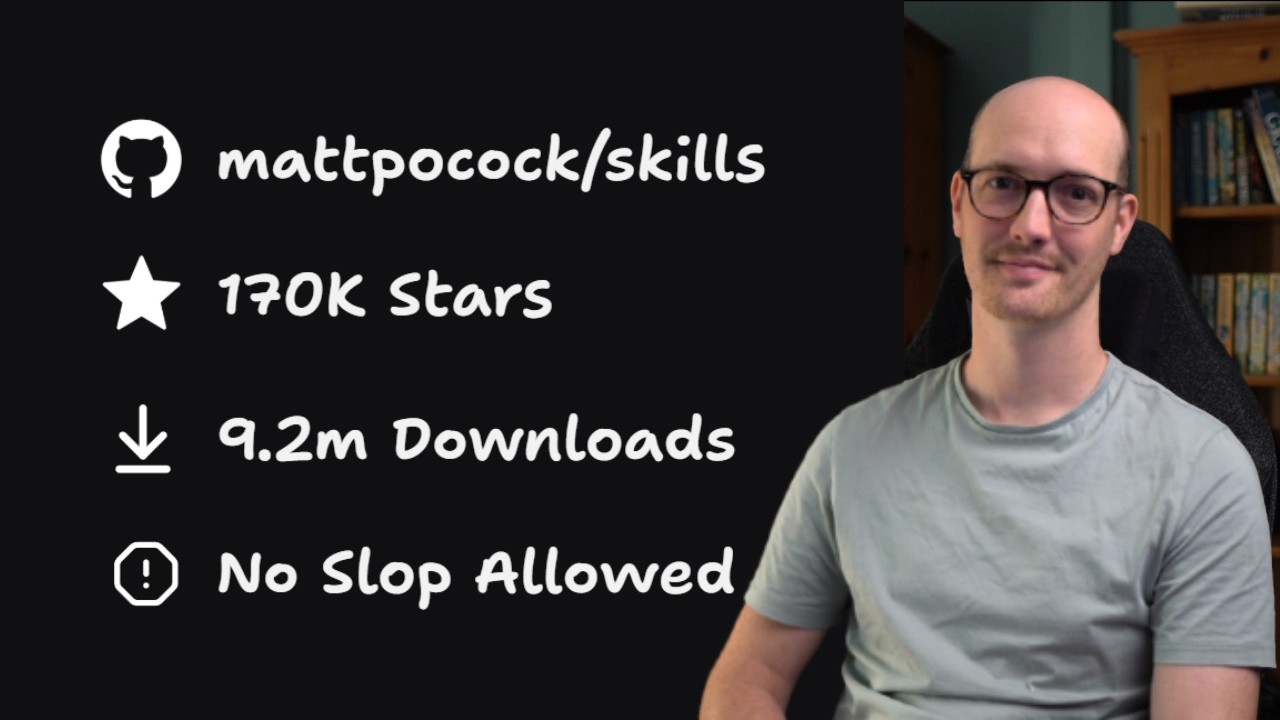
- The mattpocock/skills repo has reached 162K+ stars and 7.5M downloads with 38 skills total
- This is the first proper tutorial — focused on the main flow, not advanced or new features
- Works on both brownfield (existing) and greenfield (new) codebases
- Demo uses the AI Hero CLI repo as a real-world example
Installing the Skills Repo 0:54
One-command install that works with any coding agent and any project structure.
npx skills@latest add mattpocock/skills
- Requires Node.js installed on your machine
- Skills installer built by Vercel
- 38 skills in two groups:
- Official — Matt's blessed, public-facing skills
- Experimental — may be deleted at any time
- Select all official skills during install
- Choose your coding agent: Claude Code, Cursor, Codex, etc.
- Installation scope:
- Project — committed to repo, shared with team
- Global — for solo devs, applies everywhere
- Symlink recommended over copy — stays up to date automatically
Running Setup & Configuration 4:34
One-time project setup that configures your issue tracker, labels, and domain documentation.
/setup-matt-pocock-skills to configure your project
The setup configures three things:
- Issue tracker — works with anything: GitHub, local markdown, Jira, Linear — just tell the agent what you use
- Triage labels — standardized labels for ticket communication between you and the agent
- Domain documentation —
context.md+ ADR (Architecture Decision Record) files:- Single context — for 99% of users, one context file
- Multi context — for monorepos with multiple packages
Creates links in claude.md to issue tracker docs, triage labels, and domain docs.
Ask Matt Skill 6:52
Matt Pocock as a skill — an AI persona that knows everything about the skills repo.
/ask-matt — Ask it "how do I get started?" to learn the main flow
- Knows everything about the skills repo — structure, philosophy, recommended usage
- Recommends starting with grill-with-docs as the entry point
- Emphasizes being context-window conscious
- Introduces the "smart zone" concept — the range of context where AI agents perform best
Grill With Docs Interview 8:31
The starting point of the main flow — an interactive interview that builds shared understanding.
/grill-with-docs + your idea (can be vague)
- Agent explores the codebase first, then asks targeted follow-up questions
- Typically 6–20 questions depending on complexity
- Uses auto mode, not plan mode
- Goal: reach shared understanding between you and the agent
- Produces a plan as output
- If work fits one session →
/implementdirectly - If needs multiple sessions →
/to-specthen/to-tickets
Creating Specs & Tickets 10:08
Compress the entire discussion into a spec, then break it into implementable tickets.
Step 1: /to-spec
- Compresses all discussion (46.1K tokens in the demo) into a detailed spec document
- Saved to your configured issue tracker
- Spec = destination — what it looks like when done
- Contains: problem statement, solution, user stories, implementation decisions, testing decisions
Step 2: /to-tickets
- Turns spec into an implementation plan of discrete tickets
- Each ticket = one context window / one smart zone
- Real example: 11 sub-issues generated from one spec
- Tickets are short — acceptance criteria lives in the main spec
Implementation & Code Review 13:51
Implement tickets one at a time with automatic code review via sub-agents.
- Clear context between each ticket — essential for staying in the smart zone
- Command:
@tickets implement thisfor each ticket - Don't do all tickets at once — one ticket per session
Code review runs automatically as part of /implement, checking two axes:
- Compare work against original spec — catches forgotten items
- Check against repo's coding standards — or Martin Fowler defaults if none defined
Workflow Recap 16:22
The complete end-to-end flow distilled into three phases.
/grill-with-docs — reach shared understanding with the agent
/to-spec + /to-tickets — compress into spec, break into tickets
/implement — execute tickets one by one with auto code review
- This main flow handles most work — everything else is experimental improvements
- For small tasks: skip steps 2 — go directly from grill-with-docs to implement
- Sign up for the newsletter for day-of updates on new skills
✅ Key Takeaways
- 162K stars, 7.5M downloads, 38 skills — only 660 tokens context load
- Skills are user-invoked, not auto-loaded (unlike most skills repos)
- Install:
npx skills@latest add mattpocock/skills - Works with any agent: Claude Code, Cursor, Codex, etc.
- Works with any tracker: GitHub, Jira, Linear, local markdown
- Main flow: grill-with-docs → to-spec → to-tickets → implement
- Small work: grill-with-docs → implement (skip spec/tickets)
- Smart zone: ~140K tokens — beyond = attention degradation
- Each ticket = one context window session
- Code review via sub-agents (main agent biased toward own code)
/ask-matt= Matt as a skill, knows everything about the repo- Single context for 99% of users, multi-context for monorepos