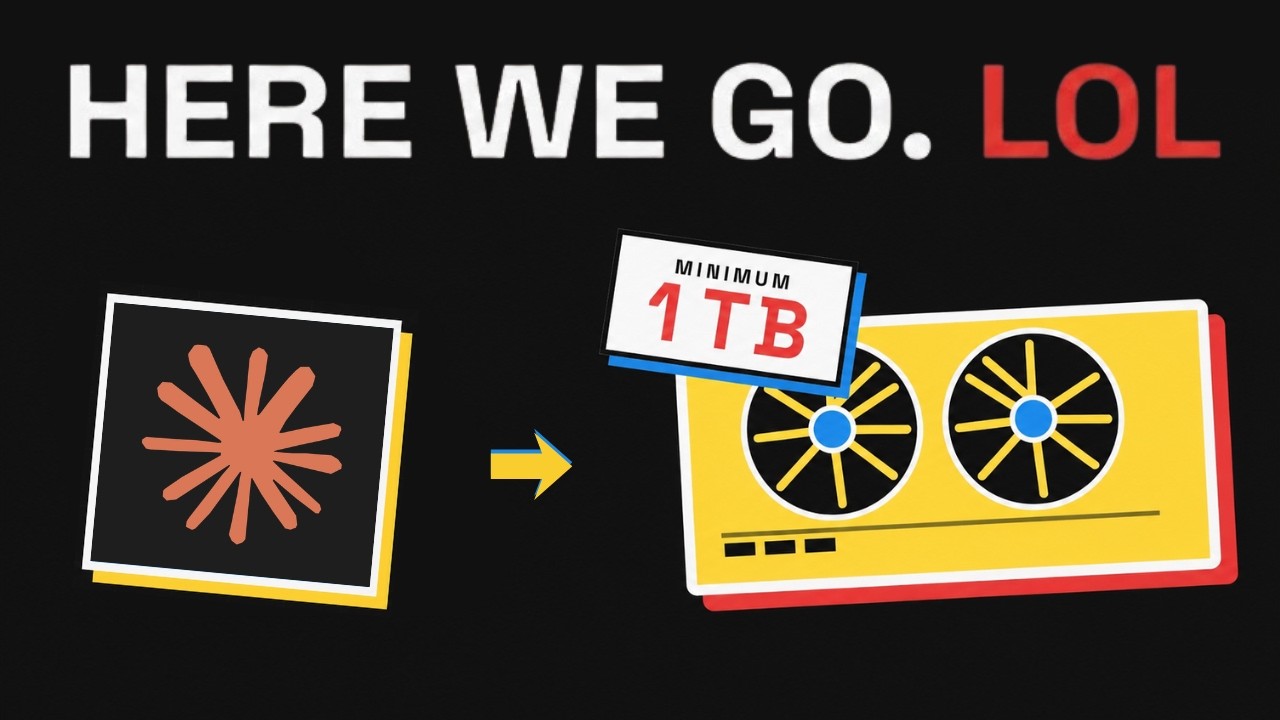
🤖 Can Local AI Replace Claude? 0:00
The question every AI engineer is asking: can you actually run frontier-class models locally and ditch the API? With open-weight models reaching parity with proprietary ones, the allure of self-hosted inference has never been stronger — but the reality is far more nuanced than "just download the weights."
Kai frames the video around a practical cost analysis, moving past the hype to crunch real numbers on hardware, memory, power, and total cost of ownership.
💡 The Question Everyone Is Asking 0:50
Why this matters now: open models like Kimi K-3 are reaching frontier-level performance. If they're as good as Claude, why not run them yourself? The answer comes down to infrastructure — and the numbers are staggering.
The economic equation isn't just "buy a GPU." It's a multi-variable problem spanning hardware purchase, power draw, cooling, networking, rack space, and operational maintenance. Most teams underestimate every single one of these factors.
🔄 Why We Use Kimi K-3 Instead of Claude 1:11
Since Claude's weights aren't publicly available, Kai uses Kimi K-3 as a proxy — a 2.8 trillion parameter Mixture-of-Experts model that's comparable in both scale and performance to Claude Fable 5.
Architecture: Mixture of Experts (MoE) — only a subset of parameters are active per token, but the full model must still fit in memory.
Total Parameters: 2.8 trillion
Why it matters: MoE reduces compute per token but does NOT reduce memory requirements for loading the model. Every expert's weights must be accessible, even if only a few fire per inference step.
🧮 Memory Math Explained 2:18
The core calculation is straightforward: each parameter requires storage proportional to its numerical precision. At 2.8 trillion parameters, the numbers become enormous.
| Precision | Bytes/Param | Total VRAM | Quality Impact |
|---|---|---|---|
| FP16 (full) | 2 bytes | ~5.6 TB | Full quality, no degradation |
| INT8 | 1 byte | ~2.8 TB | Minimal quality loss |
| INT4 | 0.5 bytes | ~1.4 TB | Some quality loss, usable |
MoE helps with compute — only active expert parameters need processing power — but the full model must still be loadable in fast memory. You can't page experts in and out from disk at inference speed without catastrophic latency.
🍎 Can a Mac Studio Run Kimi K-3? 3:26
The Mac Studio M4 Ultra with 512GB unified memory sounds impressive — it's the most memory a single consumer device offers. But even at INT4 quantization, you need ~1.4TB. A single Mac Studio is less than 40% of what's required.
Available: 512 GB unified memory
Needed (INT4): ~1,400 GB
Deficit: ~888 GB short — you'd need 3+ Mac Studios with custom networking to bridge them, and even then, inter-device bandwidth becomes a massive bottleneck for inference latency.
🔥 Why 4 H100 GPUs Aren't Enough 4:01
Each H100 has 80GB HBM3. Four of them give you 320GB total — not even close to the ~1,400GB needed for INT4 K-3. You'd need 18+ H100 GPUs minimum, and that's before accounting for KV cache and activation memory overhead.
⚡ DGX B200 vs DGX B300 4:29
Nvidia's latest DGX servers consolidate multiple GPUs into a single, high-bandwidth system. Here's how they compare for running frontier-scale models:
| Hardware | GPUs | VRAM/GPU | Total VRAM | ~Cost | INT4 K-3? | INT8 K-3? |
|---|---|---|---|---|---|---|
| Mac Studio M4 Ultra | — | — | 512 GB | ~$10K | ✗ No | ✗ No |
| 4× H100 | 4 | 80 GB | 320 GB | ~$120K | ✗ No | ✗ No |
| DGX B200 | 8× B200 | 192 GB | 1,536 GB | ~$275K | ⚠ Barely | ✗ No |
| DGX B300 | 8× B300 | 288 GB | 2,304 GB | ~$400K+ | ✓ Yes | ⚠ Tight |
| 18× H100 | 18 | 80 GB | 1,440 GB | ~$540K+ | ⚠ Barely | ✗ No |
The DGX B300 emerges as the minimum viable server for comfortably running INT4 inference on a frontier-scale model. At $400K+, it's an enterprise-grade investment — and it's still tight for INT8.
🏭 Why Kimi Recommends 64+ GPUs 5:33
Kimi's own recommendation for efficient inference is 64+ accelerators. This isn't just about fitting the model in memory — it's about throughput.
- Expert parallelism: MoE models benefit from distributing different experts across different GPUs — 64 GPUs let you parallelize efficiently across the full expert set
- Concurrent request handling: Each concurrent request needs its own KV cache allocation, multiplying memory pressure
- Low latency: More GPUs means each GPU processes less data per token, reducing per-token latency
- Throughput: Production deployments need to serve multiple users — single-user inference on 8 GPUs ≠ production deployment
👥 100 Users ≠ 100 Requests 6:02
A common misconception: supporting 100 users doesn't mean handling 100 simultaneous requests. The key metric is concurrency, not headcount.
Typical concurrency ratio: 5-10% of total users
100 users → 5-10 concurrent requests at any given time
Hardware scaling: Going from 1 user to 100 users might need 3-5× the hardware, not 100×
But each concurrent request consumes additional KV cache memory and compute. The relationship is sub-linear but still significant.
🔌 Power, Cooling & Data Center Costs 7:09
Hardware cost is just the beginning. Running these systems 24/7 introduces substantial ongoing costs that many overlook.
- Power draw: DGX B300 pulls ~14kW continuously
- Annual power cost: $15,000–$30,000 per server (varies by electricity rate)
- Cooling: Liquid cooling infrastructure adds installation and maintenance costs
- Data center colocation: $5,000–$15,000/month for rack space, power, and connectivity
- Networking: NVLink between GPUs, InfiniBand between nodes — specialized, expensive cabling
Annual TCO Breakdown (Single DGX B300)
Estimated annual TCO: $230–380K/year for a single DGX B300 server supporting single-user inference.
☁️ Cloud vs Local: What Companies Actually Do 8:06
Reality check: most companies use cloud APIs. The economics only favor local deployment under specific conditions.
| Factor | Cloud APIs | Local Deployment |
|---|---|---|
| Upfront Cost | $0 | $300–400K+ |
| Per-request Cost | Pay per token | Near-zero marginal |
| Break-even Point | ~10,000+ daily requests | |
| Data Sovereignty | Data leaves premises | Full control |
| Maintenance | None | Dedicated team needed |
| Scaling | Elastic, instant | Hardware purchase lag |
| Model Updates | Automatic | Manual deployment |
⚖️ Final Verdict 8:50
Technically: Yes — with ~$300–400K in hardware for single-user inference.
Economically: Only sensible at very large scale (10,000+ daily requests) or when data sovereignty requires it.
For most teams: APIs win on cost, flexibility, and maintenance burden.
The open model performance gap is closing rapidly. But the infrastructure gap for local deployment remains enormous. Until consumer hardware catches up by an order of magnitude — or model architectures get dramatically more efficient — cloud APIs will remain the pragmatic choice for the vast majority of teams and individuals.
🎯 Key Takeaways
- Running a 2.8T parameter model locally requires ~1.4TB VRAM minimum (INT4) — no single consumer device can do it
- A 512GB Mac Studio can't even hold Kimi K-3 at INT4 quantization — you'd need 3+ units
- DGX B300 ($400K+) is the minimum viable server for comfortable INT4 inference of frontier models
- Kimi recommends 64+ GPUs for efficient production inference — it's about throughput, not just memory
- 100 users ≠ 100 concurrent requests — typical concurrency is 5-10%, so hardware scales sub-linearly
- Annual power and cooling costs ($15-30K per server) add significantly to TCO beyond hardware purchase
- Cloud APIs win for most teams — local deployment only makes sense at 10,000+ daily requests or for data sovereignty
- The open model performance gap is closing but the infrastructure gap for local deployment remains enormous