1 Speech to Text in Pi
Eero introduces pi-dictate, a Pi extension that brings native speech-to-text directly into the terminal. The workflow is beautifully simple:
- Alt+M to open the mic and start speaking
- Speak naturally — transcription computes in real-time while you talk
- Alt+M again to end and deliver the transcript
- Alt+N to discard the transcript if needed
Under the hood, the extension uses Deepgram Nova 3 for streaming transcription with near-zero latency, and Sox for audio processing and mic input. Setup requires just two things:
brew install sox- A Deepgram API key
2 Content-Aware Delivery
One of the extension's smartest features is content-aware delivery — the transcribed text isn't hardcoded to the main chat input. Instead, it routes to whichever UI element is currently focused.
Eero demonstrates this with Pi's "ask user question" tool. When the agent asks a question and provides a text field for your answer, you can dictate directly into that field. The transcript goes wherever your cursor is, not just the main prompt box.
This makes the extension genuinely integrated rather than a bolted-on feature. Any text field in Pi's interface becomes voice-enabled automatically.
3 Live Audio Meter
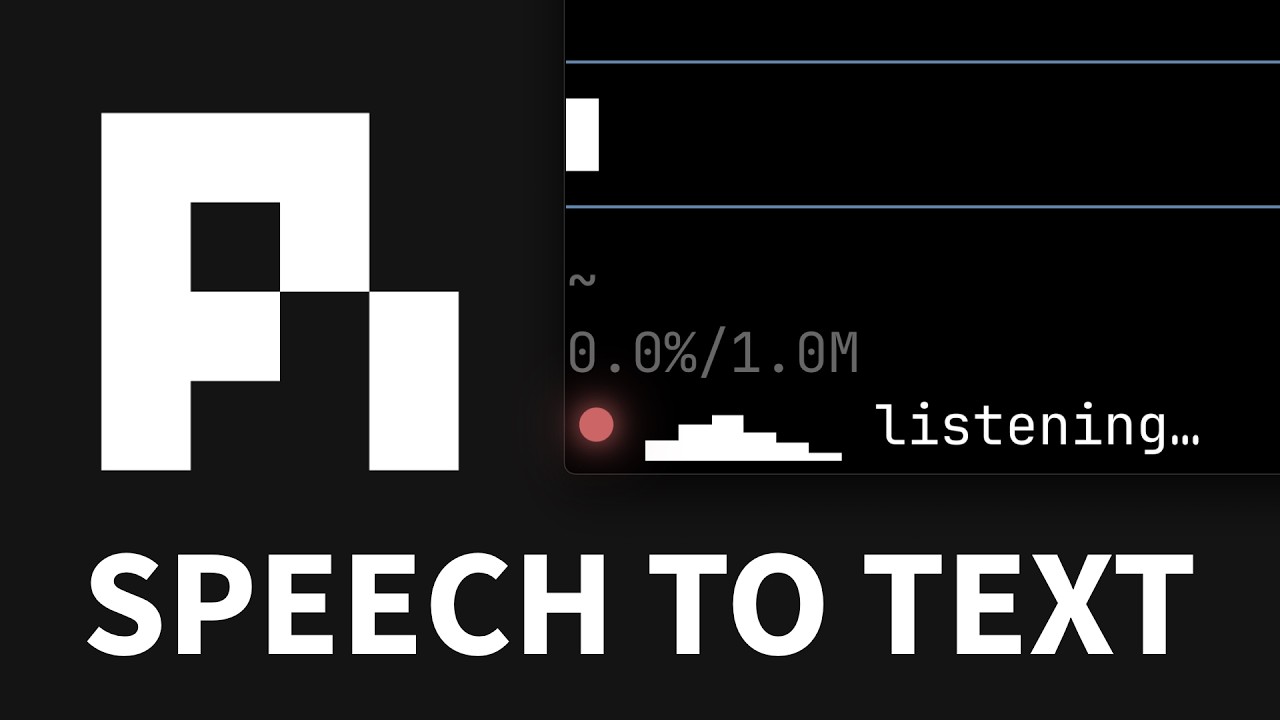
When dictation is active, a live audio meter appears at the bottom of the screen, giving instant visual feedback that the mic is working and audio is coming in.
This solves a common UX problem with voice input — the uncertainty of "is it actually hearing me?" The meter provides real-time confirmation that your audio is being captured.
The meter supports multiple visual styles:
- Solid blocks — traditional volume bar aesthetic
- Braille-style blocks — a more refined, terminal-native look
4 Meter Customization
Everything about the audio meter is configurable directly in the extension code. The key parameters:
meter_cells— controls how many bars wide the meter is (e.g. 12 for a wide display, 2 for minimal)meter_tick_milliseconds— how often the bars shift/updatemeter_floor— lower bound for audio level calibrationmeter_ceiling— upper bound for audio level calibration
You can go from a wide, detailed 12-bar meter to a minimal 2-bar indicator depending on how much screen real estate you want to dedicate. The floor and ceiling parameters let you calibrate the meter to your specific microphone and environment.
5 Why Not WhisperFlow?
Eero explains why he built pi-dictate instead of using existing tools like WhisperFlow:
- WhisperFlow "seemed like it was doing way too much" — feature bloat
- He wanted something minimal and purpose-built
- Since he's only using dictation inside Pi anyway, making it a native extension is the natural choice
- Avoids adding another desktop app and another subscription
The cost argument is compelling: Deepgram offers $200 in free credits. After 9.5 hours of transcription usage, Eero had used less than $3 of those free credits.
6 The Philosophy of Voice-Driven Development
The final section evolves beyond the technical into something more philosophical. Eero frames dictation as a quality of life improvement that fundamentally changes how you interact with AI agents.
Eero shares a key insight: he used to spend time carefully typing perfect prompts, but discovered that's usually unnecessary. Modern AI agents can absorb messy stream-of-consciousness input and still extract the intent.
For critical prompts where precision matters, Eero recommends a clever workflow:
- Spawn a separate session to "yap" into freely via voice
- Let the agent help refine and restructure your thoughts
- Paste the better-articulated version into the critical session
This two-stage approach combines the speed and naturalness of voice with the precision needed for high-stakes prompts.
🎯 Key Takeaways
- Native integration wins — Pi's extension system enables building speech-to-text directly in the terminal, eliminating the need for standalone apps
- Near-free, near-instant — Deepgram Nova 3 provides real-time streaming transcription with near-zero latency at negligible cost ($3 for 9.5 hours of use)
- Content-aware delivery — Transcripts route to whichever UI element is focused, not just the main chat input
- Minimalism over feature bloat — The extension replaces standalone dictation apps (WhisperFlow) with a focused, integrated solution
- Voice unlocks stream of consciousness — "Yapping" works because modern models can parse messy articulation and extract intent
- Two-stage refinement — For critical prompts, use a separate session to voice-draft, then paste the refined version