◉ Overview
Eric Michaud tackles two common AI workflow anti-patterns — an ever-growing system prompt and an ever-growing number of terminal tabs — by installing and configuring Pi subagents. He walks through the full process live: installing the pi-subagents package, fixing version mismatches, exploring built-in roles (scout, oracle, reviewer, planner, worker), running agents in foreground vs background mode, chaining agents asynchronously via Pi Intercom, and ultimately redesigning his main system prompt to stay lean while delegating research, review, and planning to specialized helper agents.
1 Two Dumb Problems
Eric identifies two anti-patterns he keeps falling into:
- Problem 1: System prompt bloat — he keeps adding more skills, MCP servers, and "hey remember this" instructions. His Pi prompt has grown to Claude Code levels of bloat, defeating the purpose of choosing a minimalist harness in the first place.
- Problem 2: Terminal tab explosion — in an attempt to maintain good context hygiene, he opens a new terminal for every task (research, coding, review). But each tab still inherits the bloated system prompt, so he's not actually saving tokens.
2 Why Pi Over Claude Code / Codex
Quick recap for those still using other agents: Pi is an agent harness like Claude Code or Codex, except way more stripped down. Claude Code and Codex come preloaded with features and skills. Pi ships with only four tools and lets you build custom integrations as needed — nothing is forced on you.
The appeal is starting lean. The problem is that once you use it daily, you inevitably start adding things back, recreating the same bloat you were trying to escape.
3 Desired Subagent Workflow
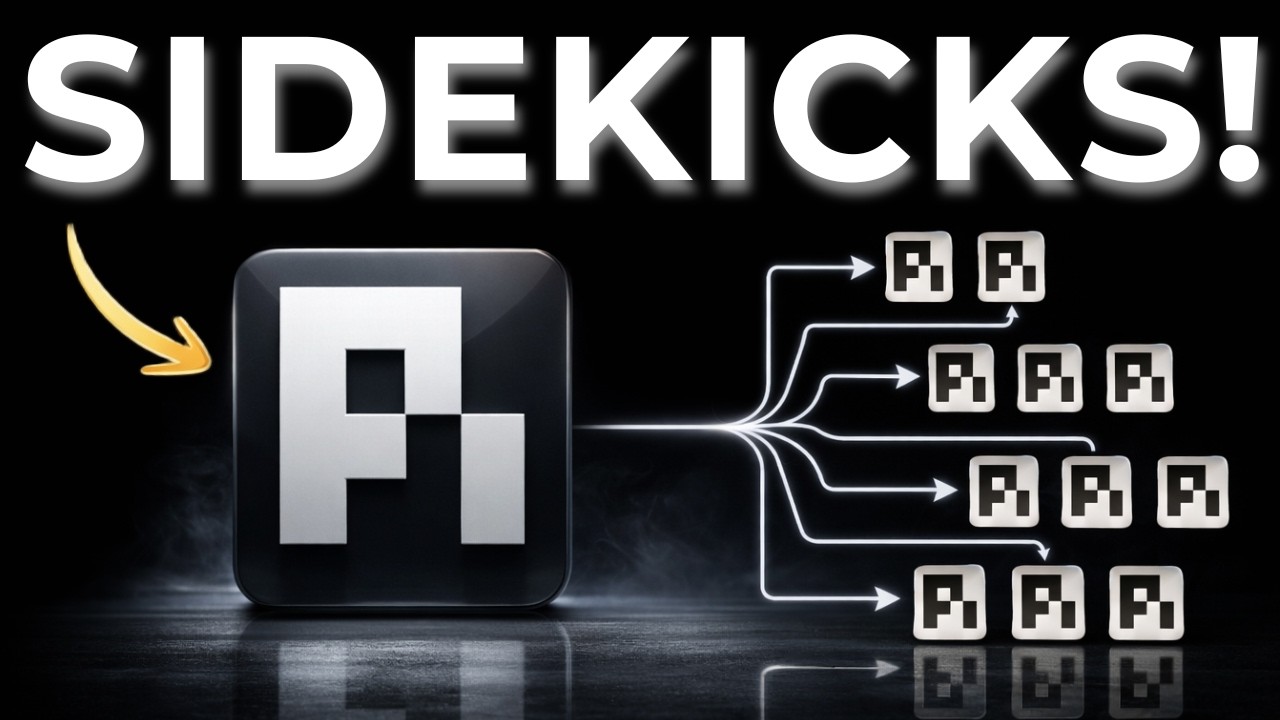
Eric's target architecture is a boss agent with specialized subagents:
- Boss Pi agent — lean main system prompt, orchestrates subagents
- Scout — context summarization, gathers information from the codebase/vault
- Oracle — challenges assumptions, researches, provides second opinions, critiques plans
- Worker — executes scoped tasks
- Reviewer — reviews completed work
The main system prompt needs to define: who does what, what context each agent needs, whether tasks run in foreground or background, review criteria, and success criteria.
4 Installing Pi Subagents
The subagents package is the most-downloaded Pi package on the Pi packages page. Installation is a single command:
pi install npm:pi-subagents- Eric also recommends installing Pi Intercom so subagents can communicate results back to the main agent
He also notes the package author (Nico) has other interesting packages like pi-discord for adding a Discord bot to your Pi agent.
5 Fixing Installation Issues
Eric hits two problems during setup:
- Version mismatch — his Pi was an older version, but the subagents package expected a newer one. Fix: update Pi first, then install the package.
- Symlink confusion — he had old symlinks from a previous "single source of truth" setup (linking Claude skills, Antigravity workflows, etc.). The subagents system was picking up those symlinked directories as subagent definitions. Fix: clean up old symlinks and keep workflows in one place (his Obsidian vault).
6 Built-in Subagent Roles
The subagents package comes with several pre-defined roles:
- Scout — context gathering and summarization
- Researcher — deep research on specific topics
- Planner — creates execution plans
- Worker — executes scoped implementation tasks
- Reviewer — reviews completed work for quality
- Context Builder — builds context packages for other agents
- Oracle — challenges assumptions, finds gaps, provides critical analysis
- Delegate — delegates tasks to other agents
Eric uses /subagent doctor to check the state of his subagent setup and see what's available.
7 Foreground vs Background Mode
Eric makes an important discovery during his first attempt:
- Foreground mode (
/run scout) — the subagent runs in the current terminal, blocking it. "It's exactly the same as running it in the one terminal" — not what he wanted. - Background mode (
launch scout background) — the subagent runs asynchronously while the main agent stays available. This is the correct approach.
The key insight: you must explicitly specify background when launching subagents to get the parallel, non-blocking behavior that solves the "too many terminal tabs" problem.
Intercom for results
When a background subagent completes, it sends results back via Pi Intercom — a notification system that delivers findings to the main agent session. Eric sees: "From sub-agent results: 1 completed. Intercom targets below identify child sessions."
8 Parallel Agents & Async Chains
Eric experiments with running multiple subagents and discovers two patterns:
Parallel execution
Launch multiple agents in background simultaneously: "Run parallel agent researcher background" while other agents are already working.
Async chains
Chain subagents sequentially: "Use the scout agent to get context, then use the Oracle agent to review and critique that gathered context." When run in background with async chaining:
- Step 1: Scout runs and gathers information
- Step 2: Scout's output feeds into Oracle automatically
- The main agent stays free: "Sub-agent chain running in the background. We can keep working normally."
Natural language vs slash commands
Eric finds that natural language works better than slash commands for complex multi-agent orchestration: "I'm not going to do this anymore with slash commands. I kind of want to just tell it to make some of these things a chain."
9 Widgets & Model Assignment
Status widgets
Pi has a built-in widget system that shows subagent status — a blue bar displaying which agents are running, their current state ("researcher async running"), and completion notifications. Eric wants to eventually build a full dashboard-style widget with a custom layout showing researcher, reviewer, and worker status above the editor.
Per-agent model assignment
Each subagent can use a different model and thinking level. You can set this:
- Per run — specify at launch time
- Per project — configure in project settings
- In agent frontmatter — set in the subagent's definition file
Eric's thinking: scout should use something fast (low reasoning), while Oracle might benefit from higher reasoning for critical analysis.
10 Redesigning the Main System Prompt
With subagents in place, the final step is trimming the main system prompt. Eric uses the subagents themselves to plan this refactoring:
- Planner subagent — designs how the main AGENTS.md should be reworked
- Oracle subagent — critiques and improves the planner's suggestions
Oracle's key recommendations
- Don't modify the Pi system prompt directly — use AGENTS.md instead for V1. Modifying the core system prompt adds risk.
- Start with just 3 subagents — planner's initial suggestion was too broad. Keep it minimal and test before scaling.
- Reduce main prompt to orchestration only — the main agent should know how to delegate, not how to do everything itself.
The vision: agent manager
Eric's ultimate goal is an experience similar to the Antigravity or Codex desktop app — a single window where you watch all subagent conversations running in parallel while you oversee everything. He envisions custom TypeScript extensions or popup widgets showing agent status without cluttering the main interface.
🎯 Key Takeaways
🔑 Key Takeaways
- System prompt bloat is a trap — even with a minimalist harness like Pi, daily usage naturally accumulates skills, MCP servers, and instructions that recreate the bloat you were trying to avoid.
- Subagents solve both bloat and tab sprawl — delegate specialized work to lightweight subagents with focused prompts, keeping the main agent lean (Eric hit only 9% context usage).
- Background mode is essential — always launch subagents in background mode to keep the main agent available. Foreground mode defeats the purpose.
- Pi Intercom enables agent-to-agent communication — install alongside subagents so results flow back to the main session automatically.
- Async chains are powerful — chain scout → oracle or planner → oracle to run multi-step workflows without blocking the main agent.
- Natural language beats slash commands for orchestration — describing complex multi-agent flows in plain language works better than composing slash commands.
- Per-agent model assignment — use fast/cheap models for scouts and researchers, higher-reasoning models for oracles and reviewers.
- Update Pi before installing packages — version mismatches between Pi and packages cause installation failures.
- Clean up old symlinks — legacy cross-agent symlinks can confuse subagent discovery.
- Use AGENTS.md, not the system prompt — when redesigning your prompt for subagent orchestration, modify AGENTS.md rather than the core Pi system prompt to reduce risk.
🔗 Resources & Links
- pi.dev — Pi Agent official website & packages directory
- earendil-works/pi — Pi Agent GitHub repository
- Easy Machine AI Skool — Eric Michaud's community for Pi setup resources