Design elements.

OpenUI 1.0: Giving Agents an Interface, Not a Paragraph
Thesys's 90-second launch film for OpenUI 1.0, an open-source (MIT) generative-UI framework that lets AI agents respond with live, interactive interfaces instead of text. Built on a compact streaming-first language (OpenUI Lang, ~67% fewer tokens than JSON) with runtimes for React, Vue, Svelte and Angular. The core design stance: you choose the components, the model decides what the user needs, OpenUI renders it — not freestyle. Notes the naming collision with Weights & Biases' wandb/openui, and flags the '6M downloads' figure as a vendor claim.
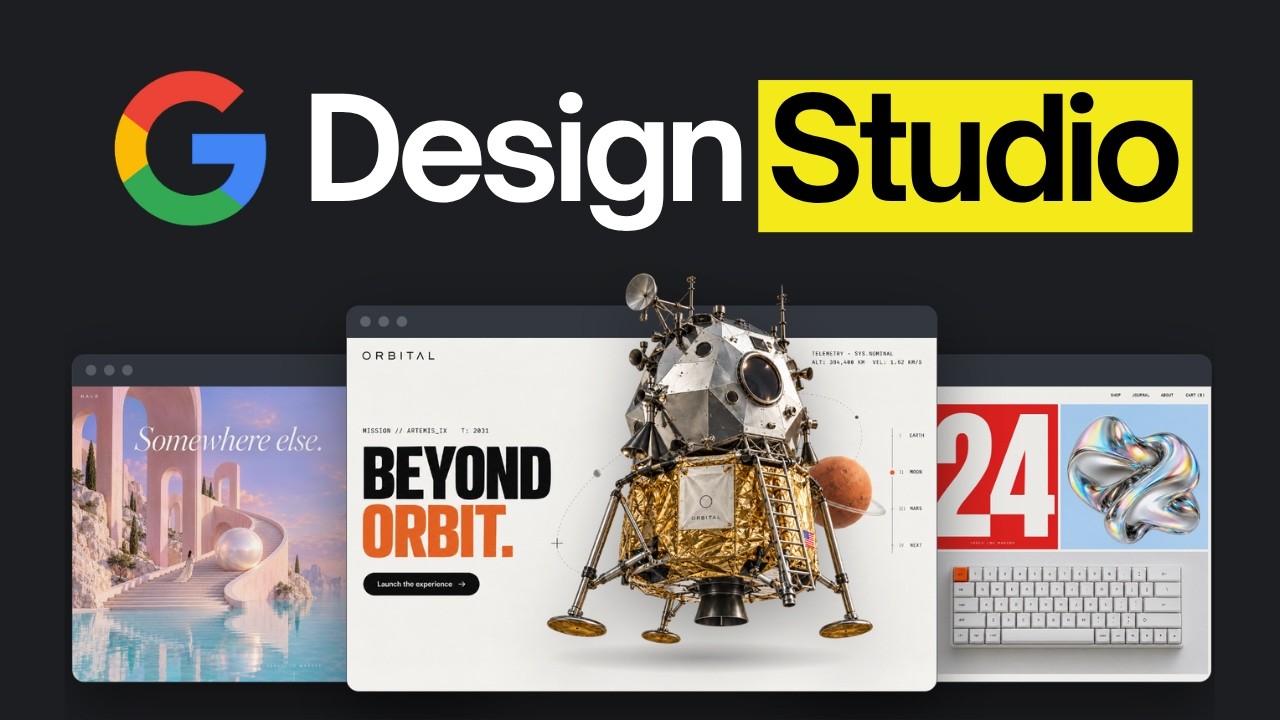
Google Stitch CLI: Claude Code's AI Design Workflow
AI LABS' end-to-end walkthrough of Google Stitch's new CLI (released Oct 1, 2026) driving a full Claude Code design workflow. Stitch is Google's Gemini-powered AI design app; the new @google/stitch CLI puts it in the terminal so Claude Code can prompt it directly. The video's 7-step agentic workflow: (1) install the CLI and add the /stitch and Scrollytelling skills; (2) Claude interviews you and writes brief.md as the single source of truth; (3) Claude prompts Stitch through eight design iterations, critiquing each; (4) Stitch hands each design over as a web page plus screenshot and Claude builds the real site; (5) a Stitch Review skill screenshots the site at computer/tablet/phone sizes; (6) the Scrollytelling skill adds scroll animations (rocket shake, streaking stars, chapter markers, scrambling numbers); (7) a Story Review skill judges it Awwwards-style on story, animation, pacing, and writing. Verified: Google Stitch, the Stitch CLI, DESIGN.md, and the stitch-skills repo. Sponsored by Wispr Flow; channel self-promo flagged.
Claude's New /design Skill Just Changed Design Forever
Anthropic launched the /design skill — accessible by default in Claude Code and Cowork — giving a live canvas to visualize and edit designs (text, size, colors, layout) directly, as a team-collaborable artifact. Ben AI's argument: the canvas alone isn't enough. To get consistent, non-generic designs you must pre-establish the design before prompting. His 4-step process: (1) a design system folder (colors, fonts, logos, voice profiles — built with his free design-system-creator skill + Firecrawl connector); (2) one template per repetitive use case so Claude doesn't guess layouts; (3) package system + template into a self-improving skill (auto-save approved designs as new examples); (4) human in the loop — force the skill to output into /design for final edits. One-shot prompts then get 80-90% of the way there.

Fable 5.1 FINALLY Kills AI Website Slop
Nate Herk's playbook for building premium (non-sloppy) websites with Fable 5.1. The key is layering + scroll responsiveness, and — critically — never prompting 'make it premium' in a vacuum. Feed real design references (Fora, 21st.dev, godly.websites, Awards, Motion Sites), deconstruct what you love, or clone a competitor's feel. Includes the one-shot ScrollCraft prompt that produced two distinct layered sites, the 7 design principles (brand guidelines, three P's, scroll feedback, inspiration, components, mobile, screenshot verification), and a Fable 5 vs 5.1 comparison: quality is a wash, but 5.1 is consistently cheaper (up to 45% on agentic work).
Anthropic just launched /design for Claude Code (it's awesome)
RoboNuggets demos Claude Code's new official /design skill — Claude Design's artboard workflow, now in Claude Code. The Figma-like canvas (live editing, comments, sharing), and the key difference from Claude Design: Claude Code has your workspace context (ARMS framework), so one prompt produces correct, non-vibe-coded designs — plus your own skills and one-command Vercel deploys.
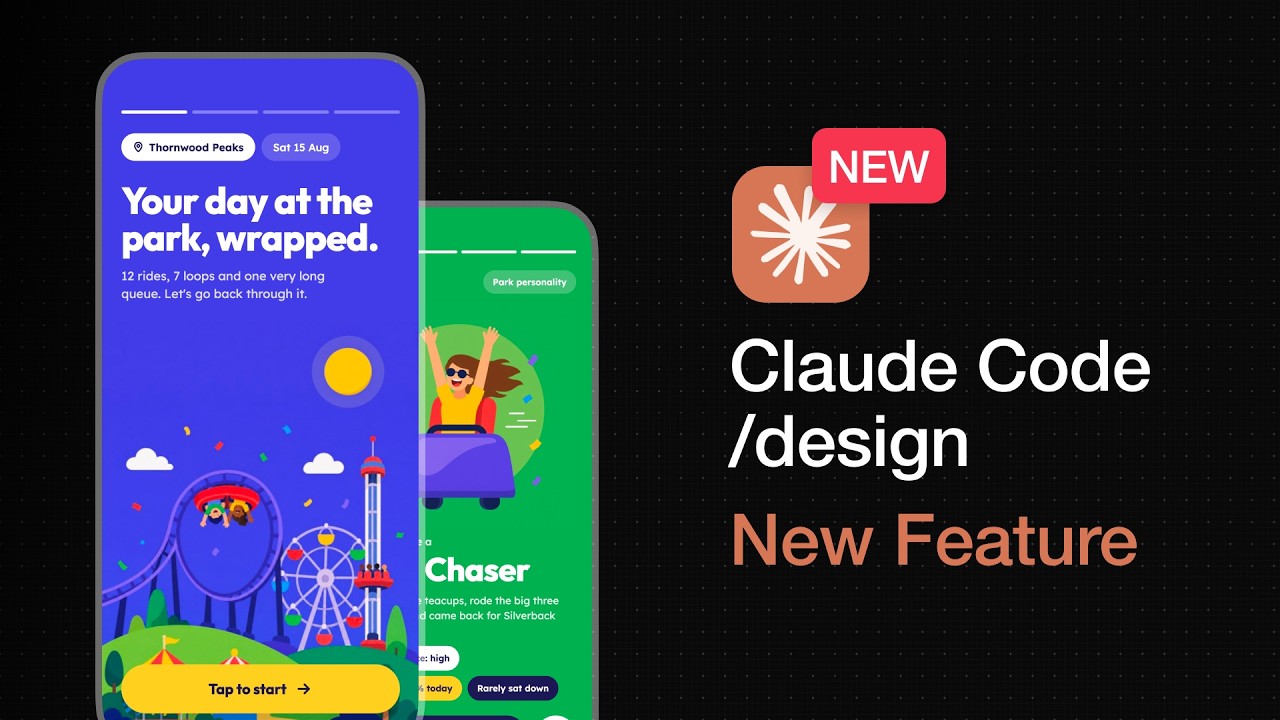
Watch me Design a Mobile App From Scratch (Claude /design & Fable 5)
Build Great Products designs a theme park app ('Ride It') from scratch using Claude Code's new /design feature and Fable 5. The Define → Design → Build process, three keys to great AI design (references, clarity, taste), the live canvas demo, swapping AI-slop vectors for Higsfield-generated illustrations, and extracting a reusable design.md/design.html design system.
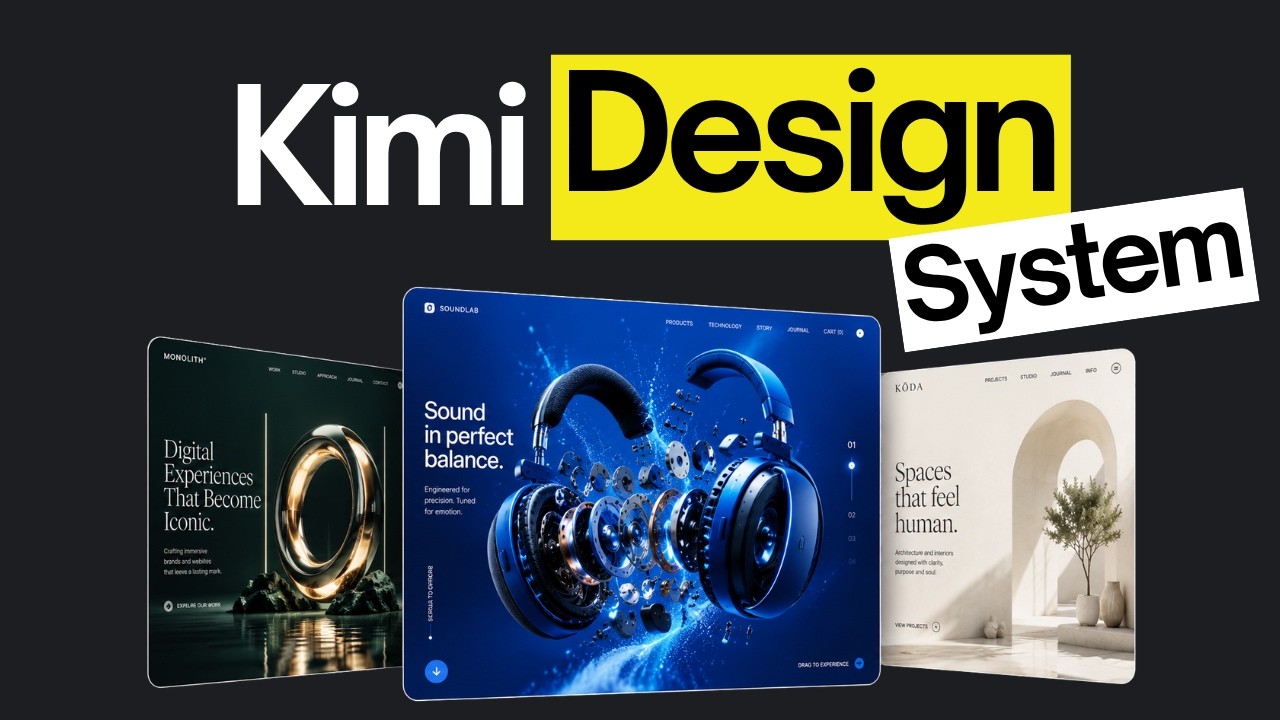
This Skill Just Made Kimi K3 A 10x Better Designer
AI LABS tests Kimi K3's frontend design capabilities against Claude and GPT, then introduces Hallmark — an anti-AI-slop design skill with 58 detection gates, 100+ references, and four verbs (default, audit, redesign, study) that strips every model's default patterns and produces intentional, original designs.
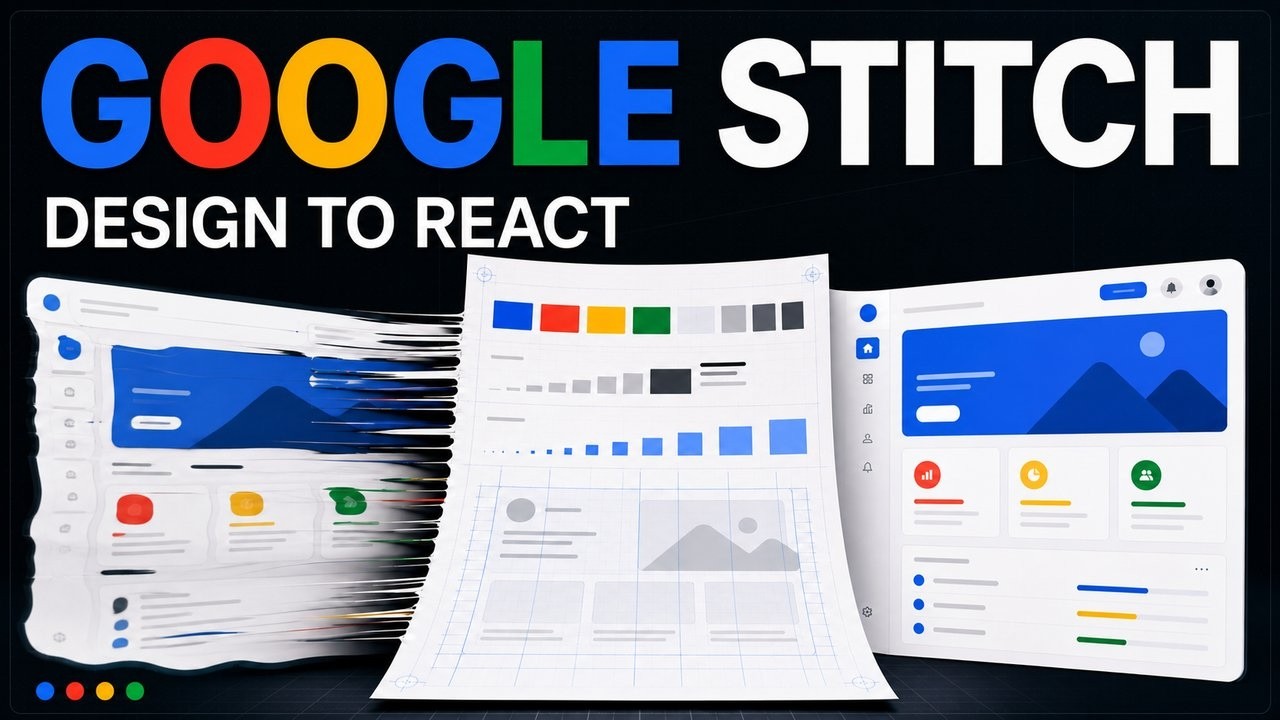
Google Stitch MCP Tutorial — Generate React Components from AI Designs
Alex Hitt walks through setting up Google Stitch MCP to bridge cloud design tools with local AI coding agents — using stdin/stdout proxy, DESIGN.md semantic truth documents, and Stitch Skills to generate production-ready React components without UI hallucination.
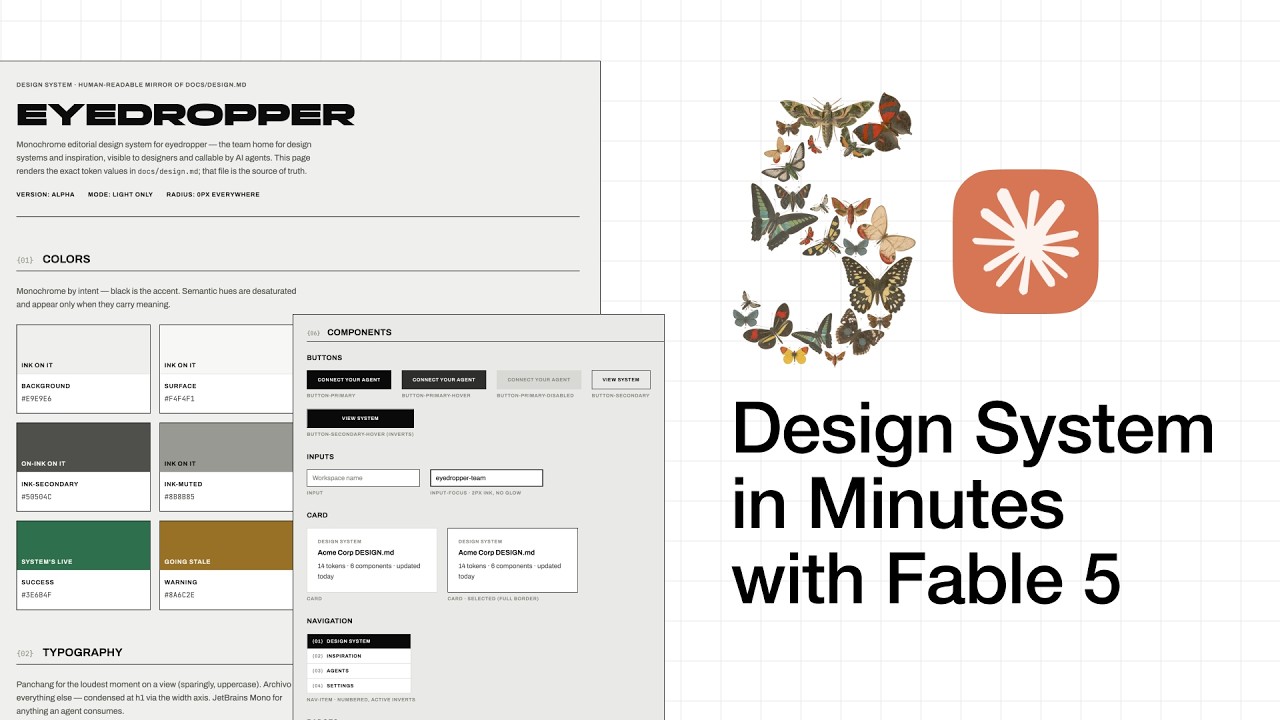
I Built My Entire Design System in Minutes With Claude Fable 5
Chris Ashby walks through creating a professional design system from an image reference using Builder OS and Claude Fable 5 — producing a dual-file spec (design.md + design.html) with claude.md rules to prevent design drift across AI-assisted development.

How to Make Videos Like "Chloe vs History" With AI — Full Guide
A full workflow for recreating the viral 'Chloe vs History' AI history-vlog format in under 20 minutes. One Claude prompt produces an 8-scene breakdown + dialogue + voiceover directions; then Higgsfield Cinema Studio generates a multi-view character sheet (Nano Banana 2, 4K) — with the pro move of regenerating a fresh sheet per outfit — cinematic locations, and SeaDance 2.0 video clips (with shaky-camera realism). Voice cloning (Change Voice) fixes the random AI voices, and CapCut assembles + exports. Pro tips: multi-view beats single reference, fresh sheet per outfit, natural color over over-bright AI greens, regenerate English→Japanese transitions.