AThe Coding Agent
✎ Suggest◎ Sign in

Tools for the agent workshop.

Hands-on utilities, workflows, and prototypes for testing ideas quickly, tightening feedback loops, and turning agent patterns into usable systems.
Page 2 of 2 · showing 25–46 of 46

Harper — The Free, Private Grammarly Alternative Built in Rust

Better Stack reviews Harper, a free open-source grammar checker built in Rust that runs entirely offline — 287 handwritten rules, under 10ms checks, LSP support for every editor, and zero cloud dependency.

tools
Better Stack
Published2026-07-22

Khazix Skills Tutorial — Install Neat Freak to Sync Docs and Stop Agent Context Loss

Alex Hitt walks through installing the Neat Freak skill from the Khazix Skills repository — an agent-executable workflow that auto-syncs documentation at the end of every coding session, eliminating the #1 cause of context loss in AI-assisted development.

tools
Alex Hitt
Published2026-07-22

Give me 15 minutes and I'll Fix Your Dockerfiles Forever

tools
Editorial
Published2026-07-17

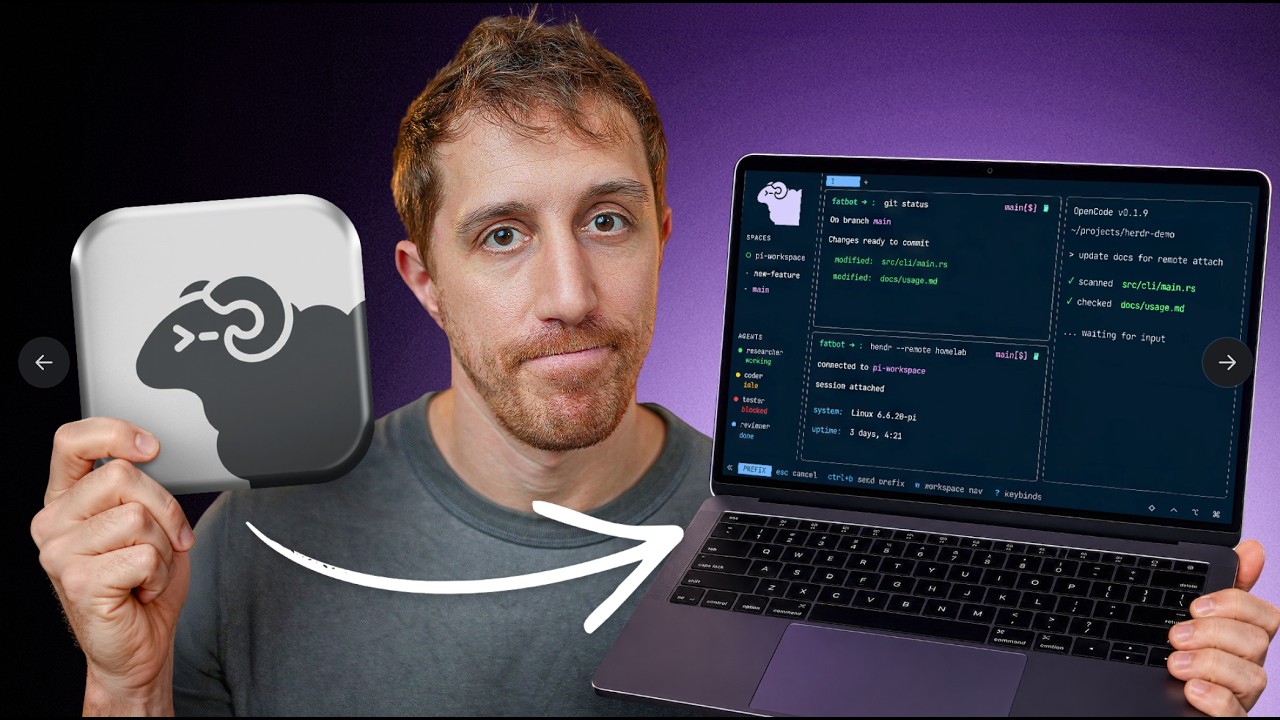
Is Herdr Multiplexer Worth the Hype?

DevOps Toolbox reviews Herdr, a Rust-based terminal multiplexer with native AI agent tracking, mouse-first UX, workspaces, and a full CLI/API — concluding it's the best out-of-the-box multiplexer for remote machines and agent workflows.

tools
DevOps Toolbox
Published2026-07-03

Finally, The CORRECT Way to Run Local AI on a Mac

Samuel Gregory shares his definitive June 2026 verdict on running local LLMs on Mac: OMLX — an MLX-based inference server with persistent SSD-backed KV caching, two-tier RAM/SSD architecture, and seamless integration with coding agents like Claude Code, Pi, and Open Code.

tools
Samuel Gregory
Published2026-06-30

This Underrated Tool Replaced 3 Homelab Services (and it's open source!)

DevOps Toolbox puts NetBird through a comprehensive hands-on test — an open-source, WireGuard-based platform that replaces your mesh VPN, reverse proxy, and DNS server. Covers K3s deployment, peer-to-peer setup, posture checks, and a live security demo.

tools
DevOps Toolbox
Published2026-06-26

Build Your Own Claw & Agent Harness with Microsoft Agent Framework

Microsoft launches a four-part series on building CLI-style coding agents using Agent Framework's harness — composable building blocks for tools, planning, memory, approvals, observability, and deployment, with .NET and Python side by side.

tools
Wes Steyn
Published2026-06-22

Intelligent Terminal 0.1.1 — Bash Support, /fix Command & Model Picker

Microsoft ships the first update to Intelligent Terminal with auto error detection for Bash and WSL, a new /fix slash command for on-demand help, per-pane /model switching, customizable agent pane profiles, and Windows 10 support.

tools
Hamza Usmani
Published2026-06-17

Copilot Cowork Is Now Generally Available — Anthropic Claude Meets Microsoft 365

Microsoft's Copilot Cowork — the deep-work AI assistant powered by Anthropic Claude — is now GA for all Microsoft 365 Copilot users. Brings model choice (Opus 4.8, Sonnet 4.6, GPT 5.5), partner plugins (Monday.com, Miro, Adobe, Atlassian), and Edge browser access.

tools
Mike Moore
Published2026-06-16

You NEED to Try These Open-Source AI Projects RIGHT NOW

Matthew Berman showcases four free open-source GitHub projects: Last30Days (human-voted search), Open Notebook (local NotebookLM clone), Agent Skills (structured engineering workflow), and Headroom (up to 92% token savings via context compression).

tools
Matthew Berman
Published2026-06-12

Only 1 in 1,600 People Use Codex — Here's How to Catch Up

Nate B Jones makes the case that Codex is a computing paradigm shift — from chief-of-staff threads and goal-based delegation to custom live dashboards, he reveals the practical patterns behind burning 500M+ tokens/day productively.

tools
Nate B Jones
Published2026-06-12

I Turned My Terminal Into a Password Manager — Pass, GPG, and Agent-Safe Secrets

Pass is a free, GPG-based terminal password manager by the WireGuard creator. Git-tracked, clipboard auto-clear, extensions for OTP and migration, Raycast integration, and a killer feature: per-repo secret stores with mise that let AI coding agents access secrets safely without plaintext .env files.

tools
DevOps Toolbox
Published2026-06-05

Herder — Is This the Ultimate Agent Multiplexer?

Herder (herdr) is a single Rust binary that turns your terminal into an agent multiplexer — run Claude Code, Codex, and OpenCode side by side with live status tracking, session persistence, and SSH remote mode.

tools
Better Stack
Published2026-06-05

5 CLI Tools That Actually Changed How I Work in 2026

tools
Editorial
Published2026-06-02

Perplexity Open-Sourced a Scanner Every Dev Should Know — Bumblebee

Perplexity open-sourced Bumblebee — a read-only, single-binary scanner that inventories packages, editor extensions, browser plugins, and AI tool configs across developer laptops. Built internally for supply-chain security, now available to everyone.

tools
Editorial
Published2026-05-26

tmux, clearly explained (multi-agent terminal) — David Ondrej

David Ondrej explains why tmux is the one tool every agentic engineer needs — covering sessions, windows, panes, session persistence, and how to run multiple AI agents in parallel terminals that survive disconnects.

tools
Editorial
Published2026-05-25

Stop Using Tailscale. Use Open Source Instead

A hands-on walkthrough of replacing Tailscale with Headscale, the open-source alternative. Covers WireGuard mesh fundamentals, full Headscale installation, ACL policies, subnet routing, and exit nodes — all self-hosted with no proprietary control server.

tools
Editorial
Published2026-05-22

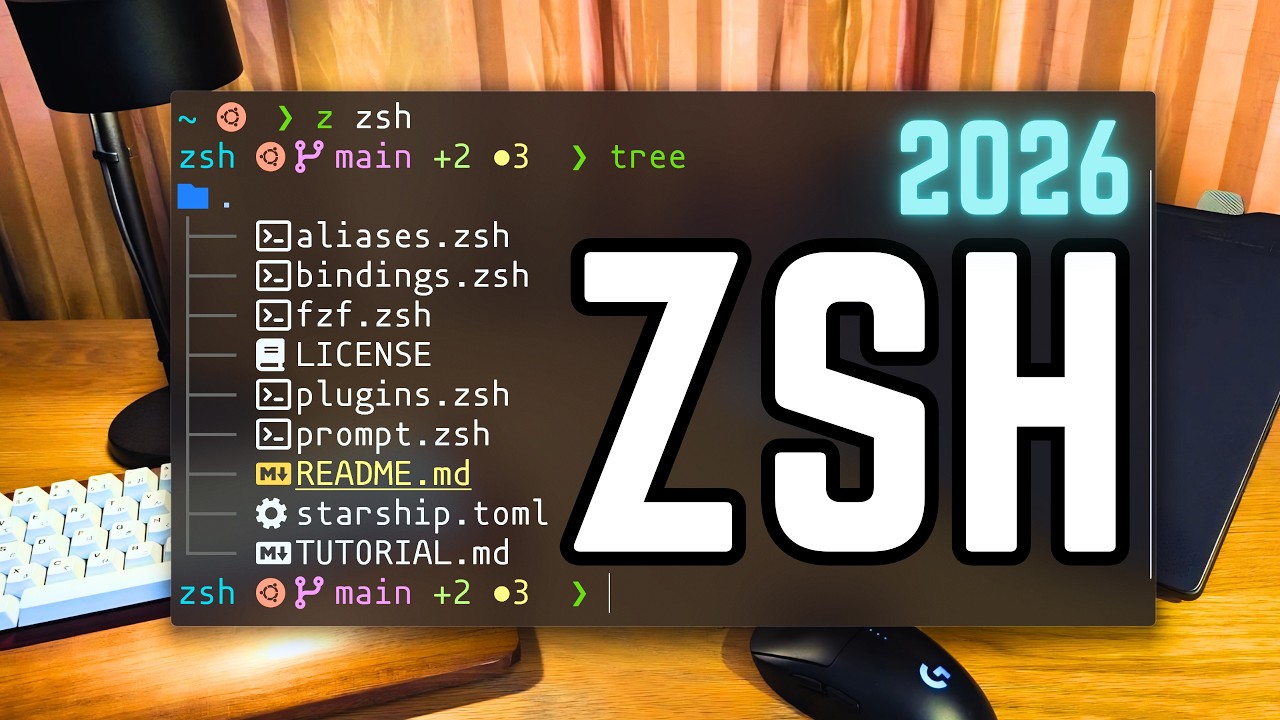
The Perfect Zsh Setup For 2026 — Dreams of Code

Dreams of Code builds a minimal but powerful Zsh configuration from scratch — no frameworks, no plugin managers. Covers Starship prompt, syntax highlighting, autosuggestions, fzf integration, and a clean dotfiles structure you fully control.

tools
Editorial
Published2026-05-16

Git Worktrees Clearly Explained — And How to Use Them With AI Agents

Git worktrees are 15x more popular than a year ago — and AI agents are the reason. This walkthrough covers the fundamentals, the multi-agent workflow, and how tools like Claude Code use worktrees to run parallel agents without merge conflicts.

tools
Editorial
Published2026-03-19

Minimal & Powerful: The Perfect NeoVim Setup for 2026

The Rad Lectures builds a NeoVim 0.12 config from scratch in under 1,000 lines with a strict 10-plugin limit. Built-in vim.pack package manager, custom statusline, Treesitter (new API), LSP via lspconfig + mason, lint/format via efm-langserver, and blink.cmp + luasnip completion — in the age of AI slop, editing efficiency still matters.

tools
The Rad Lectures
Published2026-02-22

LazyVim From Scratch - What an 18-Month-Old Setup Video Still Gets Right

A 19-minute walkthrough takes Neovim from an empty directory to Go LSP, debugger, fuzzy finder and Copilot, and argues the case with startup measurements rather than assertions: seven Extras added, startup unchanged at 27ms. The method holds up entirely. The specifics do not - checked against current source, LazyVim has shipped 33 releases and two major versions since, snacks replaced both fzf-lua and neo-tree as defaults, completion moved to blink, and Neovim 0.11.2 is now required. Includes a full then-versus-now table.

tools
DevOps Toolbox
Published2025-02-07

Thirty Vim Commands, Verified One by One - Including the Two the Video Gets Wrong

A ten-minute tour of the Vim commands worth knowing, from :q to macros, with a genuinely well-chosen progression: search, change, repeat, registers, automate. Every command is listed here with what it does and why you would reach for it - and every one was executed against a real Neovim 0.12.1 to confirm the behaviour described, in headless sessions with -u NONE so no personal config could alter the result. Twenty-eight behaved exactly as described. Two did not. The video says numbered registers fill as a rolling yank history; running three consecutive yanks leaves registers 1-3 empty, because 0 is the last yank and 1-9 are the delete history. And it frames the star versus plus clipboard register as a macOS versus Linux difference, when plus is CLIPBOARD everywhere and star is X11 PRIMARY - the video's own macOS demo uses plus. Also missing entirely from a beginner video full of destructive commands: undo.

tools
typecraft
Published2024-04-26
‹ prev12next ›